
Store conversions and rebrands
Convert or rebrand a fleet of existing stores as one program
Reflagging an acquired fleet, converting a bankrupt-lease space, or standing up dark stores are all conversions: real builds on existing footprints. RolloutIQ runs each as a project so the whole conversion program is one legible effort.
The way it works today
What running conversions looks like today
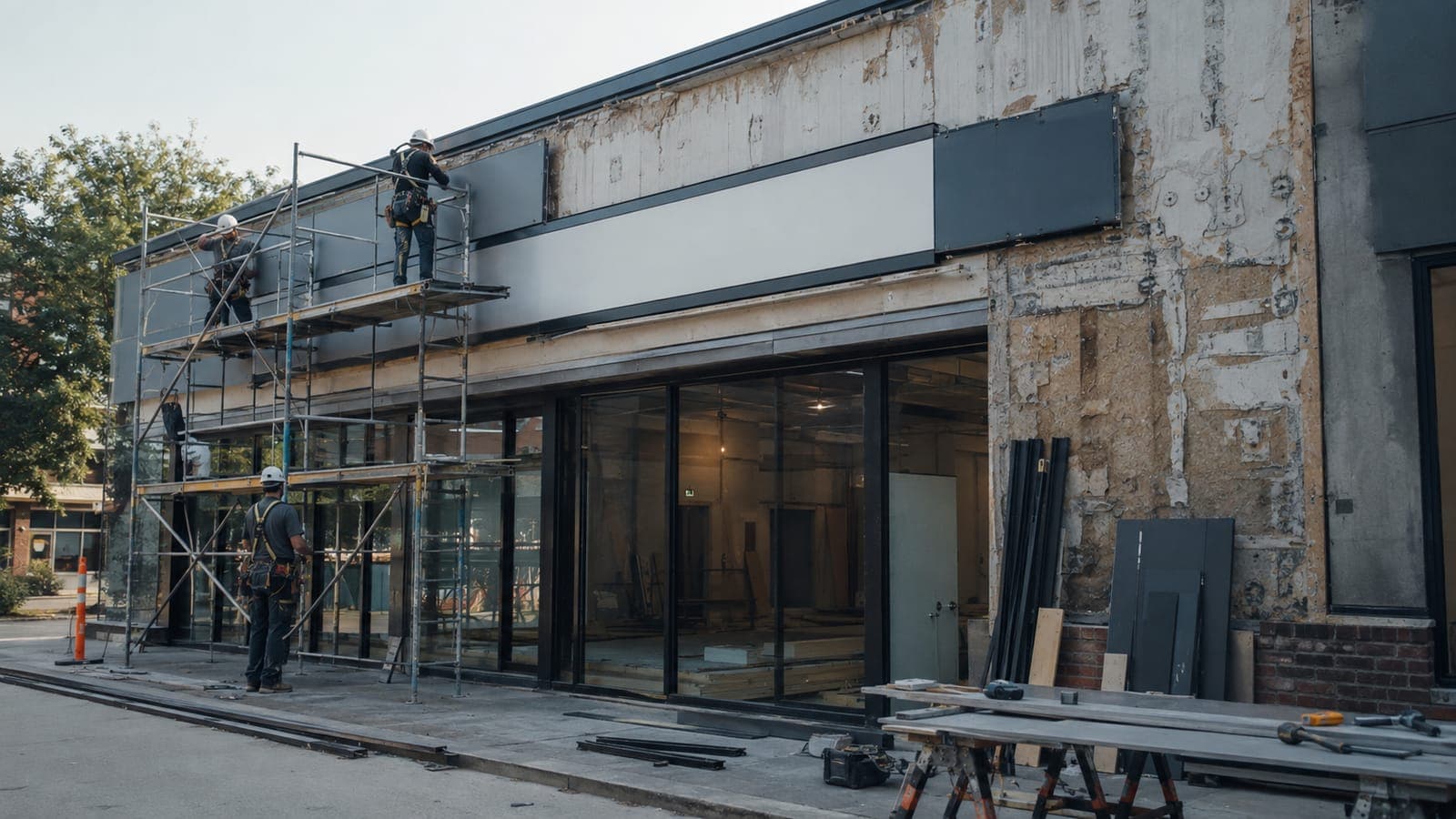
A conversion turns an existing store into your brand, whether it came from an acquisition, a bankrupt lease, or a change of format. Each one is a real build, but they are usually run ad hoc, with no single view of how the estate is changing identity.
An acquired or inherited fleet
Converting an acquired chain or a set of bankrupt-lease spaces means dozens of builds on footprints you did not design.
A conversion is a real build
A reflag is a real build: demolition, buildout, fixtures, and signage, all on an existing footprint.
The estate changes identity
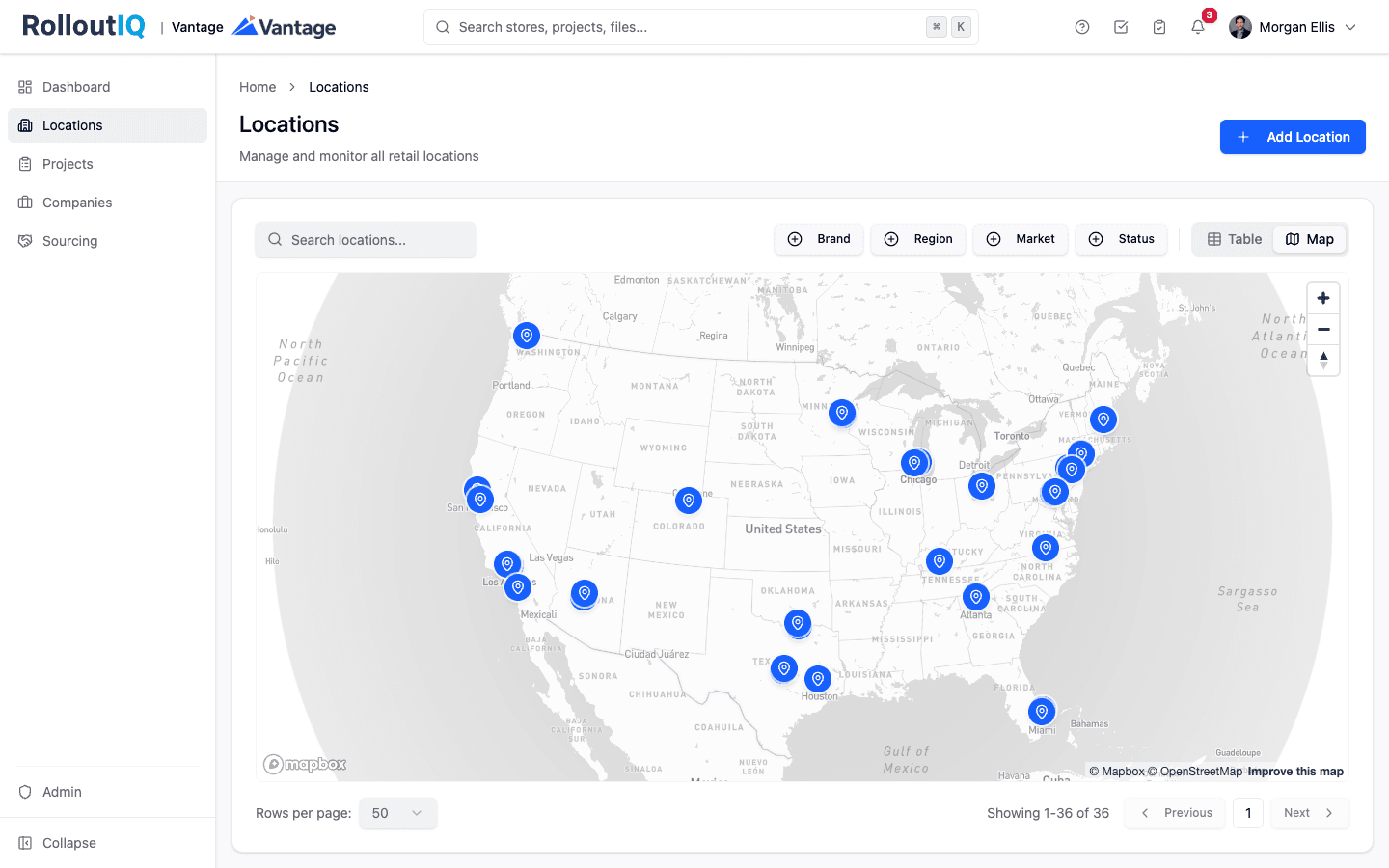
As stores convert, leadership needs to see which locations are which brand and where the transition stands.
How RolloutIQ runs it
How RolloutIQ runs a conversion program
Run each conversion as a first-class project
Conversion ships as a project type, so a reflag or a format change is a real project with a schedule, not a note on a list.
See how it worksTemplate the conversion sequence
A schedule template carries the repeatable convert-and-reopen steps with owners and due dates, applied to every store in the program.
See how it works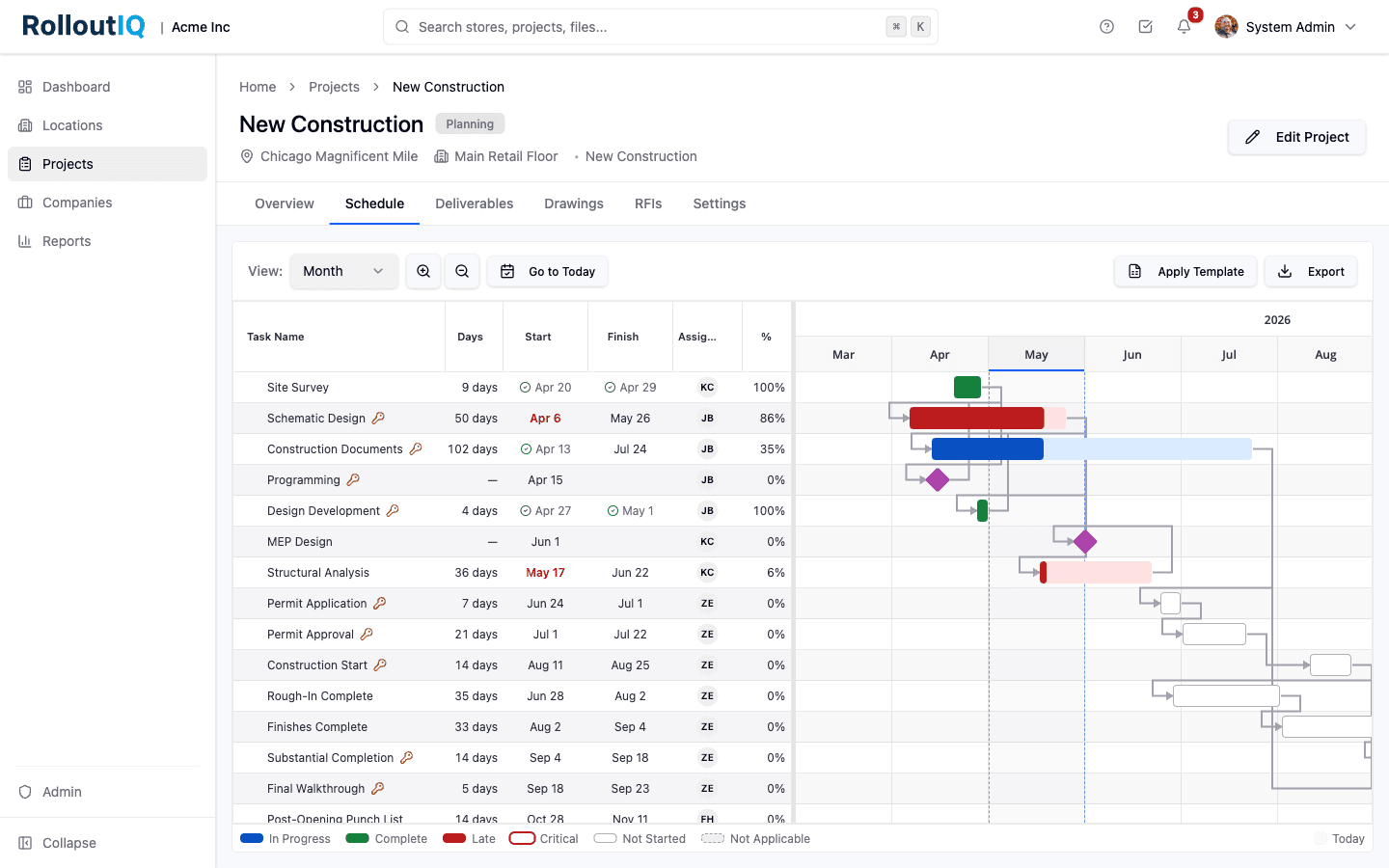
The conversion sequence is a reusable template.
Keep the drawings straight across the rebrand
Drawings with per-sheet identity and version history keep the new-brand design set current on footprints that vary store to store.
See how it works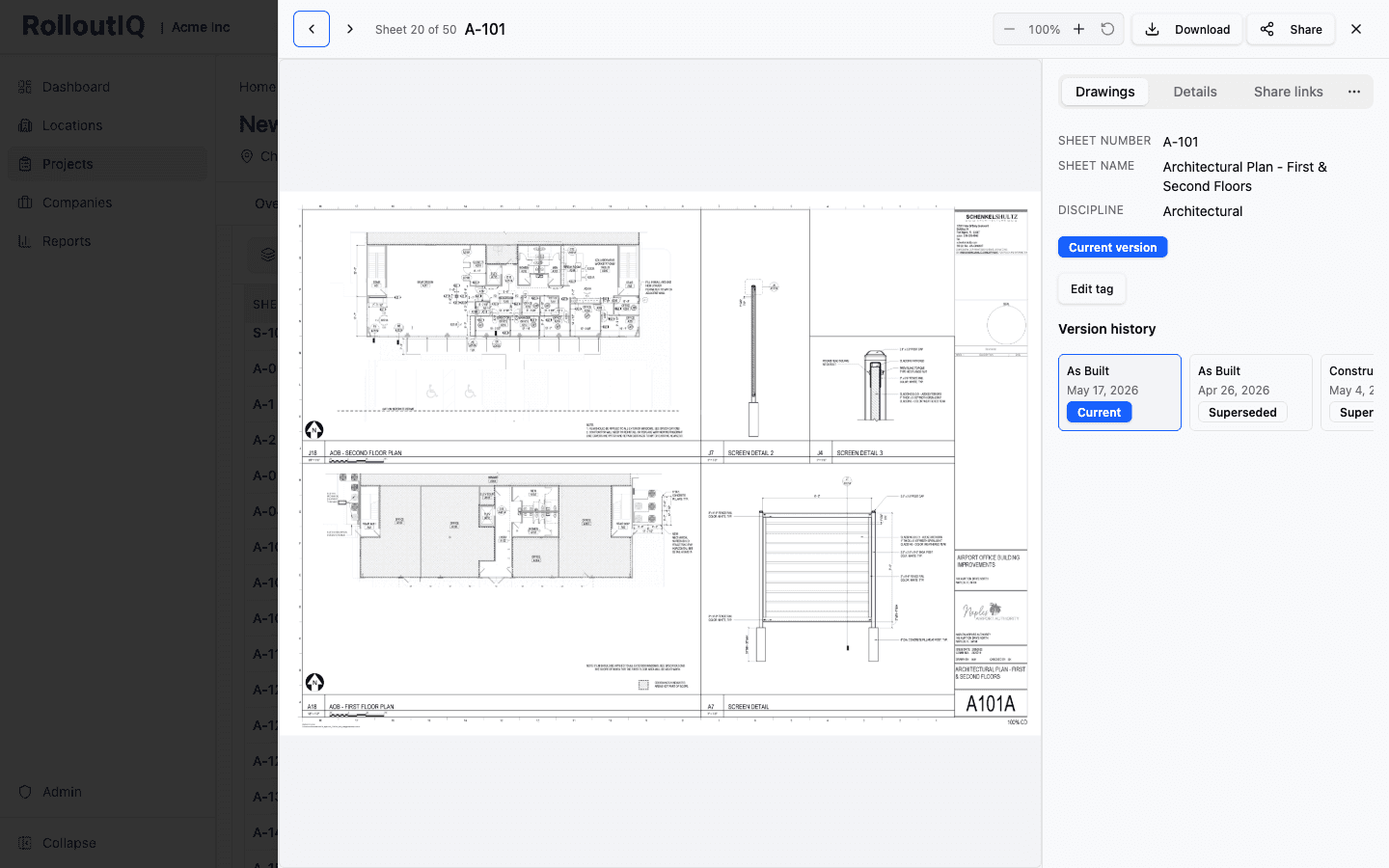
The new-brand drawing set stays current across varied footprints.
Award the work
Run the conversion vendor bids through Sourcing, feeding the numbers into each project's budget.
See how it works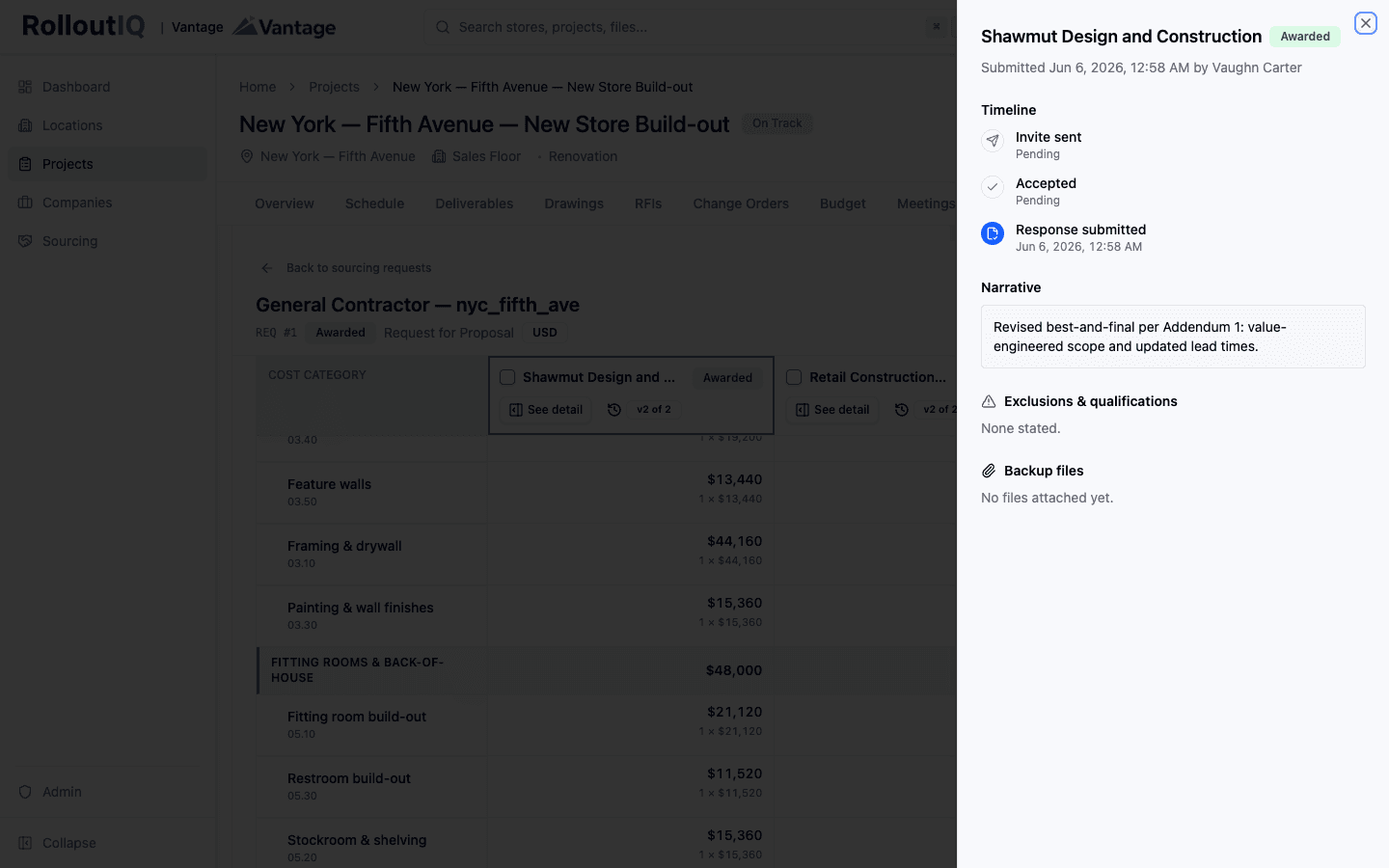
Award conversion vendors from leveled bids.
Validate the converted store
A punch walk with a verification gate confirms each store fully carries the new brand before it reopens.
See how it works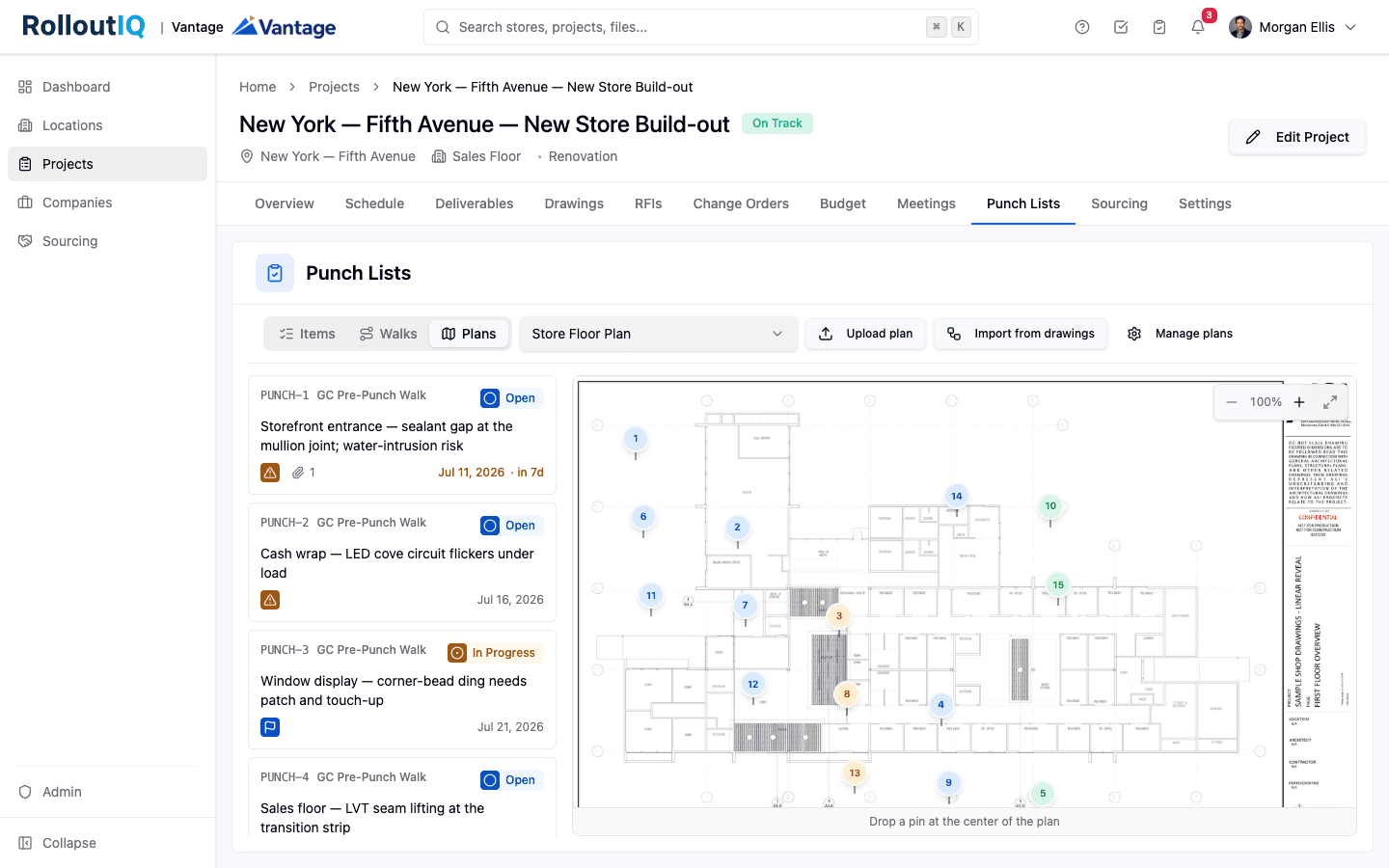
A verification gate confirms the conversion before reopening.
See the estate change identity
Reports show the whole fleet's transition, which stores have converted and which are still in flight, on one screen.
See how it works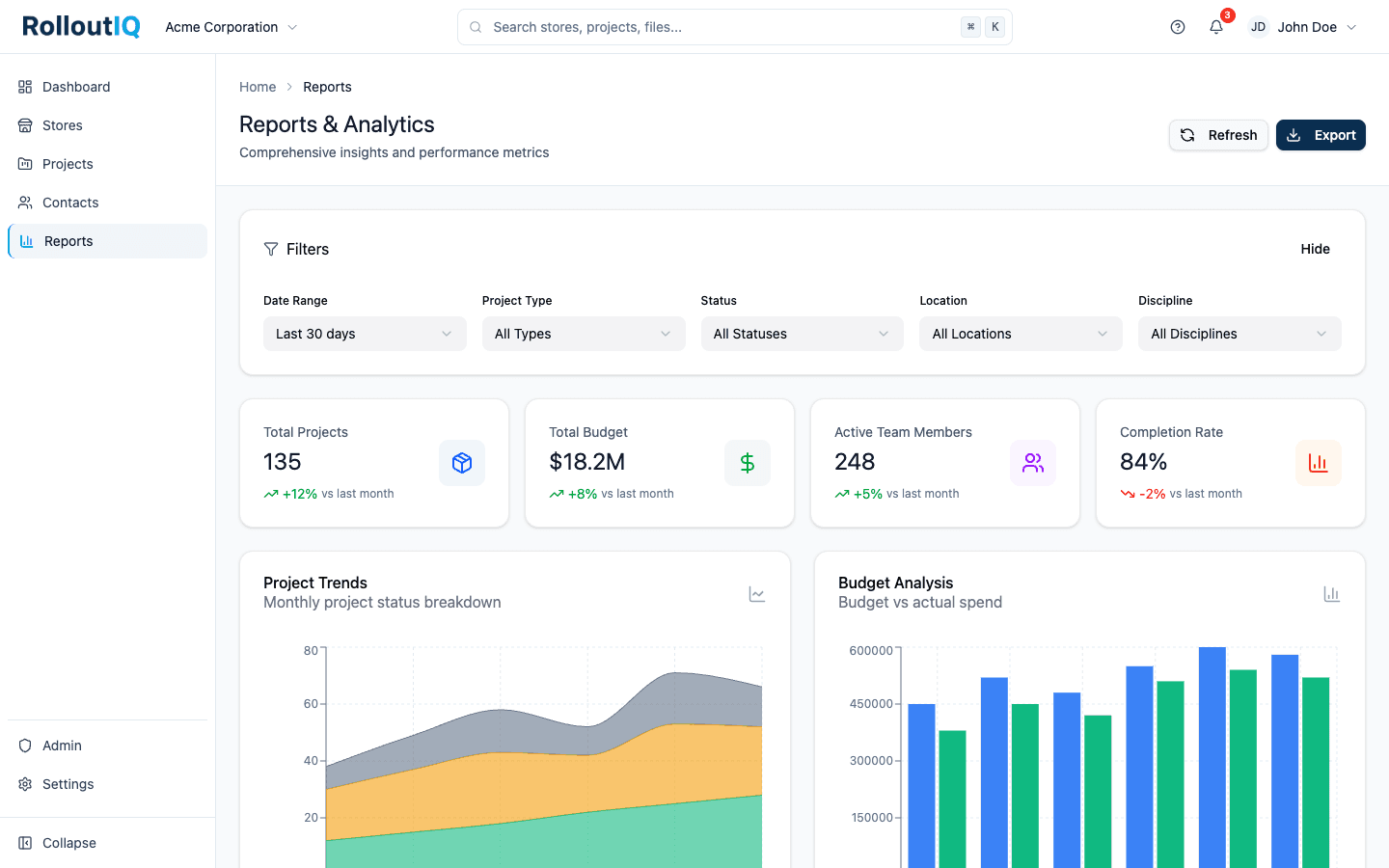
The estate's identity change is one live view.
In practice
Reflagging a fleet after an acquisition
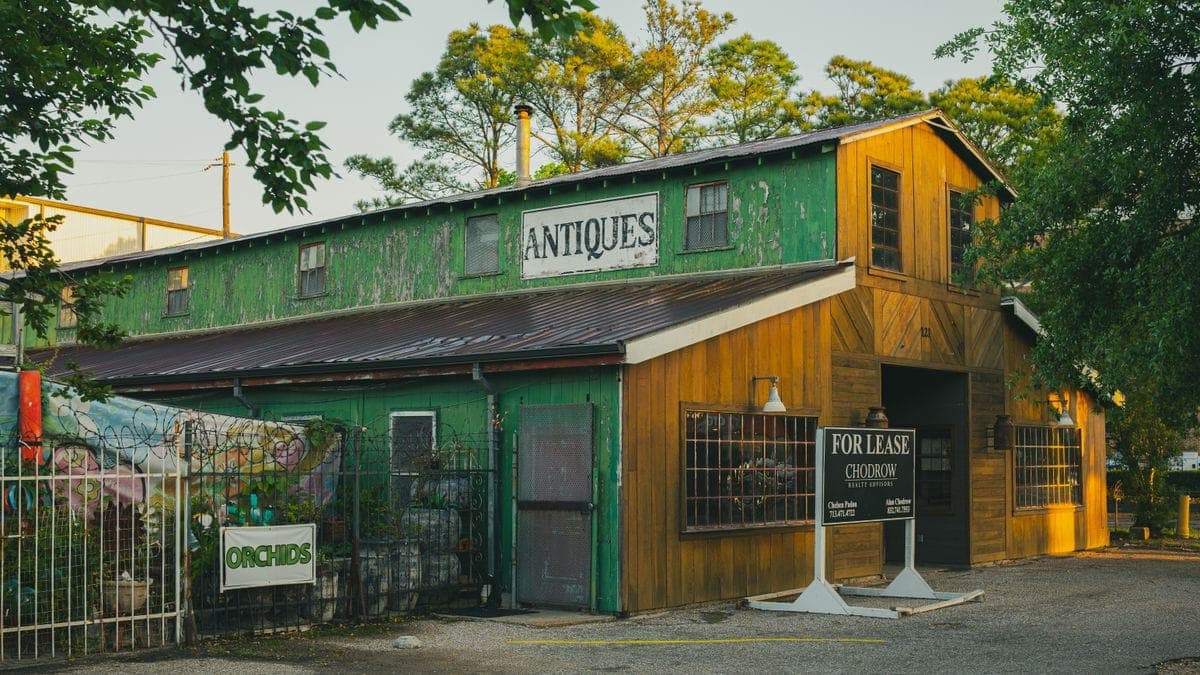
A retailer acquires a chain or picks up a set of bankrupt-lease spaces and has to convert dozens of existing stores to its brand, each on a footprint it did not design. Run every conversion as a project on one template, and the reflag becomes a managed program with a clear line of sight to how the estate is changing.
Run your conversions as one program
Book a walkthrough and we will show you how a fleet reflag stays legible when every conversion is a project on a shared playbook.