
Portfolio remodels
Run 80 remodels at once without a Friday spreadsheet rollup
A remodel program is a portfolio of occupied builds, each phased around a store that is still trading. RolloutIQ turns the weekly manual rollup into one live view of which stores are behind, by how much, and why.
The way it works today
What running a remodel program looks like today
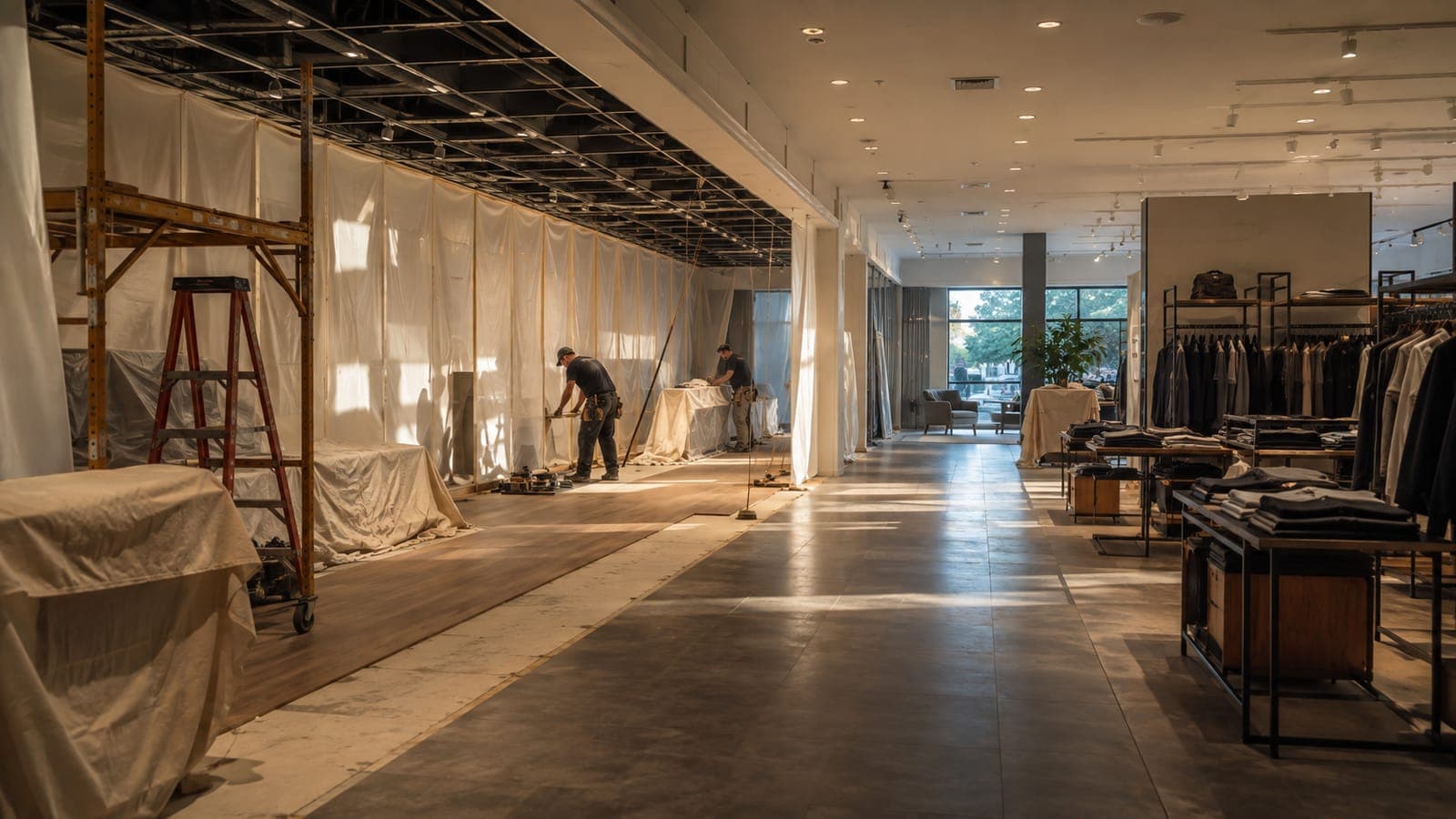
Rebuilding a store while it keeps ringing sales is operationally harder than a ground-up build: work is sliced into night shifts and weekend windows, phased department by department. The portfolio question is the real pain, and today it is answered by hand.
The occupied build
Dust control, barricades, egress, and phasing become daily planning, and a mistake disrupts a store serving customers that afternoon.
No portfolio visibility
How many projects are behind, by how much, and why takes a weekly manual rollup across dozens of separate trackers.
The monthly deck
Leadership reporting is a PowerPoint assembled by hand from thirty project spreadsheets, out of date the moment it is finished.
650+
remodels one national retailer is running in 2026, against roughly 20 new openings
Walmart Corporate Newsroom, 2026
How RolloutIQ runs it
How RolloutIQ runs a remodel program
One project per store
Every remodel is a project of the same type, so a program of dozens shares one structure instead of dozens of spreadsheet tabs.
See how it worksStandardize the phased playbook
A schedule template encodes the occupied-build phasing with role-based owners, and the critical path with ripple recalculation handles the dependencies between phases.
See how it works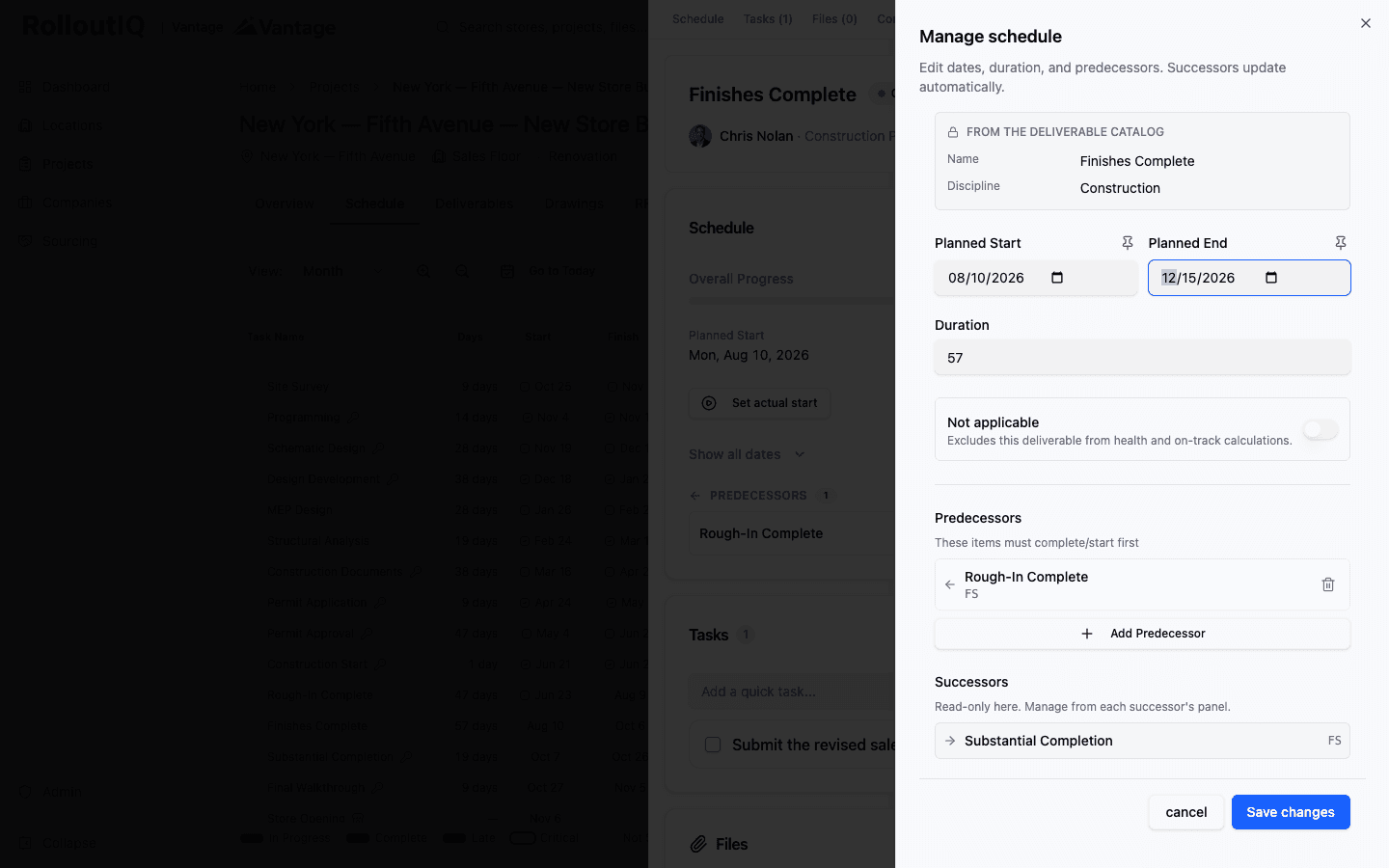
Phasing dependencies recalculate across the whole program when a date moves.
Govern the cost drift
Priced change orders route through an approval chain and revise the budget automatically, so remodel scope creep is governed rather than discovered at closeout.
See how it works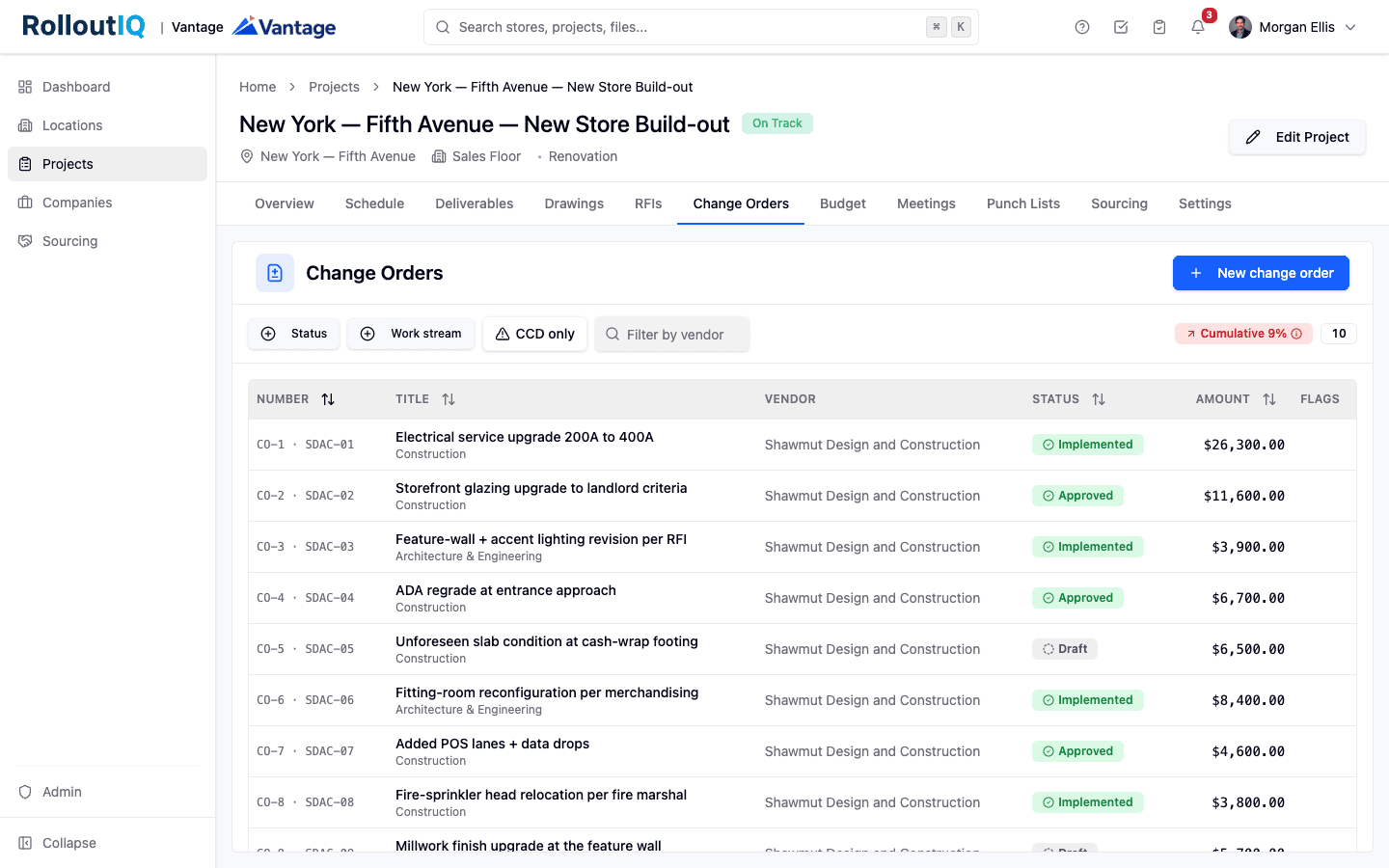
Change orders route for approval and revise the budget automatically.
Review progress without the site visit
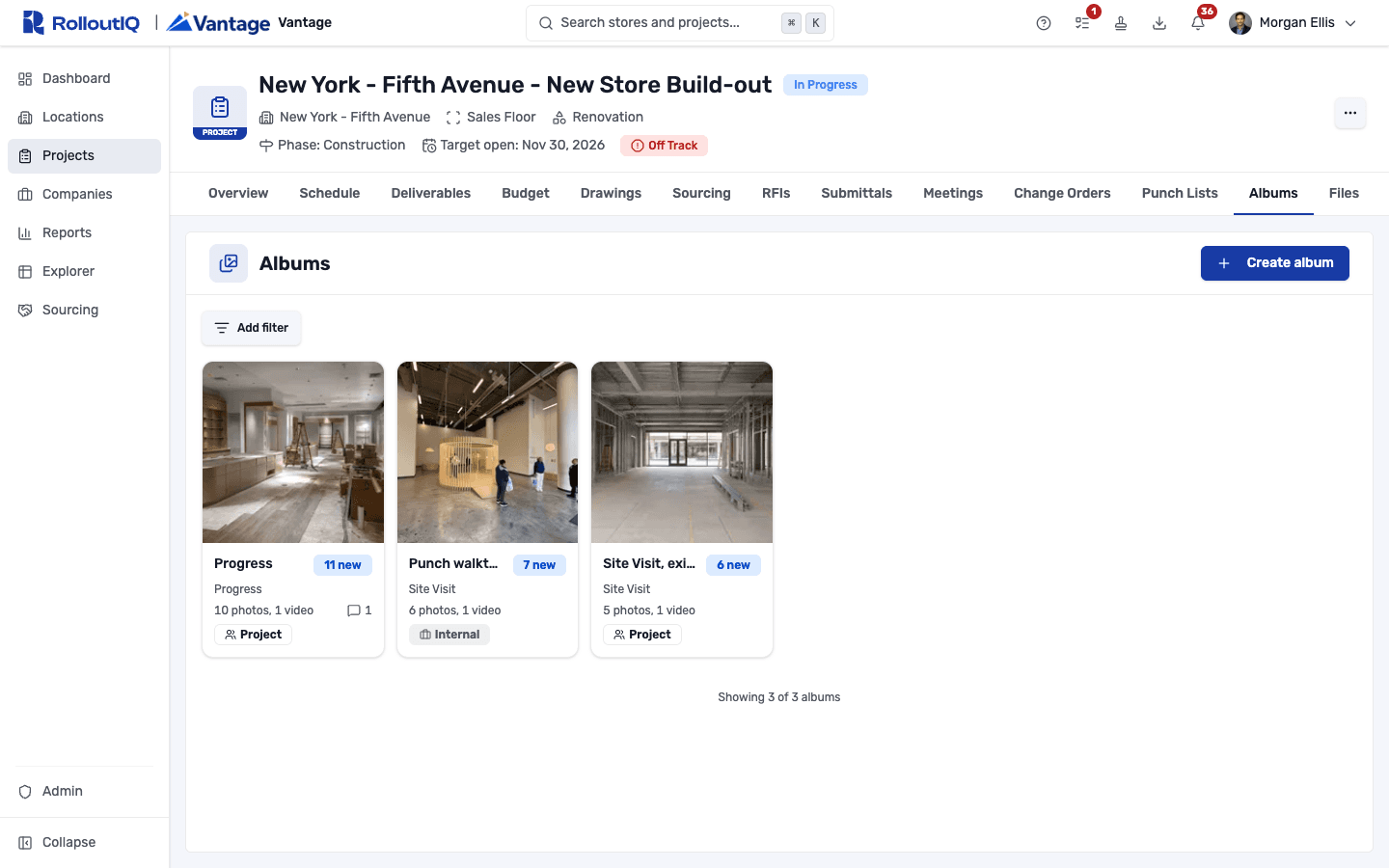
Contractors upload weekly progress shots and walkthrough video to each store's album, and a marker shows what is new since you last looked. Every store in the program gets reviewed from a desk.
See how it works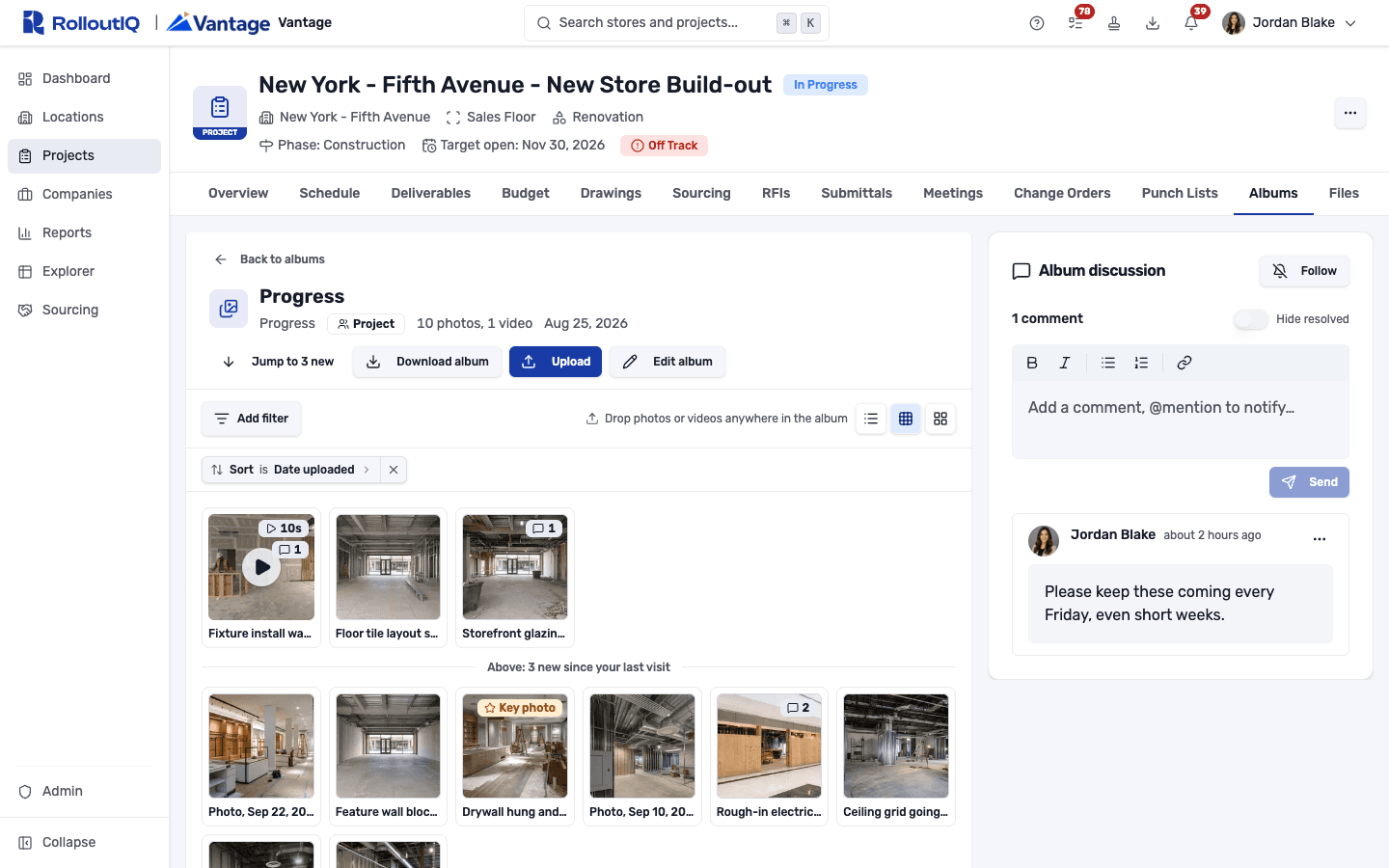
Each store's album opens where you left off.
Validate closeout
A punch walk with a verification gate confirms each remodel is actually complete before it is called done and handed back to operations. On site, the RolloutIQ app for iOS and Android puts the punch list and the floor plan on the walker's phone.
See how it works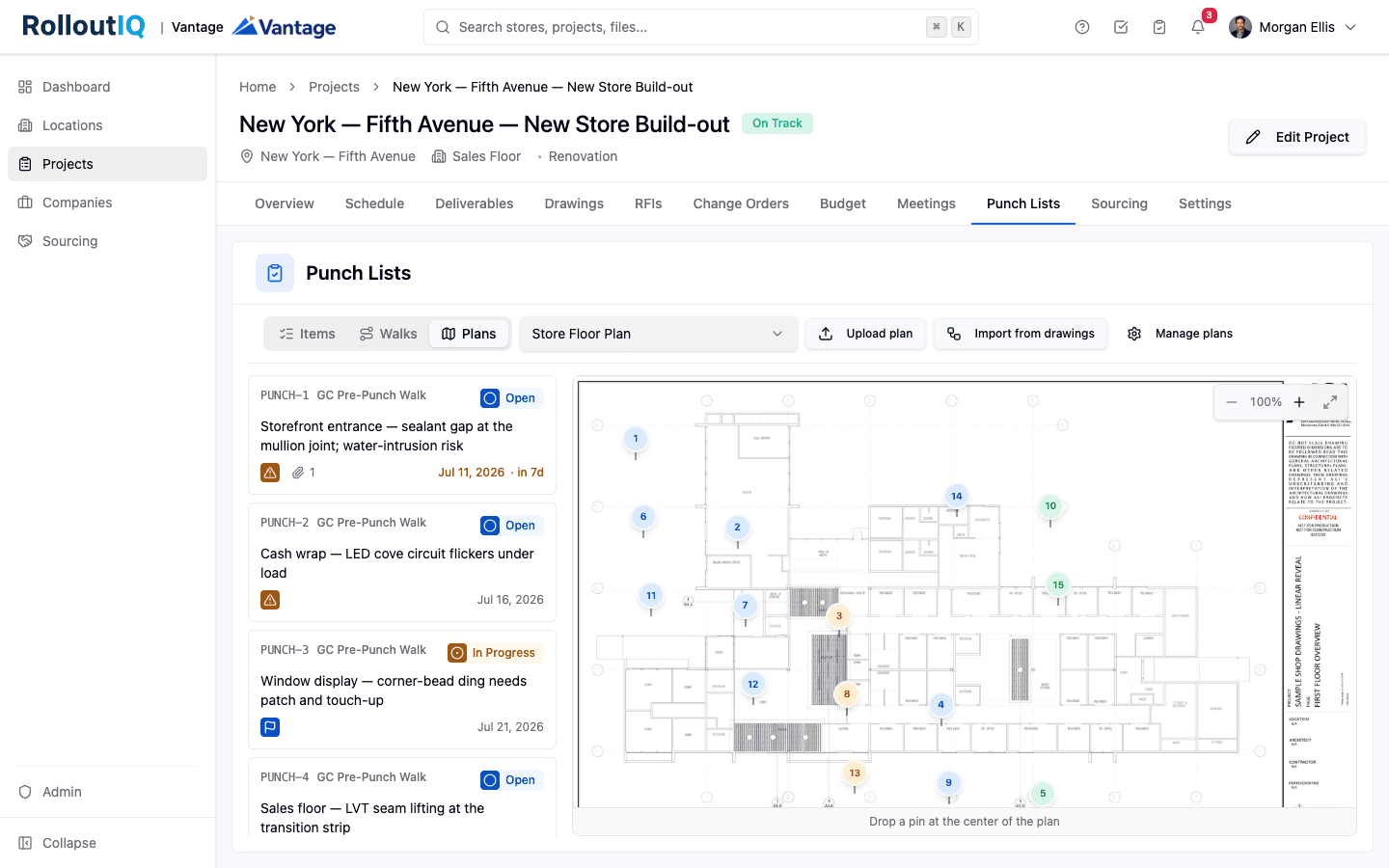
A verification gate confirms each remodel before it closes out.
See the whole portfolio on one screen
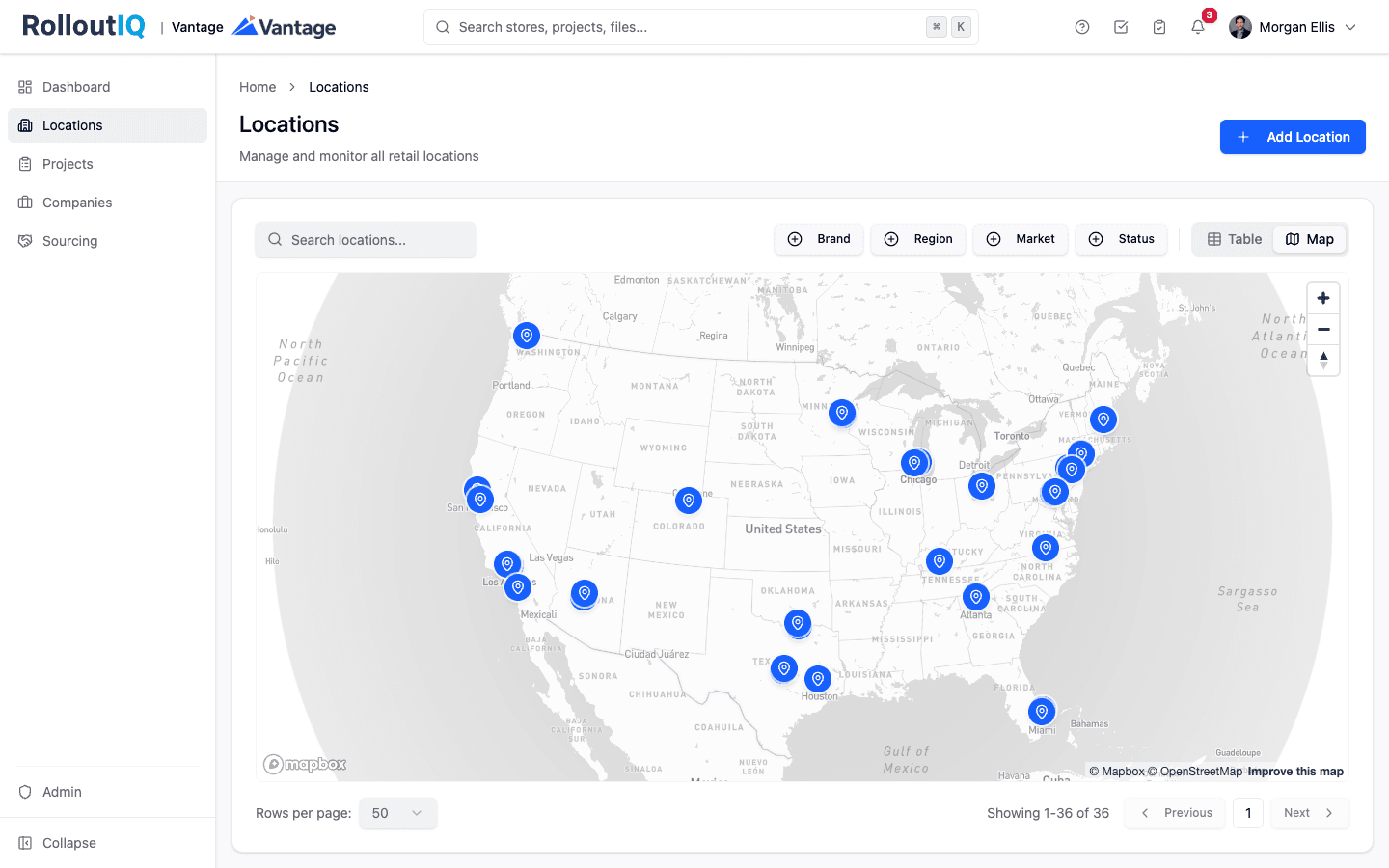
Reports answer the program question directly, with an opening tracker, median cycle times, and a schedule-risk hotlist that names the stores slipping and why, without opening a single project.
See how it works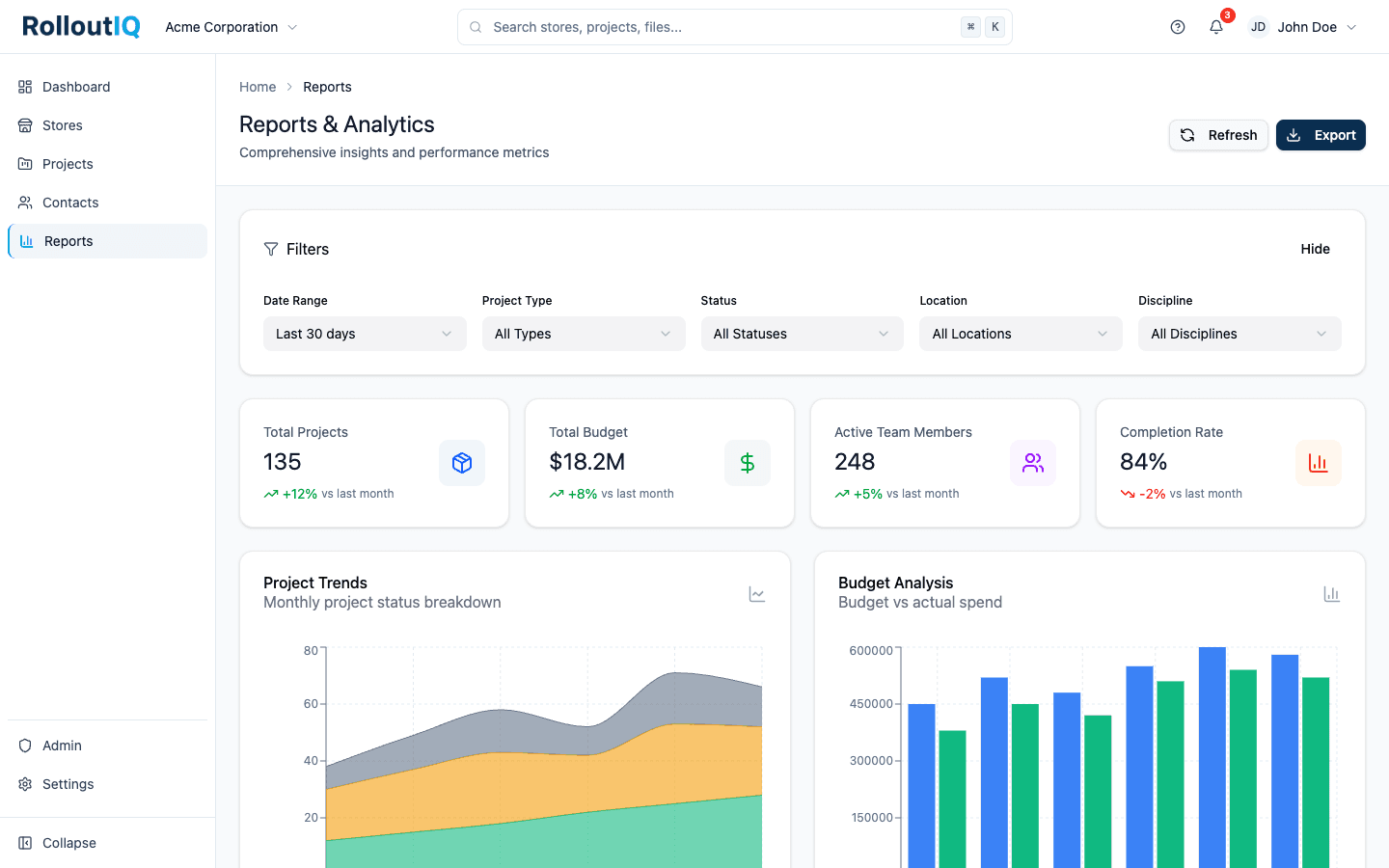
The rollup that used to be a Friday spreadsheet is a live screen.
In practice
650 remodels against 20 openings
A national retailer runs more than 650 remodels in a single year against roughly 20 new openings, including a rapid remodel that closes the sales floor for four weeks while pharmacy and fuel keep trading. At that volume, the only question that matters is which stores are behind and why, and the answer should live on a screen you can open any time.
Source: Walmart Corporate Newsroom, 2026
Keep reading
Go deeper on the work



FAQ
Common questions
RolloutIQ governs the budget baseline and its revisions, so you see budget movement, approved changes, and exposure across the portfolio. It is not an accounting or ERP system and does not reconcile invoiced actuals; it is where the plan and its governed changes live, which is what a remodel program needs to stay on schedule and on budget.
See every remodel on one screen
Book a walkthrough and we will show you the portfolio view that replaces the weekly rollup for a program of dozens of remodels.