
Signage programs
Run a fleet signage rollout without chasing every site by email
A rebrand or sign swap across hundreds of stores is a parallel program with its own vendors, lead times, and permits. RolloutIQ runs each site as a project so you can see, in one place, which signs are on track and which will miss the opening.
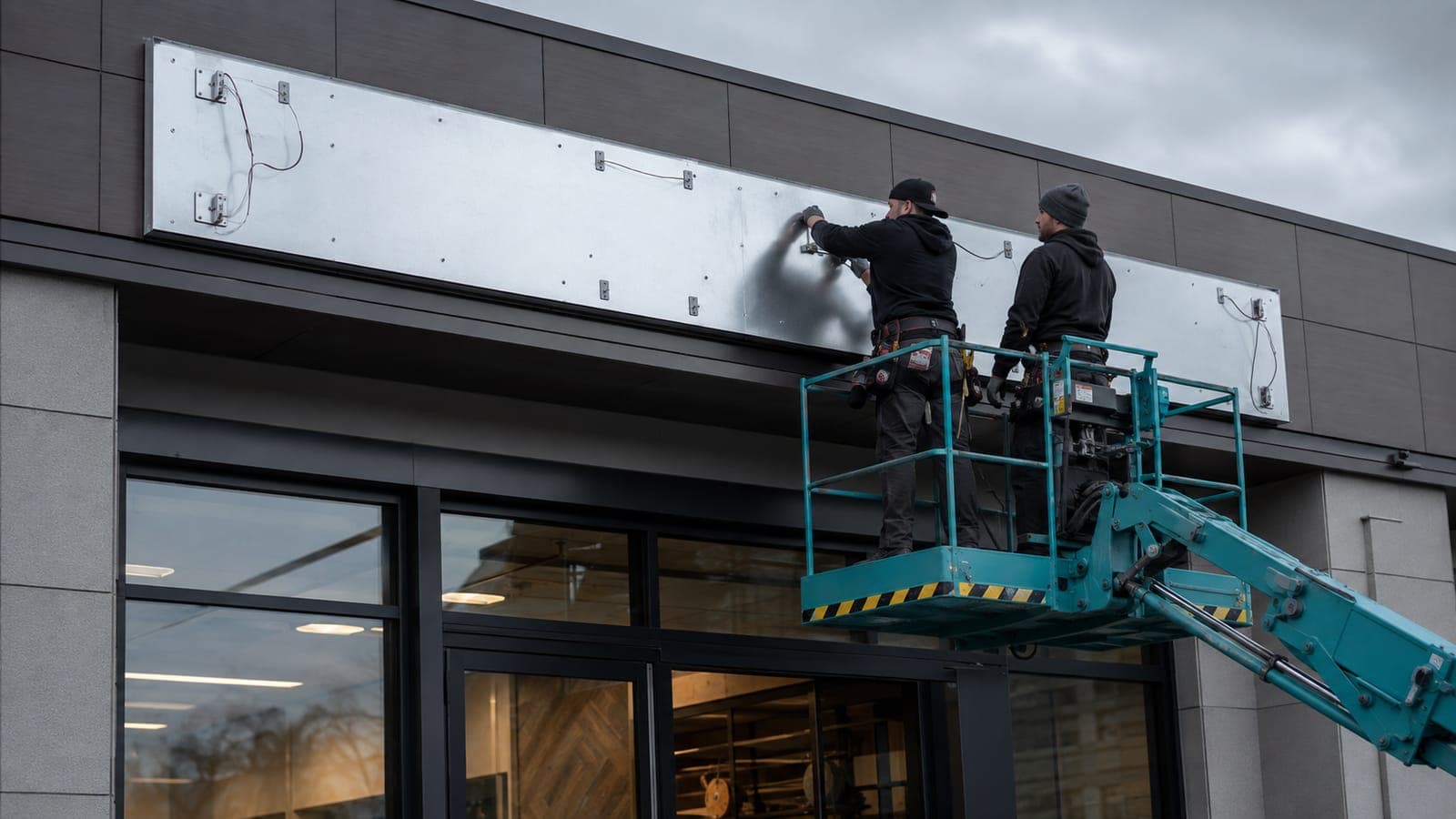
The way it works today
What running a signage program looks like today
Signage is usually awarded outside the general contractor to national sign vendors, so it becomes a separate track chased store by store in spreadsheets and email. Each site moves through approved shop drawings, fabrication, a separately-permitted install, and a field crew, and no two sites are ever at the same step.
Long, staggered lead times
Fabrication and install are scheduled separately, and every site started its clock on a different day. Keeping that straight across a fleet is a full-time spreadsheet.
The permit no one controls
A sign permit runs on its own jurisdiction track and is often the last approval before a store can open. It is the slip most likely to go unnoticed until it is too late.
A parallel program off to the side
Because signage sits outside the GC contract, it lives in its own file, disconnected from the construction schedule it has to land inside of.
How RolloutIQ runs it
How RolloutIQ runs a signage program
Every site is a project built from the same repeatable playbook, so the program is legible from the first store to the last.
Model each site as a project
Give every location a signage project of the same type, so the whole program shares one structure instead of one spreadsheet tab per store.
See how it worksEncode the playbook as a schedule template
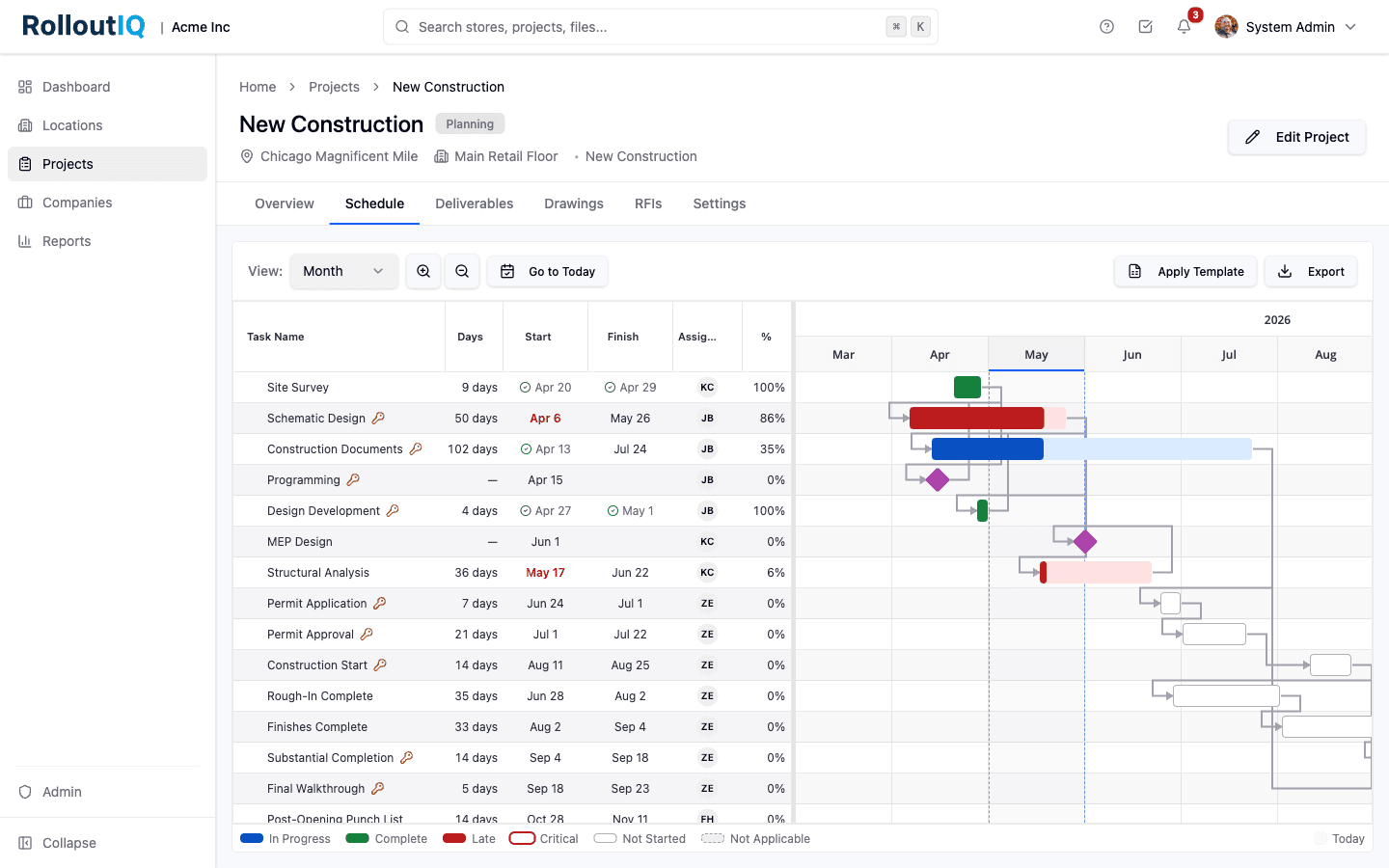
The shop-drawing-approval, fabrication, permit, and install sequence becomes a reusable template with role-based owners and schedule-relative due dates. Apply it to every site in one move.
See how it works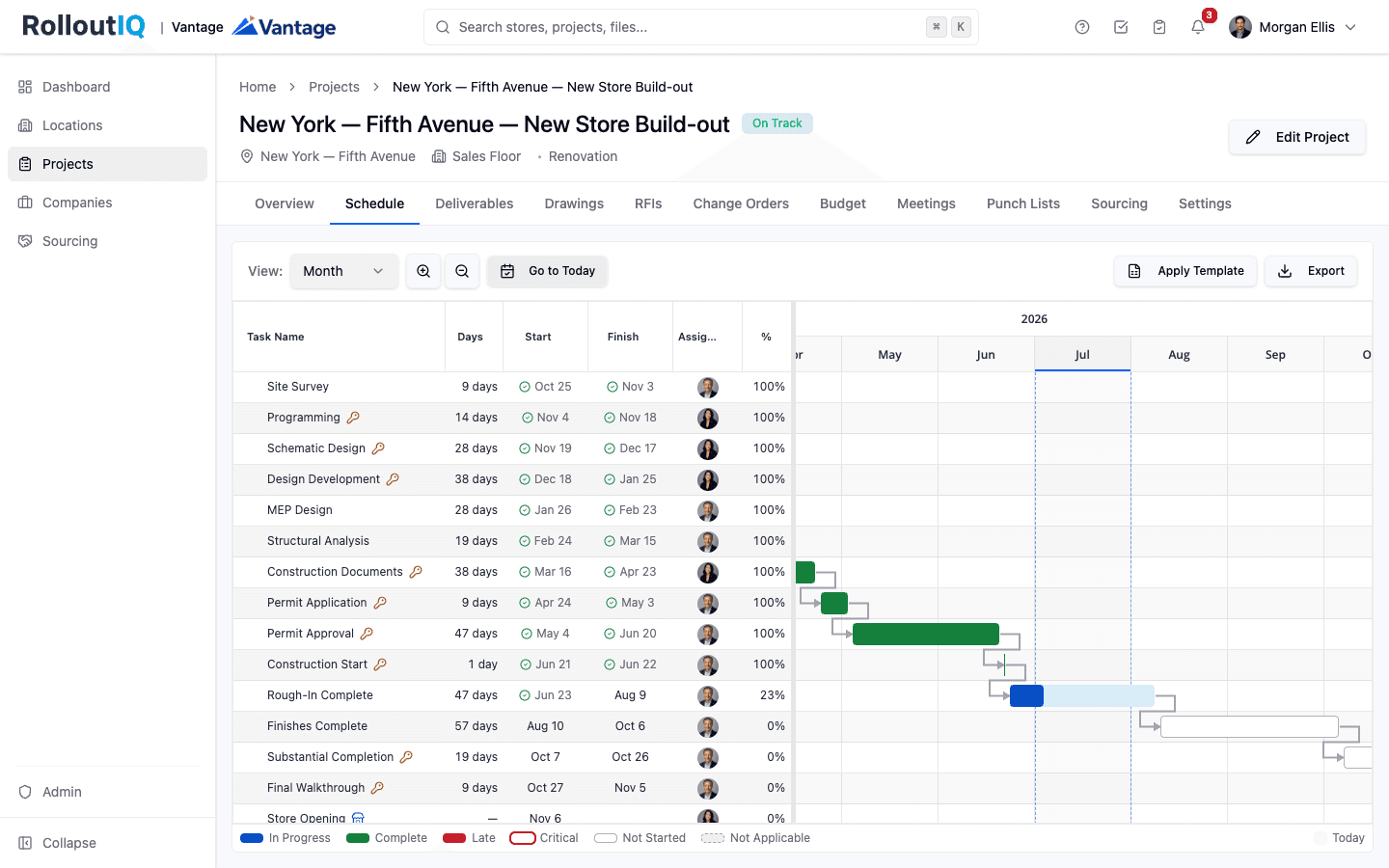
A schedule template puts the repeatable signage sequence on every site.
See what slips before it slips
The critical path with ripple recalculation shows exactly which sites fall behind if a fabrication date moves, so a late sign is a flag on a dashboard, not a surprise at the ribbon cutting.
See how it worksAward the sign vendor
Run the vendor bid, leveling, and award through Sourcing, which feeds the awarded number straight into the program budget.
See how it works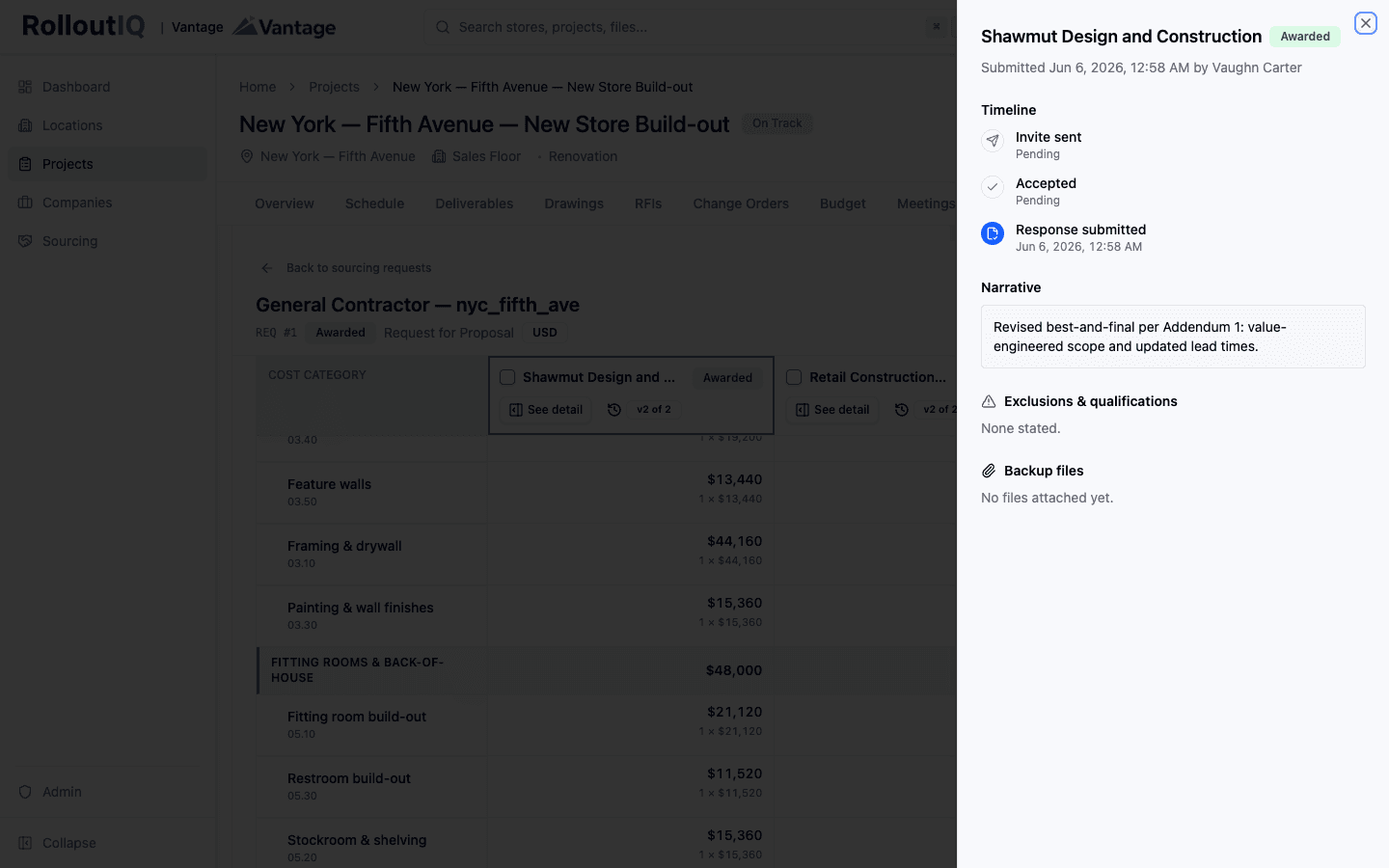
Award the sign vendor from a leveled bid that feeds the budget.
Keep the shop drawings versioned
Sign shop drawings live with per-sheet identity and full version history, so the field always builds from the current set.
See how it works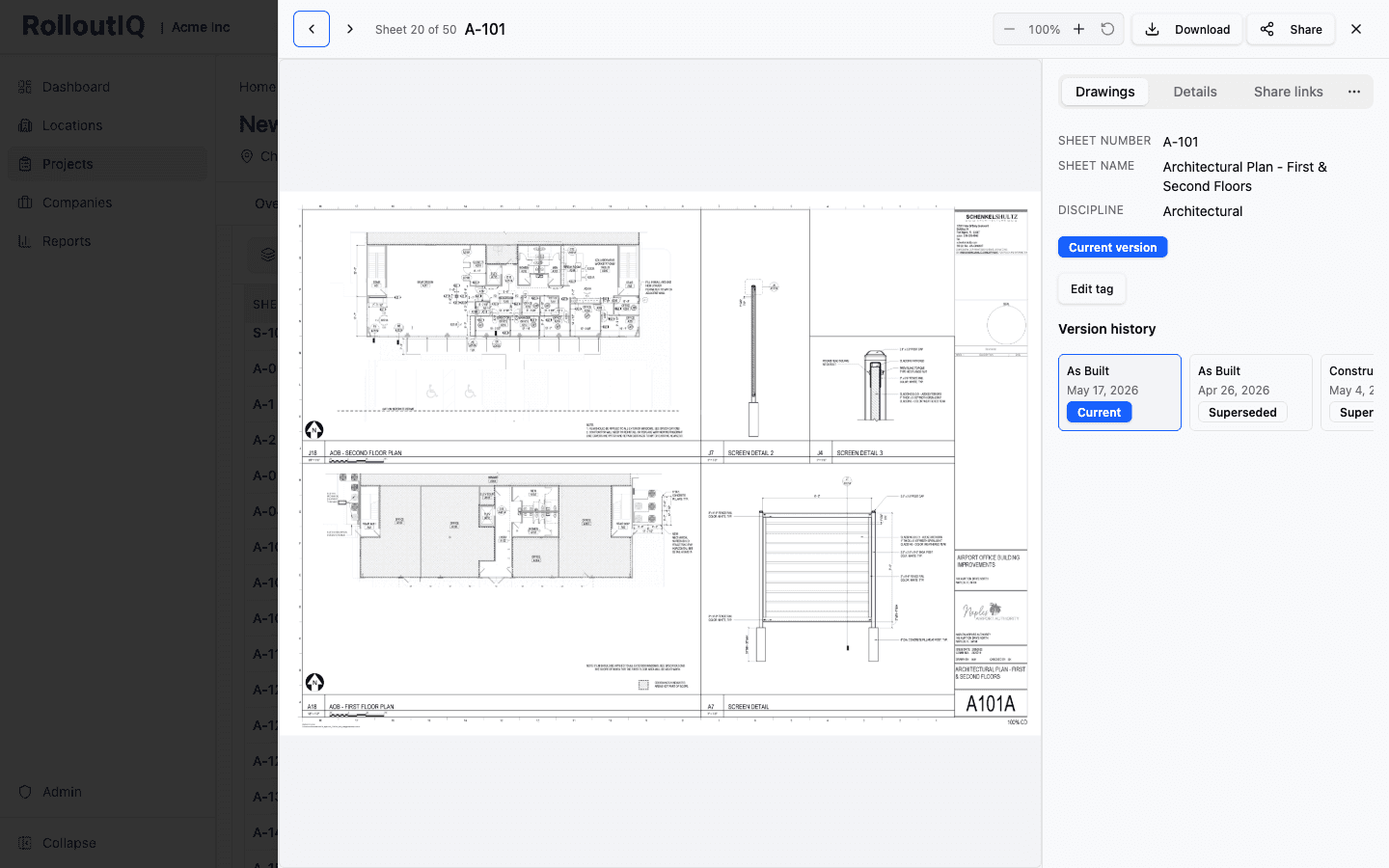
Every sign drawing carries its own version history.
Collect install photos from the sign vendor
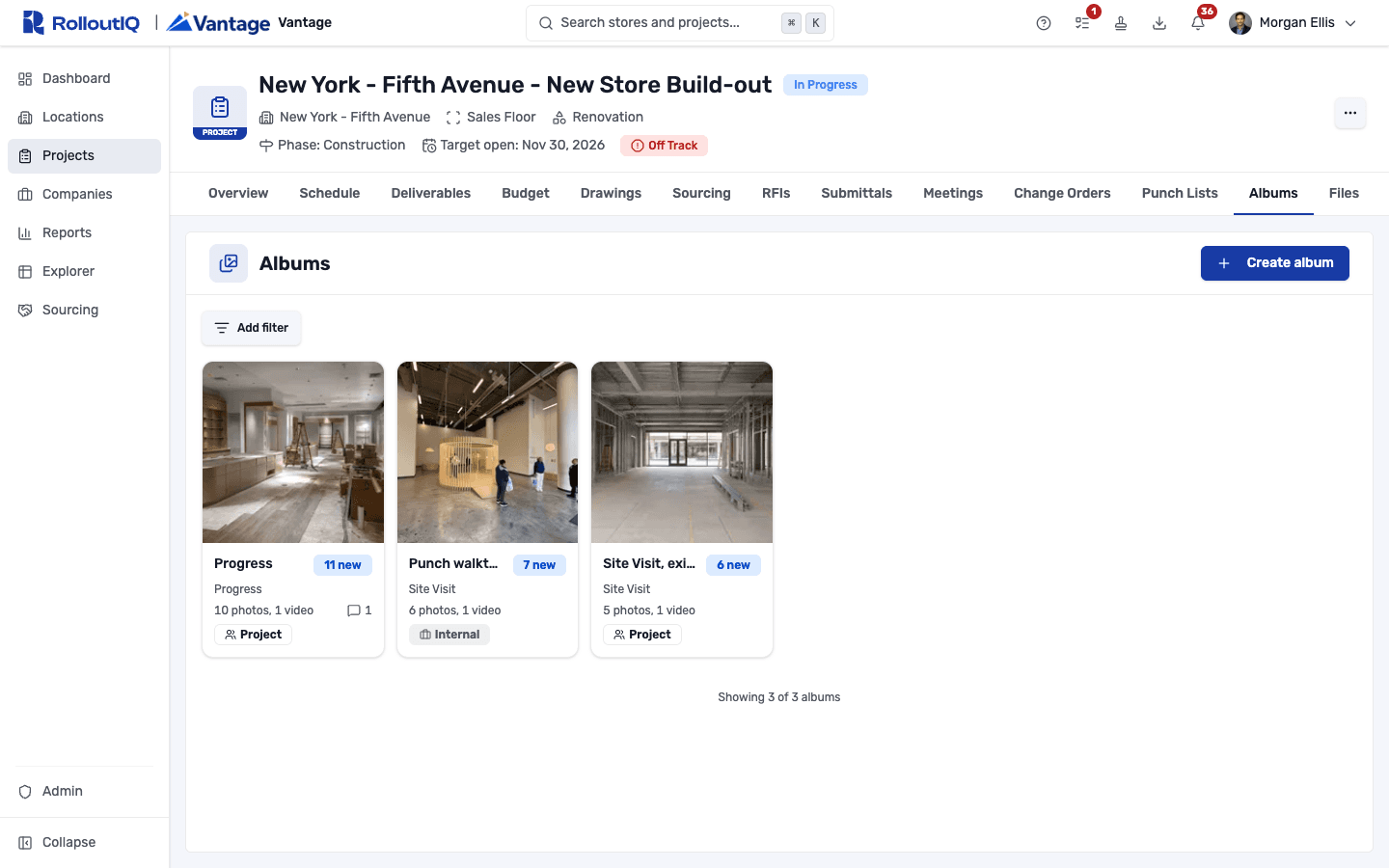
The sign vendor uploads its install photos straight to the project's album, where the whole team can see them.
See how it worksValidate the install in the field
When a sign goes up, a punch walk with a verification gate confirms it was installed right, with photos pinned to the location, before the site is called complete. Photos go straight from the camera into the RolloutIQ app as field crews run the walk.
See how it works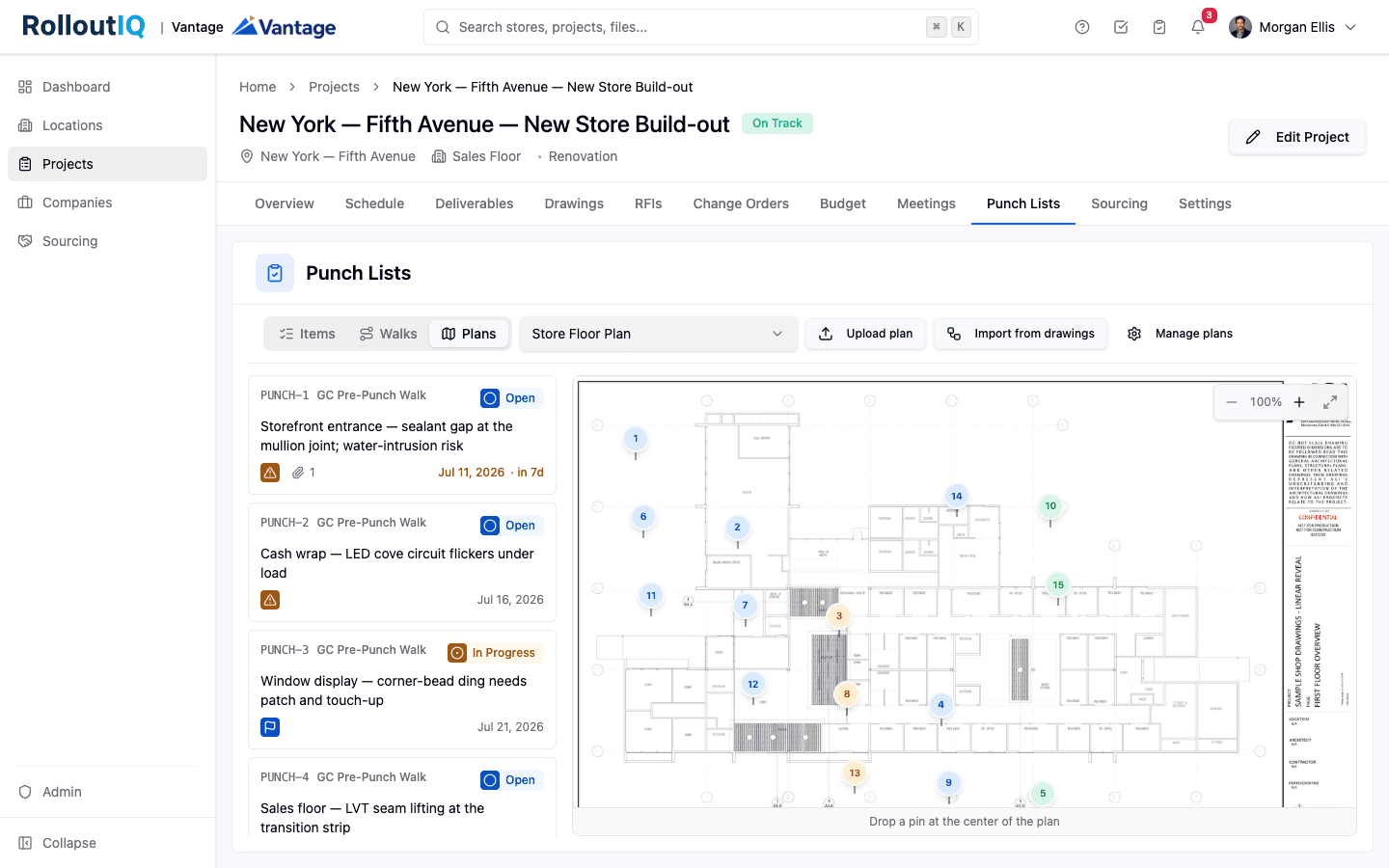
A verification gate confirms each install before the site closes out.
Watch the whole fleet from one screen
The portfolio reports show an opening tracker and a schedule-risk hotlist that names the stores running behind and why, without opening a single project.
See how it works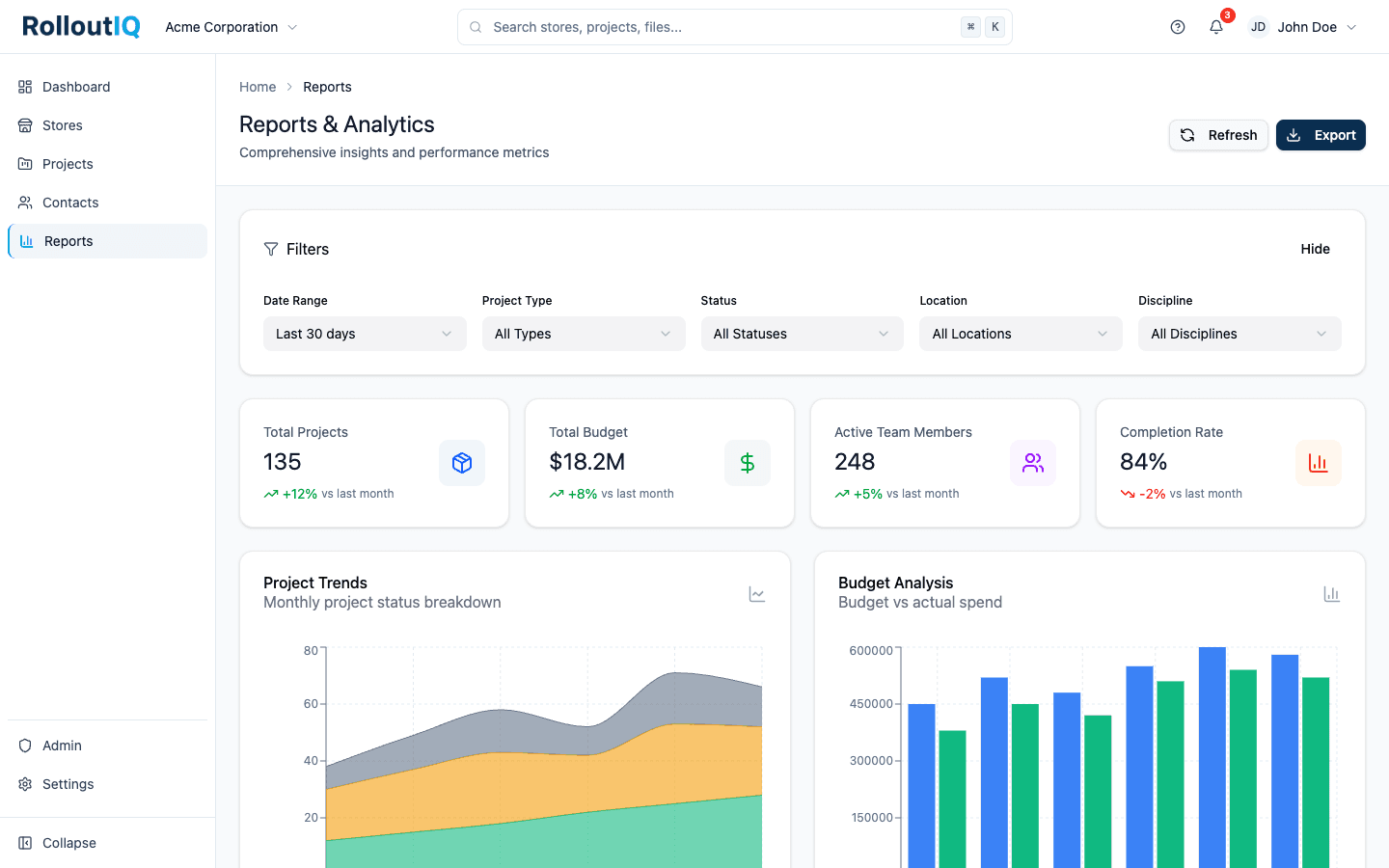
The portfolio view names the stores running behind and why.
In practice
A fleet rebrand against a fixed relaunch date
A national brand pushes a new sign package across hundreds of existing stores, each one gated by a separately-permitted, separately-fabricated sign with a multi-week lead time colliding with a public relaunch date. Run each store as a project on a shared signage template, and the program stops being a spreadsheet you reconcile every Friday and becomes a live view of which signs will make the date.
Keep reading
Go deeper on the work
FAQ
Common questions
RolloutIQ models the sign permit as a scheduled deliverable on each site's critical path, so you see when it is due and whether it is at risk. It is not a permitting or e-filing system; it tracks the permit as a milestone inside the program, which is what keeps it from being the slip nobody noticed.
Yes. Signage is usually awarded outside the GC contract, and RolloutIQ is built for exactly that: each site is its own project, the sign vendor is awarded through Sourcing, and the signage schedule sits alongside the construction schedule it has to land inside of.
See your whole signage program on one screen
Book a walkthrough and we will show you how a fleet signage rollout runs when every site is a project on a shared playbook.