
Reporting & Analytics
Portfolio Reporting Built for Multisite Construction Leadership
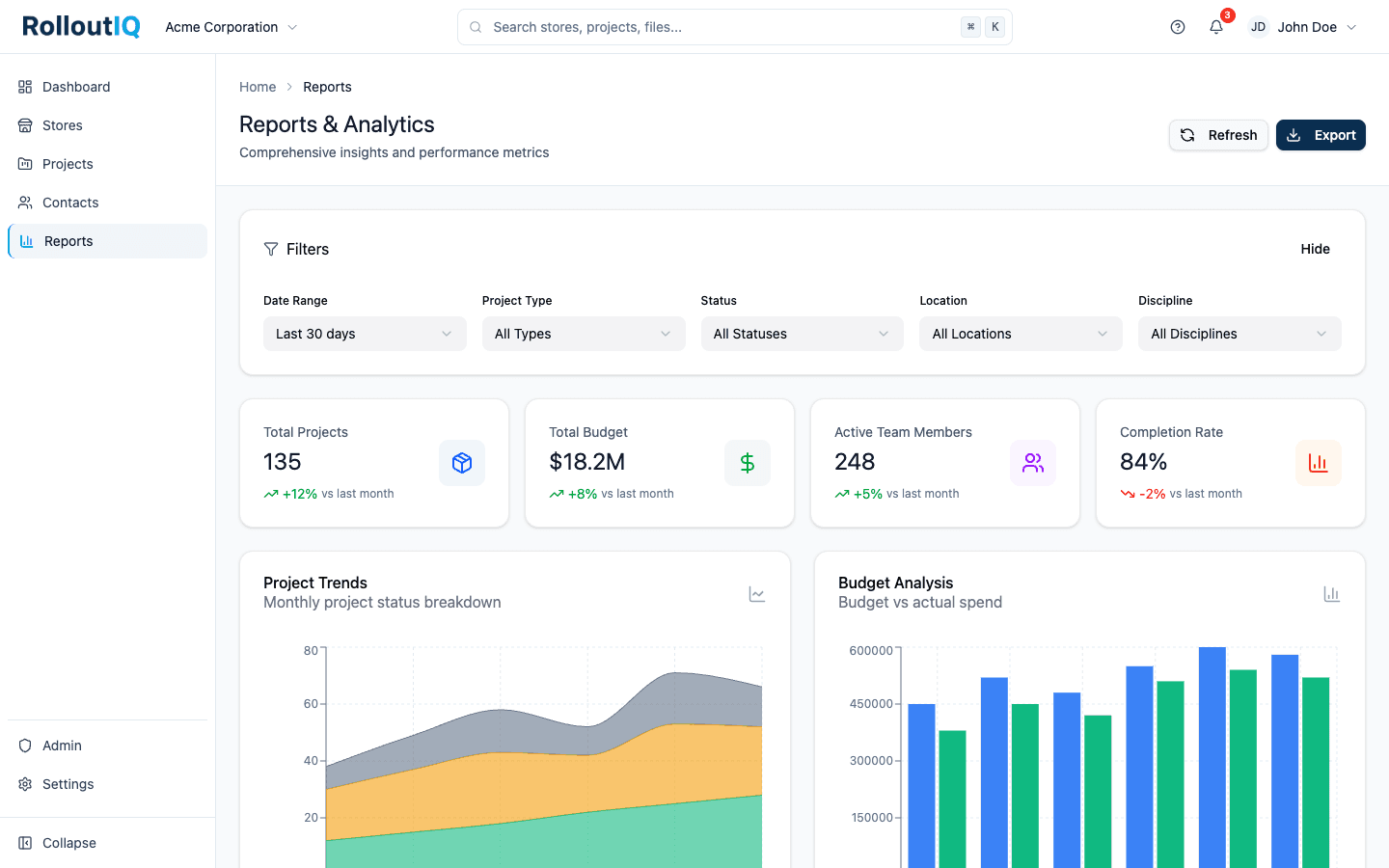
Executives reviewing a retail rollout program need to see which projects are on track and which are at risk or already broken. RolloutIQ™ Reports puts that on four tabs with the exceptions ranked first, and turns any tab into a board-ready PDF.
The Problem
Why Reporting Becomes the Bottleneck
When data lives in spreadsheets, project trackers, and emails, every leadership report is a manual data assembly job. The cost is hours per week and weeks of decision latency.
Manual Data Assembly Burns Hours
PMs spend hours each week pulling status, formatting updates, and assembling decks instead of running the projects those hours belong to.
Numbers Drift Between Surfaces
When percent complete, variance, and behind-schedule status are computed differently in each tool, leadership debates the numbers instead of the decisions they should drive.
Reports Arrive Too Late
A monthly executive dashboard surfaces problems weeks after they happened. By then the window for intervention is closed and the only choice is recording the loss.
What RolloutIQ™ Does
What Reporting & Analytics Should Do
RolloutIQ™ runs all reporting off a single shared engine so every surface reads the same numbers, with portfolio dashboards that surface risk in time to act.
Four Tabs, 19 Report Sections
Locations, Progress, Costs, and Quality, each filterable by brand, region, market, project type, status, and date window. Every chart has its data table behind it, and the Active projects and Flagged tiles drill straight to the projects they count.
Schedule Risk Hotlist
See the slipping projects ranked, with the days each one has slipped and the phase it is in. The exceptions sit above the tidier charts because they are what a leader can act on.
Opening Tracker and Pipeline
Forecast open dates by period, your on-time-open rate, and an at-risk count, next to a pipeline funnel with the median cycle time between phases.
Budget Movement and Trends
Compare the approved baseline with the revised budget, alongside contingency drawn, change order exposure, and cycle times. Trend lines build daily from the day Reports is switched on, and the Costs tab labels its figures as exposure so they are never read as spend.
Single Source of Truth Engine
Percent complete, variance, behind-schedule status, and date-tier resolution all run from one shared engine. Gantt, list, dashboard, and mobile all read identical numbers.
Export That Respects Access
A CSV per section and a formatted PDF per tab, each limited to what the requester is allowed to see, with every export recorded. PDFs render in every supported language, right-to-left included.
Highlights
Inside the Portfolio View
Every project reads from one shared engine, so the map, the dashboards, and the reports all show the same numbers.
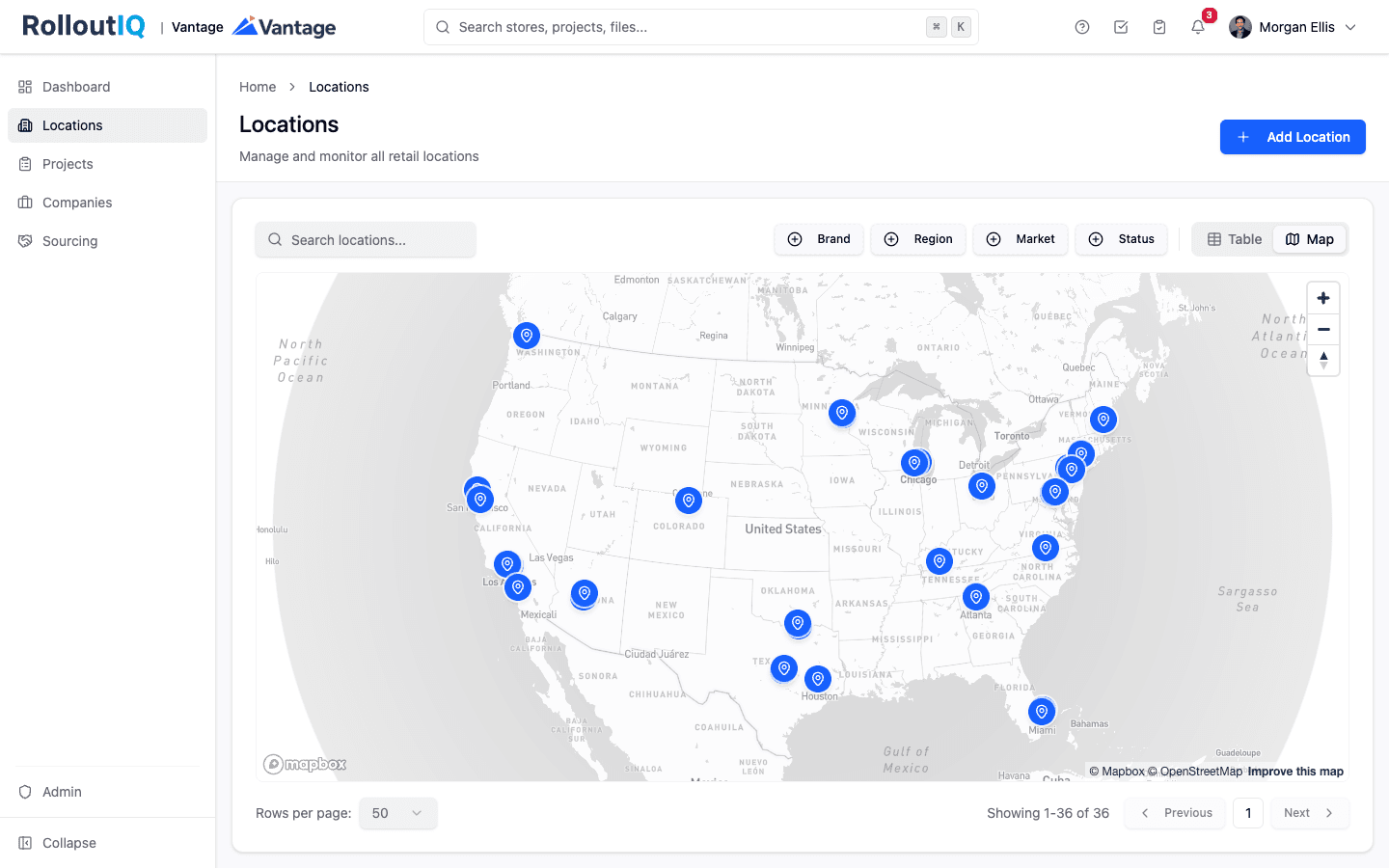
Every location on one map
The whole footprint sits on one map, filterable by brand, region, market, and status, so leadership sees where the portfolio stands at a glance and drills into the projects that need attention today.
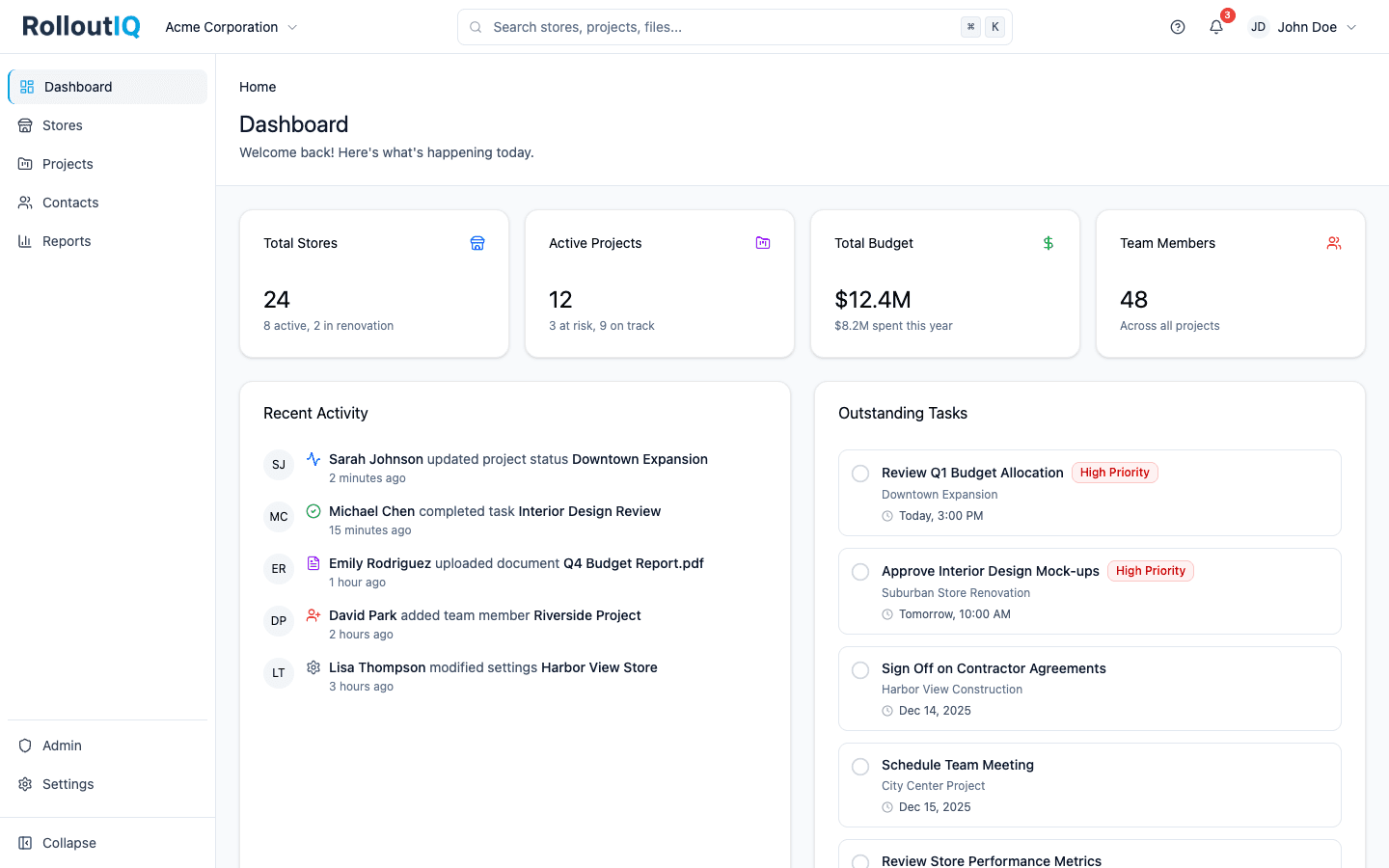
One Shared Portfolio View
Schedule status, budget health, and at-risk projects come from the same record the project teams work in, so nobody spends the review reconciling numbers.
In Practice
How Multisite Teams Use It
Executive Portfolio Review in Minutes
Replace the monthly status deck with Reports and a PDF of the tab you need, and spend the meeting on decisions.
Catch Slips While They Are Small
The hotlist ranks projects by days slipped, so a project drifting behind shows up as soon as its dates move.
See Where Budgets Are Moving
Split budget movement by brand, region, or project type and find the programs where cost is drifting.
For franchise groups
Portfolio health by franchise brand
Split portfolio health by brand to see which franchise system's projects are slipping. The opening tracker shows this year's forecast openings, which you can hold up against the count your development agreements require.
See RolloutIQ for franchise groupsReady to End the Status-Report Treadmill?
See how RolloutIQ™ replaces manual status decks with portfolio reports and one-click PDF export. Book a demo with our team.