
Franchise development schedules
Track a franchise development schedule from signed commitment to opening day
A development agreement commits you to opening a set number of units by set dates, and your territory depends on keeping them. RolloutIQ runs each committed site as a project on your brand's prototype schedule, so you can see which openings are at risk while there is still time to act.
The way it works today
What tracking a development schedule looks like today
In most groups the development lead owns a spreadsheet of commitments, and the construction managers keep their own schedules somewhere else. The two drift apart, and a missed deadline surfaces late, once the options for recovering it are gone.
Deadlines written into a contract
The agreement names how many units open and by when, and missing one can cost you exclusivity in the territory. The fees are sunk as well: Wingstop's 10-K describes its $10,000 per-restaurant development fee as not refundable.
Approvals you do not control
Site approval, plan approval, and the final inspection before opening sit with the franchisor. The FTC Franchise Rule has the disclosure document list what can delay an opening, including leases, financing, permits, zoning, and late equipment or signs.
A pipeline split across files
Signed commitments, sites in negotiation, and projects under construction live in different places, so a simple question about how many units open this year takes a rollup by hand.
12 months
from signing to a finished, open restaurant, the construction deadline in one QSR brand's franchise agreement
El Pollo Loco franchise agreement, SEC filing, 2024
How RolloutIQ runs it
How RolloutIQ runs a development schedule
Each committed site becomes a store record the day it is signed, and gets a project once it has a space to build in.
Put every committed site on the map
Create a location for each committed site as soon as it exists, even before the address is final. Status moves from Planning to Upcoming to Open as the dates fill in, and a site whose deal dies can be cancelled, then reinstated if it comes back.
See how it works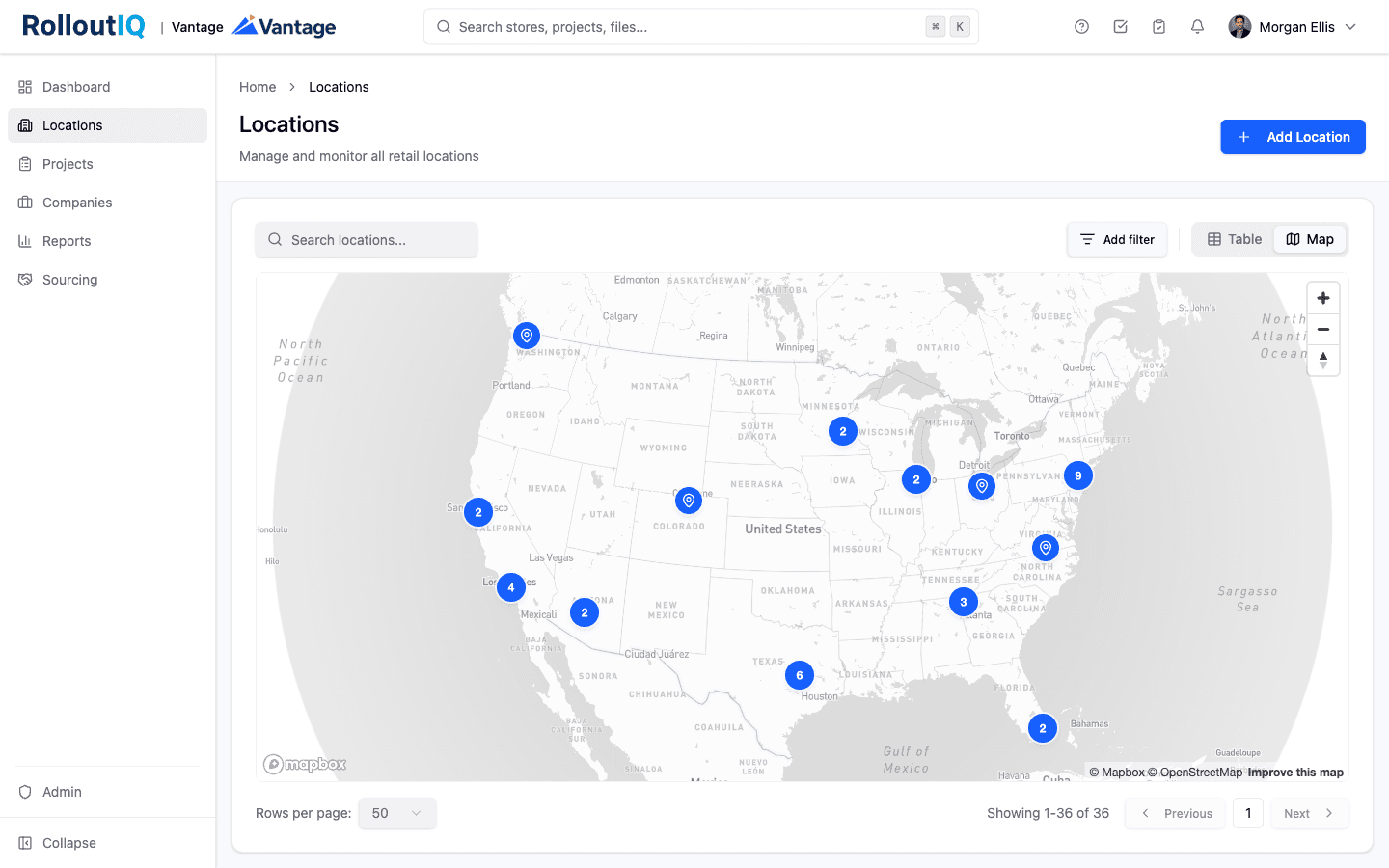
Every committed site on one map, by lifecycle stage.
Record the agreement deadline
Add the development agreement deadline, or the agreement year a site counts toward, as a custom field on the store or the project. Once the site has a project, it shows in Portfolio Explorer like any other column.
See how it works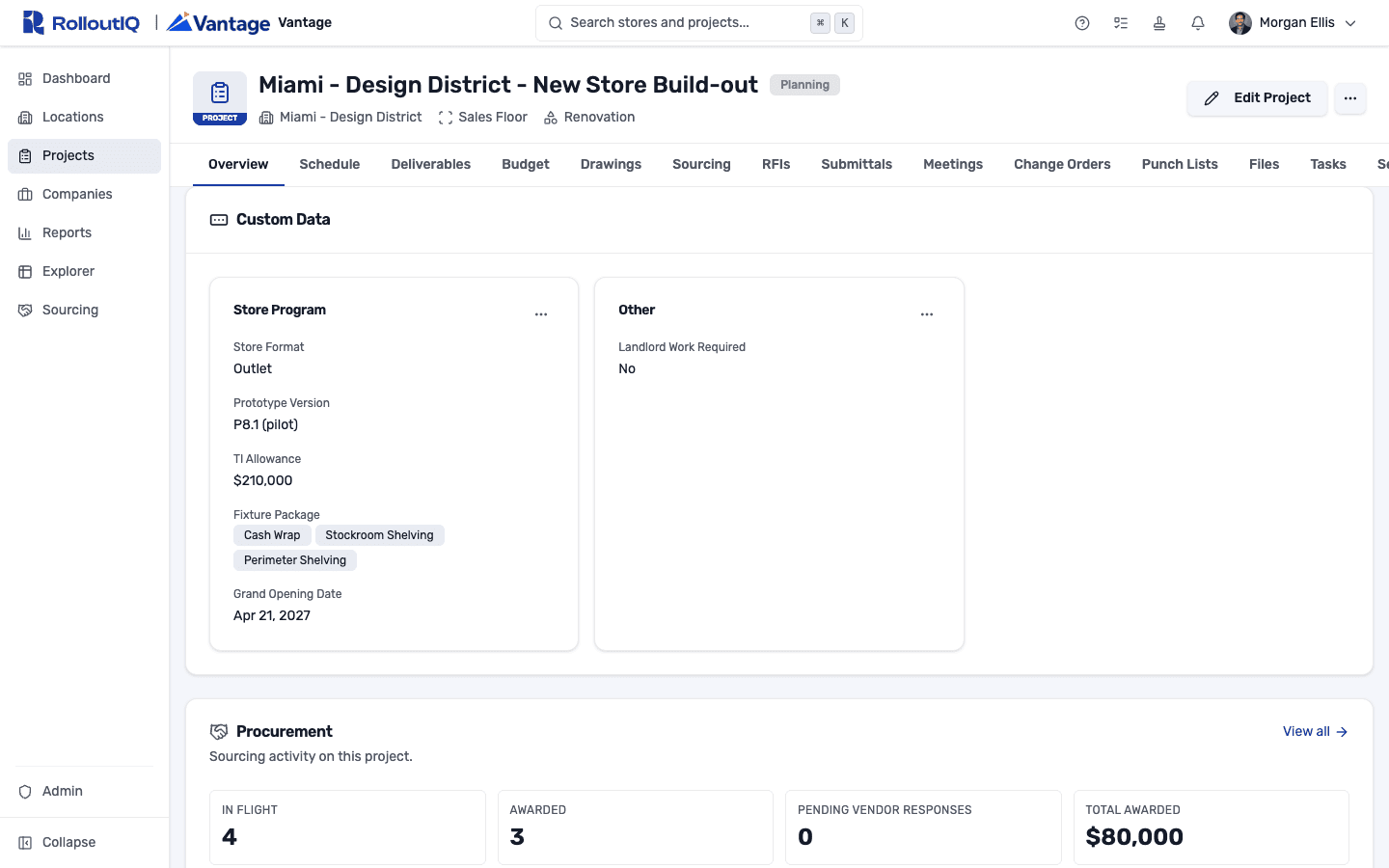
Your own fields on the store record, reportable in Explorer.
Start each site from the brand's prototype
A schedule template carries the franchisor's site approval, plan approval, and final inspection as milestones, with tasks owned by the project role responsible for each. Dates lay out from your start date and move when an upstream milestone slips.
See how it works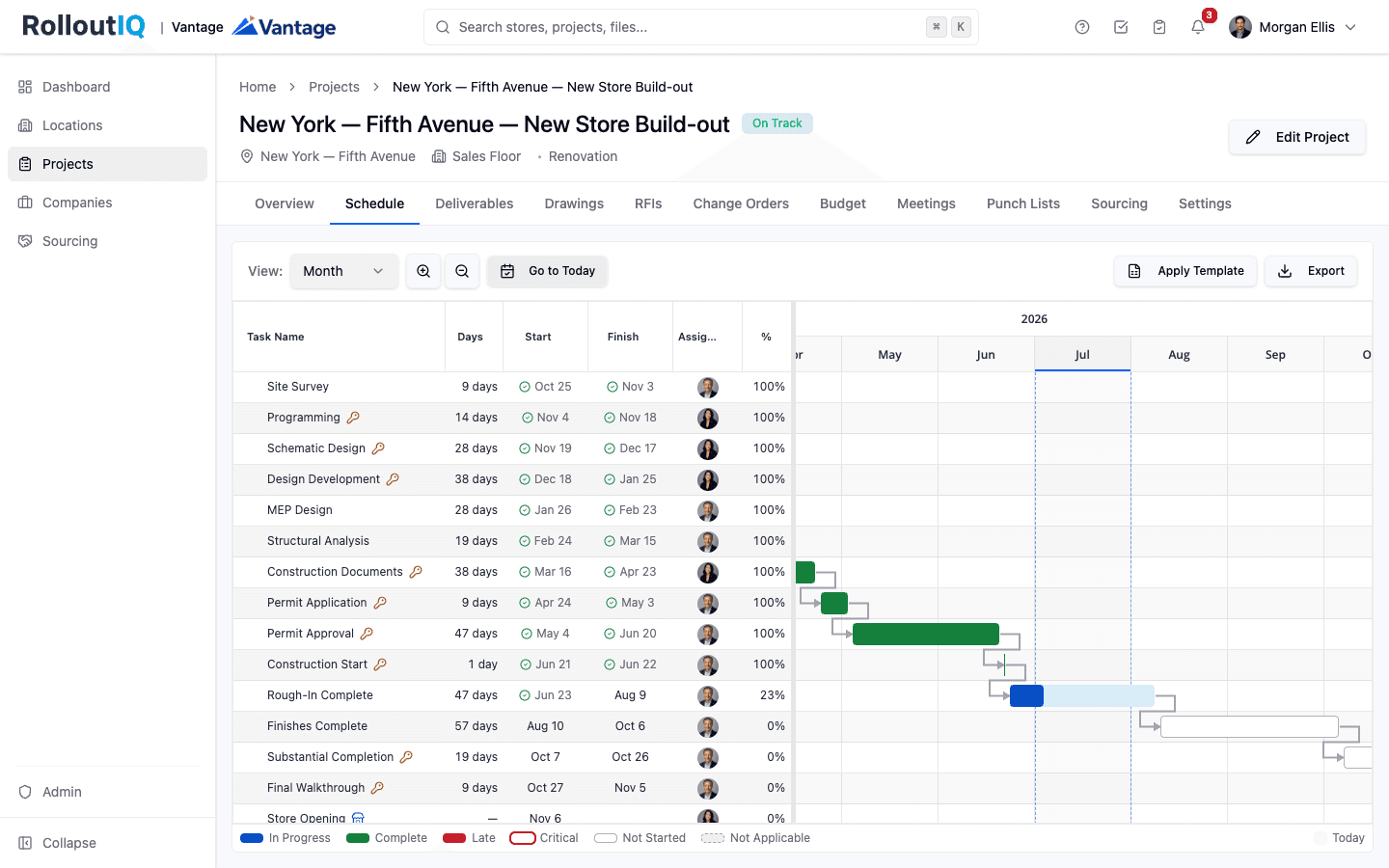
Franchisor approvals sit on the critical path with owners.
Line up forecasts against commitments
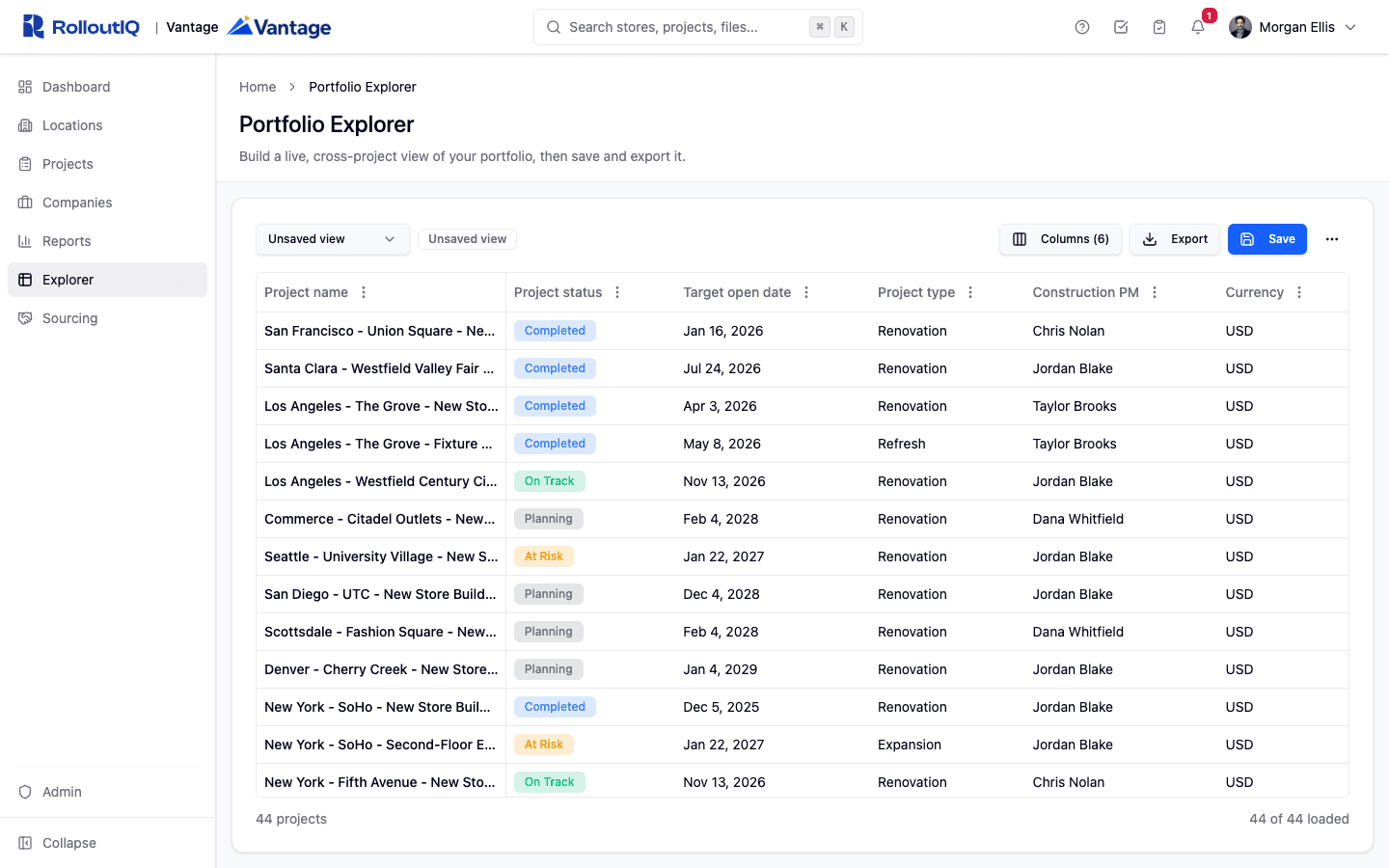
In Portfolio Explorer, put the agreement deadline next to the planned date of each project's opening milestone and group by brand or market. Sites without a project yet stay visible in the Locations list. Save the view and share it with the team.
See how it works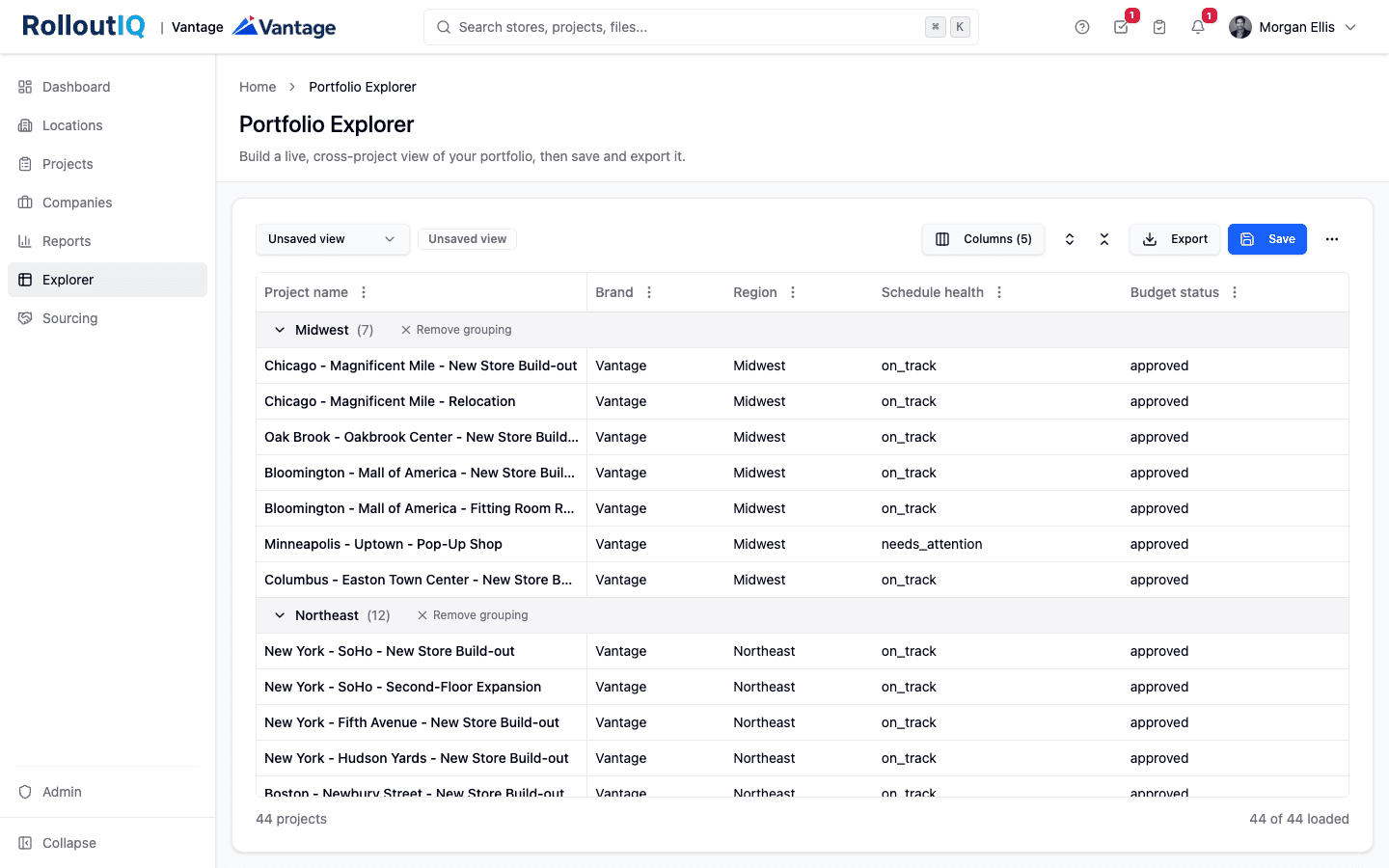
Deadlines and planned opens side by side, grouped the way you report.
Catch the slip early
The opening tracker shows forecast open dates by period with an at-risk count, and the schedule-risk hotlist names each slipping project with its slip in days and its current phase.
See how it works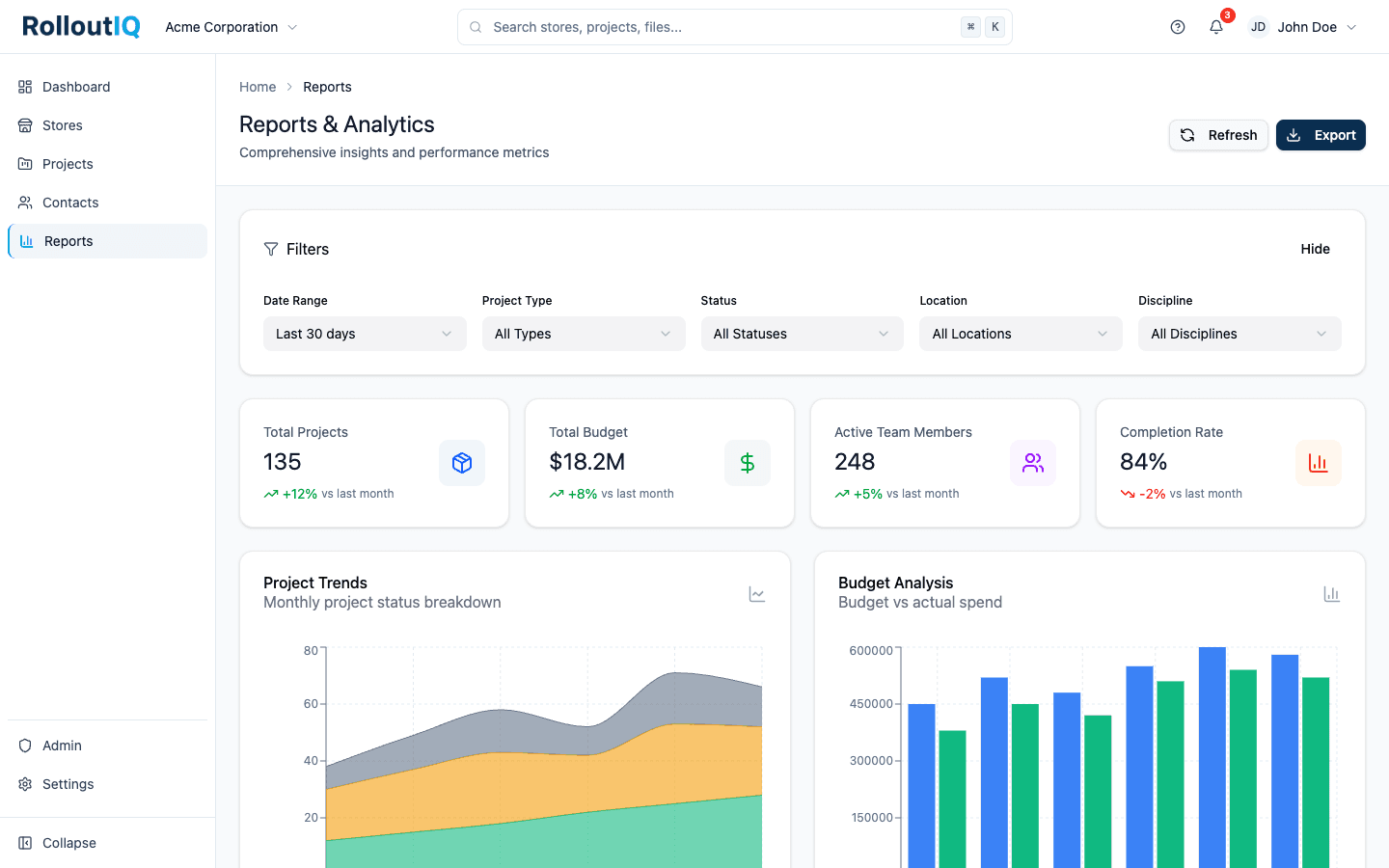
The projects putting a deadline at risk, named and ranked.
In practice
Three sites waiting on plan approval
Picture an agreement that calls for 12 openings by December, with three sites still waiting on the franchisor's plan approval in August. A saved view that puts each store's deadline beside its scheduled open date shows that gap months before year end, early enough to push the review along or ask the franchisor for more time.
Keep reading
Go deeper on the work
FAQ
Common questions
Reports export as a CSV per section or a formatted PDF per tab, and Portfolio Explorer exports to CSV or Excel. Teams send those on whatever cadence the franchisor asks for, and every export is recorded.
There is no dedicated permit tracker. Teams put permit submission and approval into the prototype template as schedule milestones with owners, so a late permit shows up as a slipping milestone on the critical path.
See your development schedule in one view
Book a walkthrough and we will show you a development pipeline built on a prototype template, with the agreement deadlines next to the planned openings.