
Store relocations
Run a relocation as one project that closes one store and opens another
A relocation is a close and an open at the same time, timed so the new store is ready as the old one winds down. RolloutIQ treats it as one project so the overlap is planned, not improvised.
The way it works today
What running a relocation looks like today
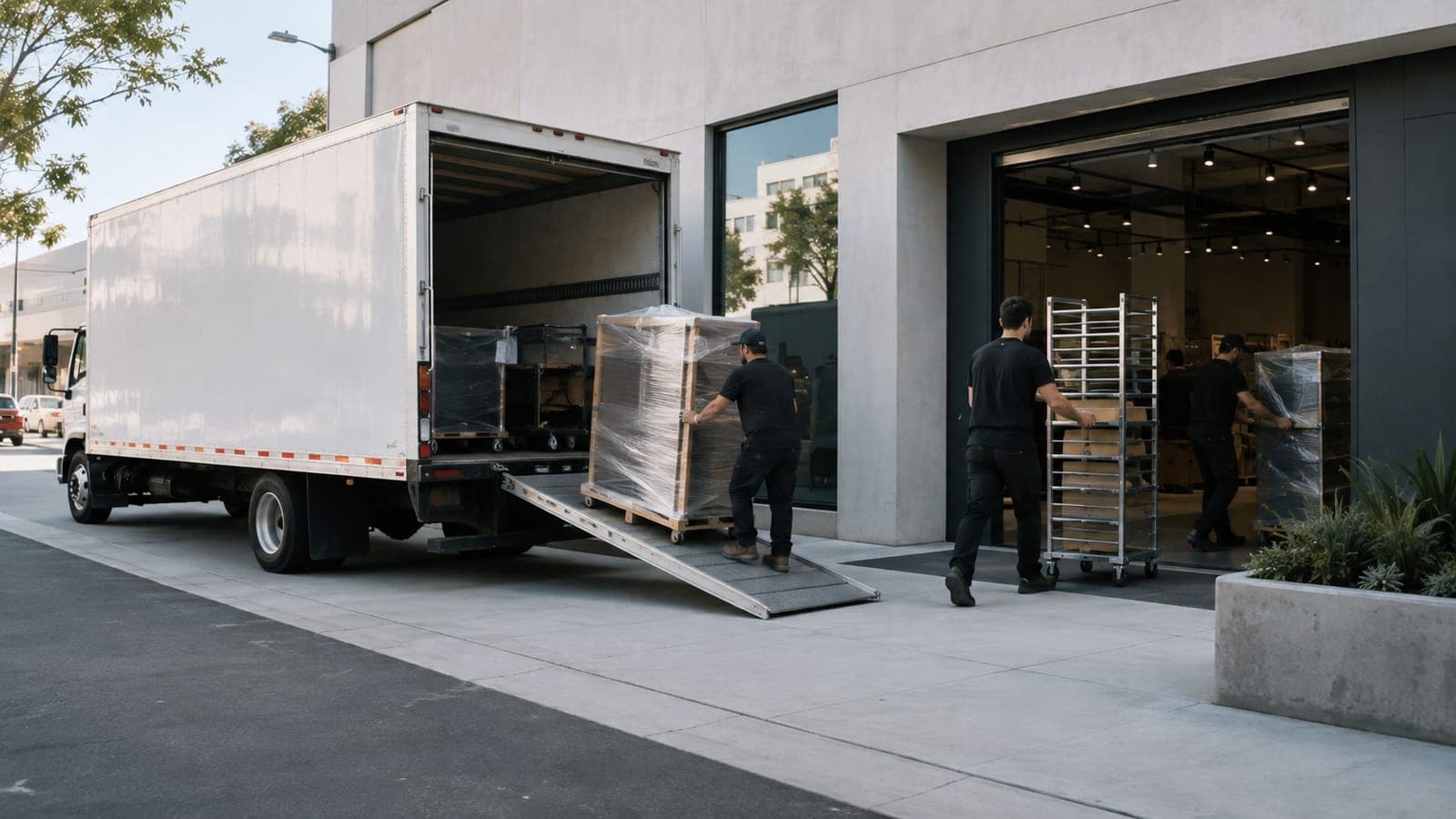
Relocations are common when a retailer right-sizes, moving a store into a larger or better-positioned space while winding the old one down. Run as two separate efforts, the overlap between the closing store and the opening store is where things go wrong.
Two stores, one move
A relocation is a new build and a decommission that have to be choreographed against each other, not managed in two separate spreadsheets.
Timing the overlap
The new store has to be ready as the old one closes, so a slip on either side ripples straight into the other.
The estate has to stay legible
Through the move, leadership needs to know which store is which and where the fleet actually stands.
How RolloutIQ runs it
How RolloutIQ runs a relocation
Run the move as one relocation project
Relocation is a first-class project type, and the store model closes the old space and opens the new one, so the move is a single, legible unit of work.
See how it worksSequence the overlap on the critical path
The new-store build and the old-store decommission sit on one schedule, and ripple recalculation shows exactly how a slip on one side moves the other.
See how it works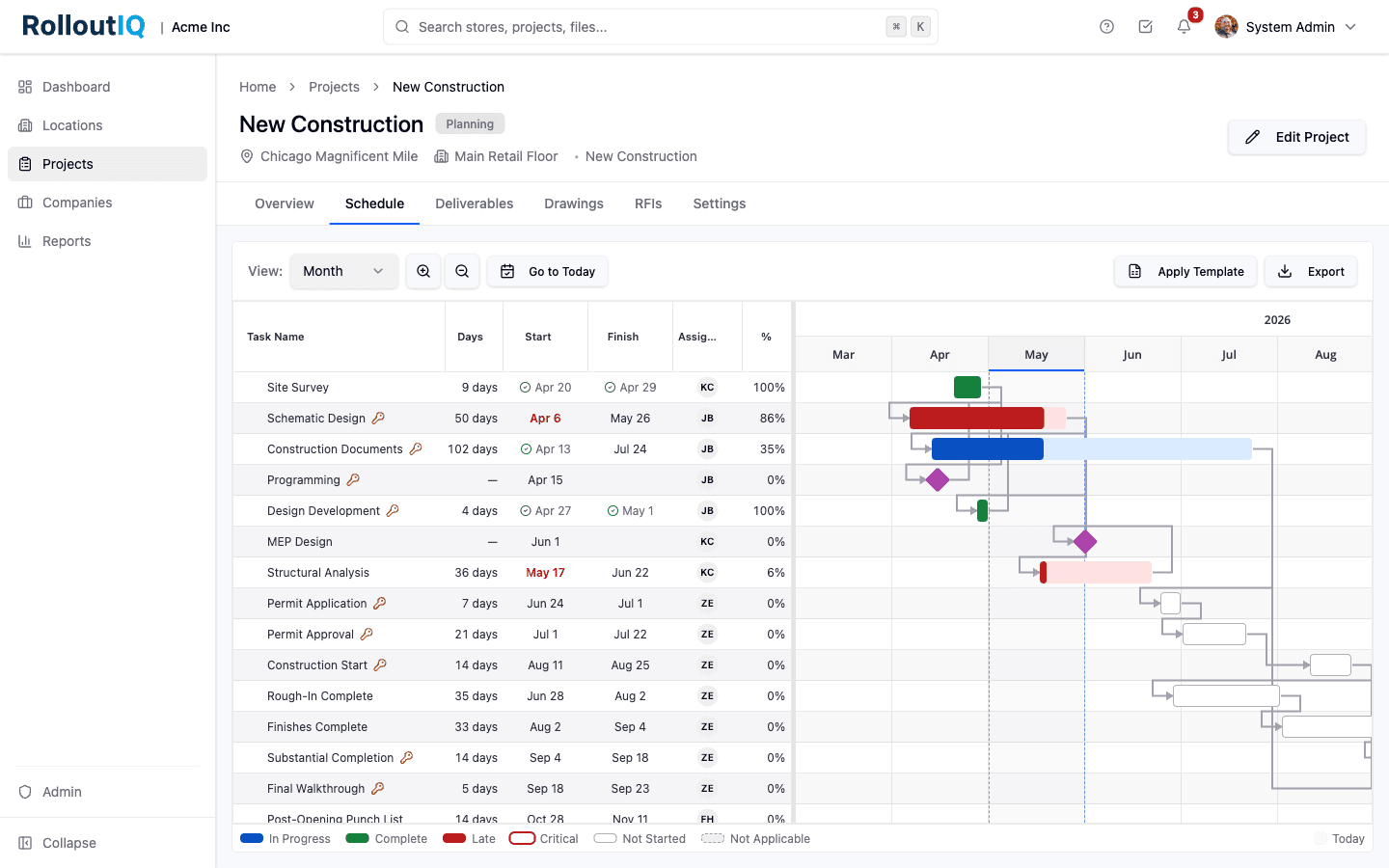
Both sides of the move sit on one schedule.
Award both sides
Run the vendor bids for the new build and the decommission through Sourcing, feeding both numbers into the relocation budget.
See how it works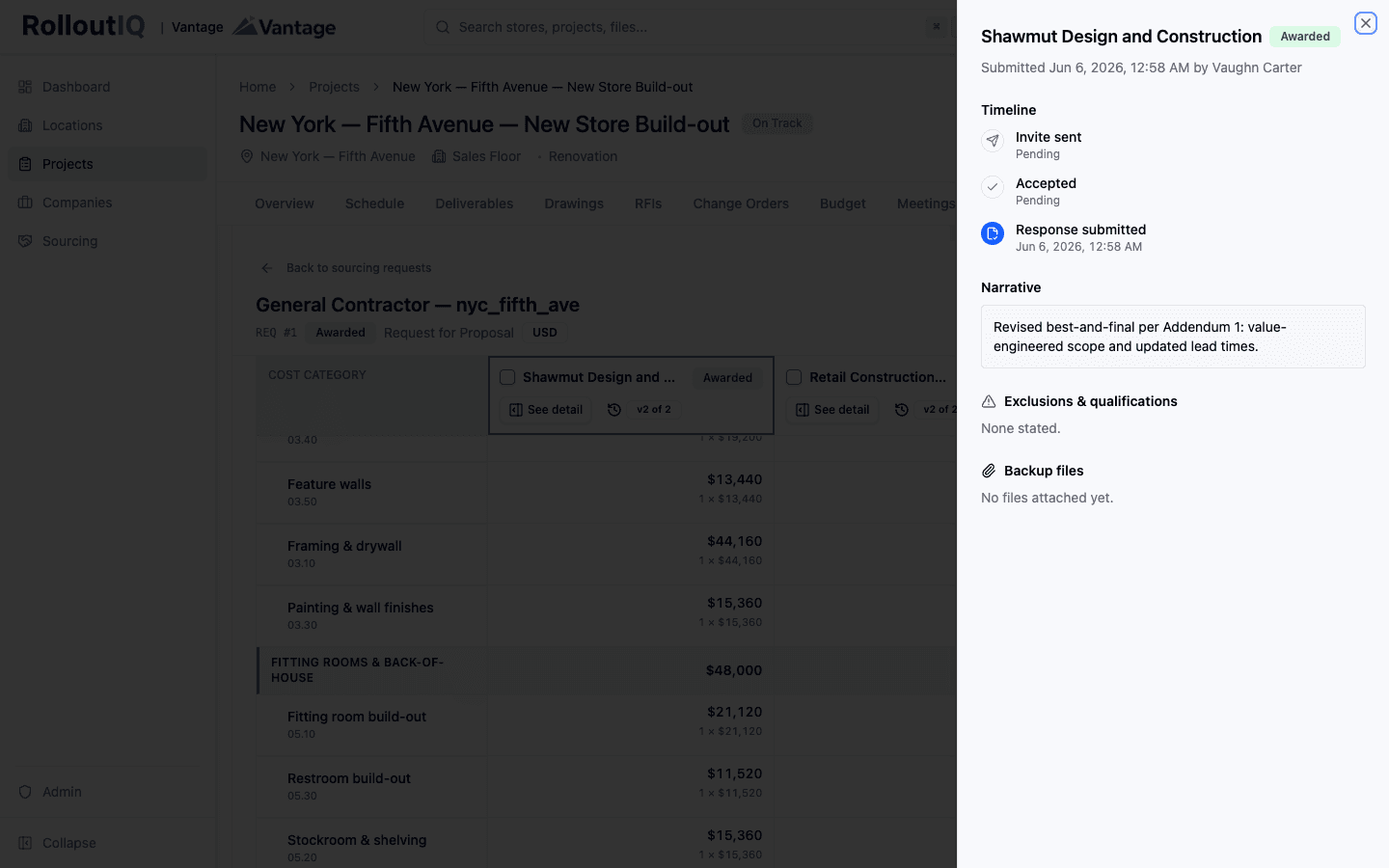
Award the build and the decommission from leveled bids.
Validate open-ready and surrendered
Punch walks with verification gates confirm the new store is genuinely open-ready and the old space met its handback condition.
See how it works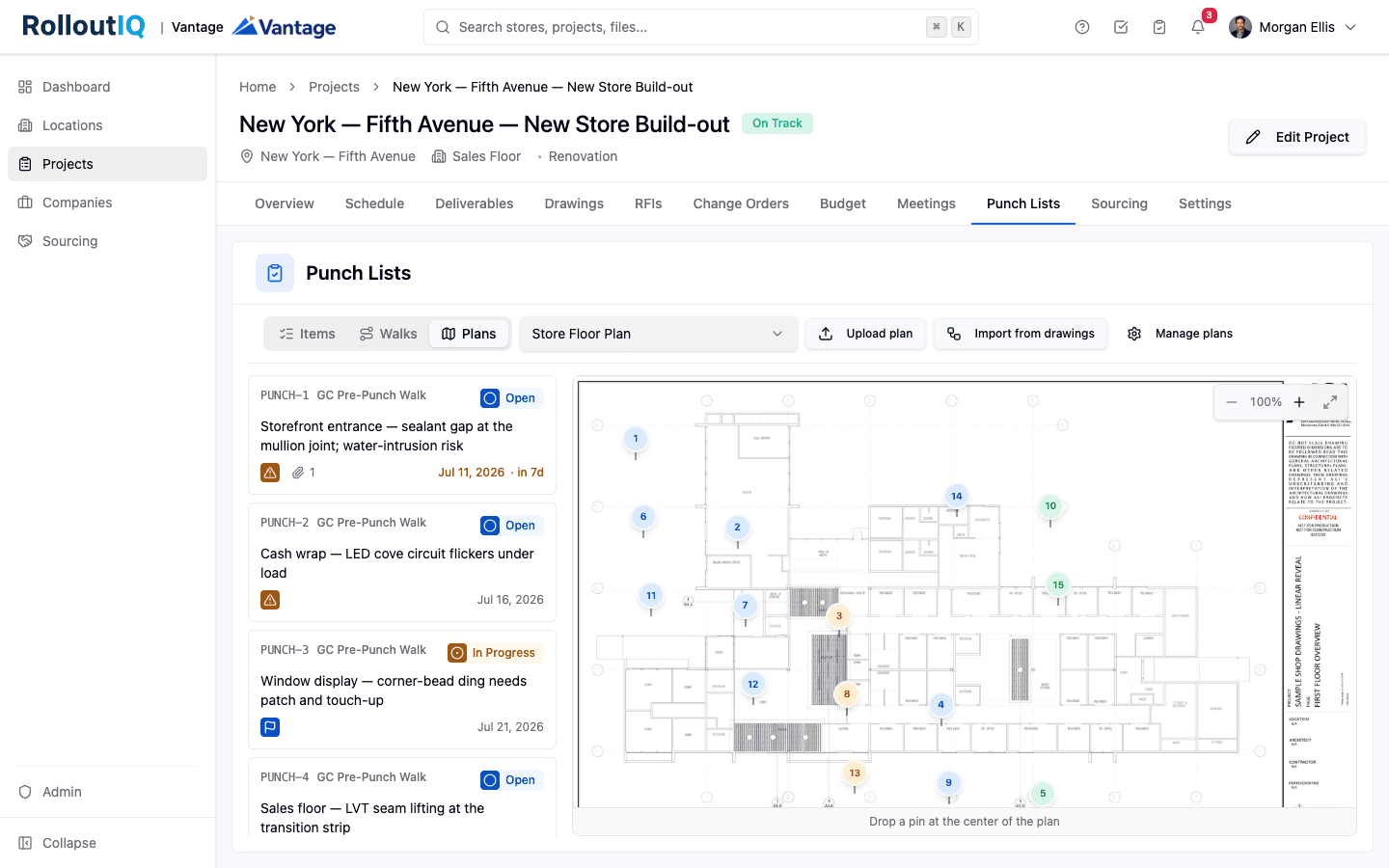
Verification gates confirm both the open and the handback.
Keep the estate legible
Reports show the fleet's state through the move, so leadership always knows which store is opening, which is closing, and where the portfolio stands.
See how it works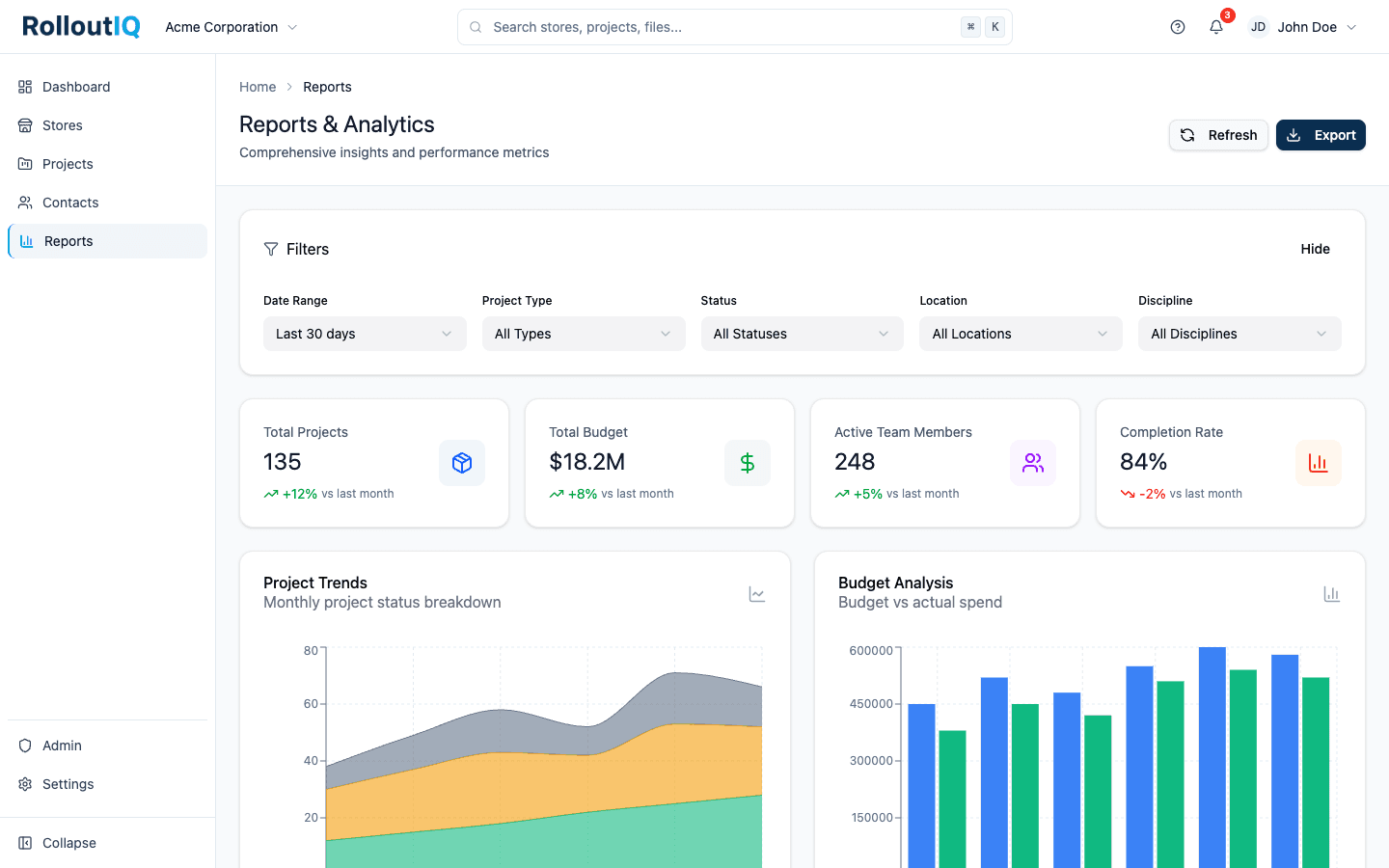
The estate stays legible through the move.
In practice
Right-sizing into a larger format
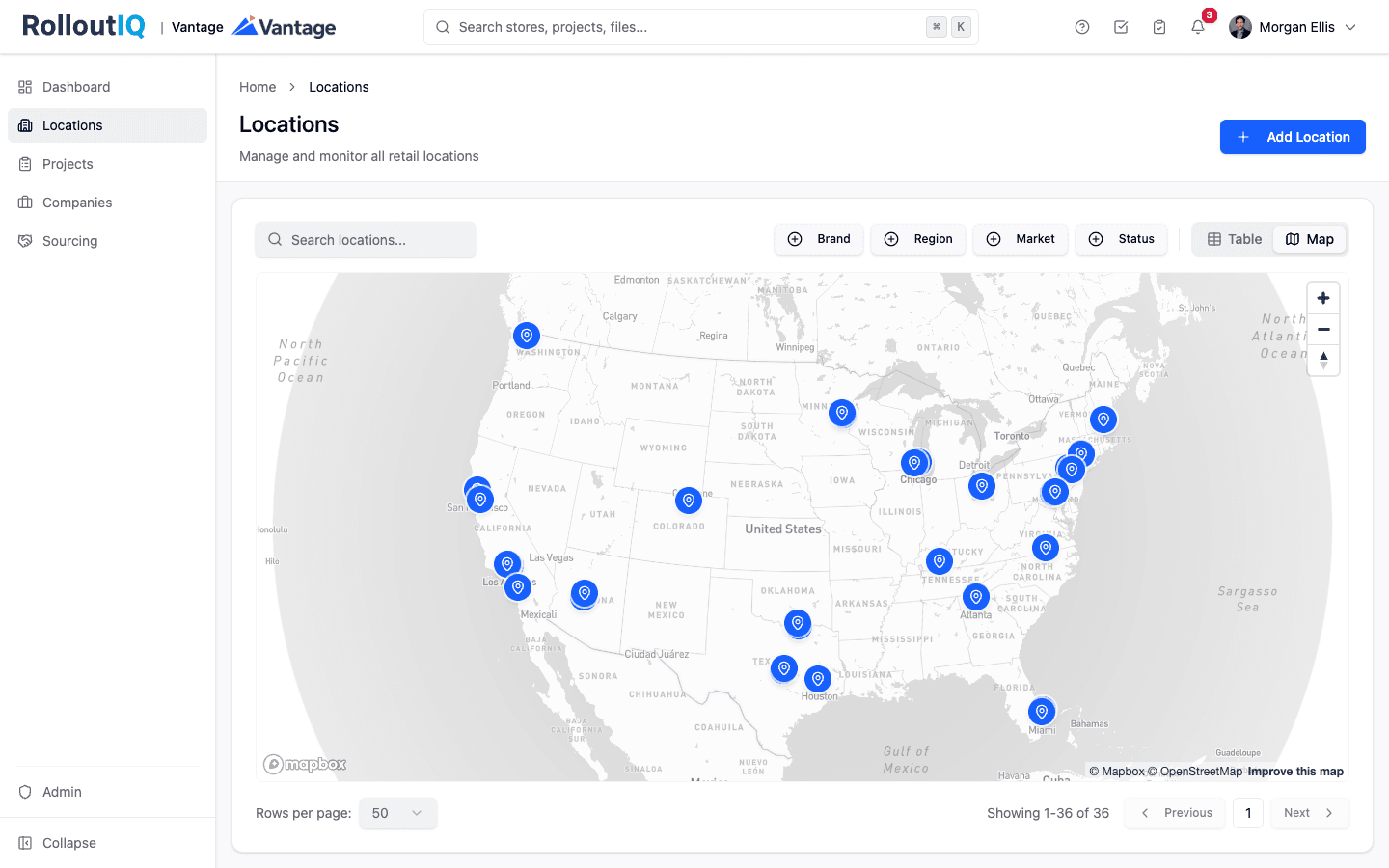
A retailer disciplined about its fleet relocates stores into larger, better-positioned spaces while closing weaker ones, sometimes all in the same market at once. Run each move as one relocation project, and the overlap between the store that is opening and the store that is closing is planned to the day instead of managed by phone.
FAQ
Common questions
Relocation is a first-class project type. The store model treats a move as closing one space and opening another, and both sides sit on one schedule so the overlap is coordinated. You could run them as two separate projects, but modeling the move as one is what keeps the new store's readiness tied to the old store's wind-down.
Plan the overlap to the day
Book a walkthrough and we will show you how a relocation runs when the close and the open live on one schedule.