
Technology and equipment rollouts
Roll out new equipment across the fleet without reinventing the plan per store
Self-checkout, digital menu boards, EV chargers, security, or a POS refresh are all the same thing underneath: a repeatable install across many sites on a fixed timeline. RolloutIQ runs it as one program so every site is on the same playbook.
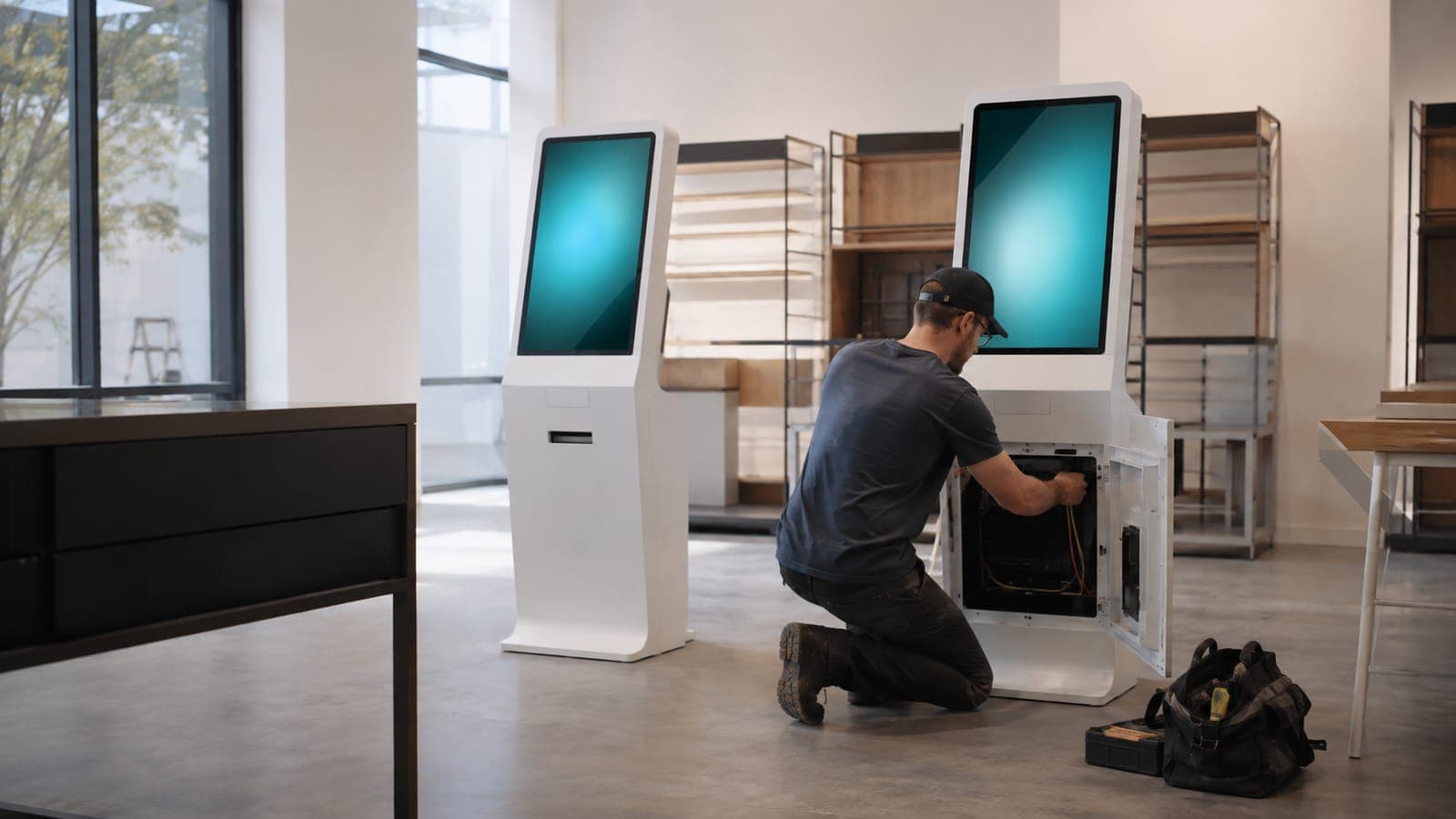
The way it works today
What running a technology rollout looks like today
A fleet-wide install is planned site by site in a spreadsheet even though the steps barely change from store to store, and there is no single view of which sites are done, scheduled, or stuck.
A repeatable install at scale
Hundreds of nearly-identical installs still get planned one at a time, with no shared playbook to lean on.
Site-by-site coordination
Each location needs its own scheduling, vendor, and sign-off, and keeping that straight across the fleet is the whole job.
A fixed rollout window
The program usually has to finish by a date, so a handful of stuck sites can put the whole rollout at risk.
How RolloutIQ runs it
How RolloutIQ runs a technology rollout
Model each site as an install project
Every location becomes a project of the same type, so the rollout is one system instead of one row per store.
See how it worksEncode the install as one reusable template
The repeatable install sequence becomes a schedule template with owners and due dates, applied to every site in a single move.
See how it works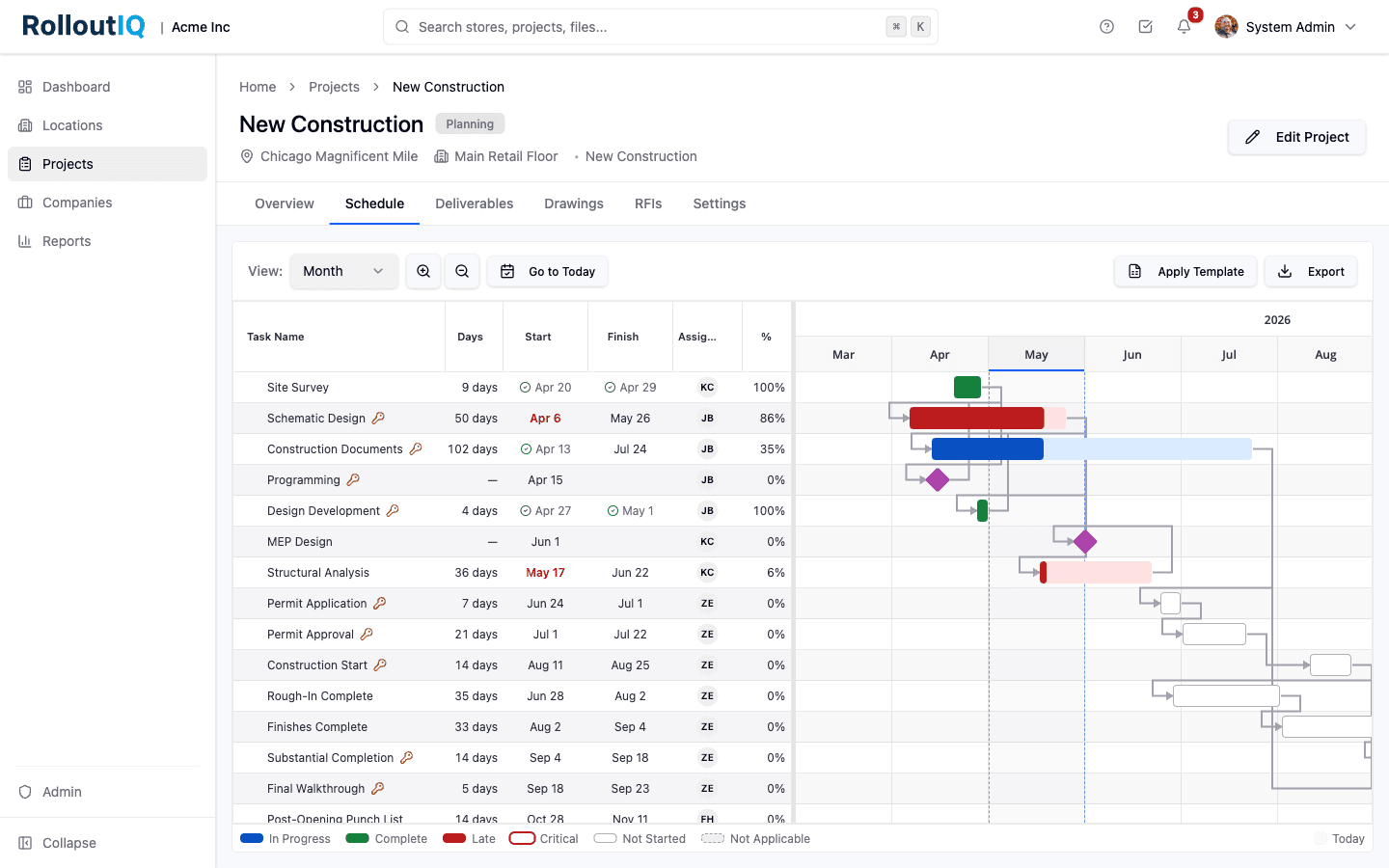
One reusable template drives every site in the rollout.
Award the install vendor
Run the vendor bid and award through Sourcing, feeding the number into the program budget.
See how it works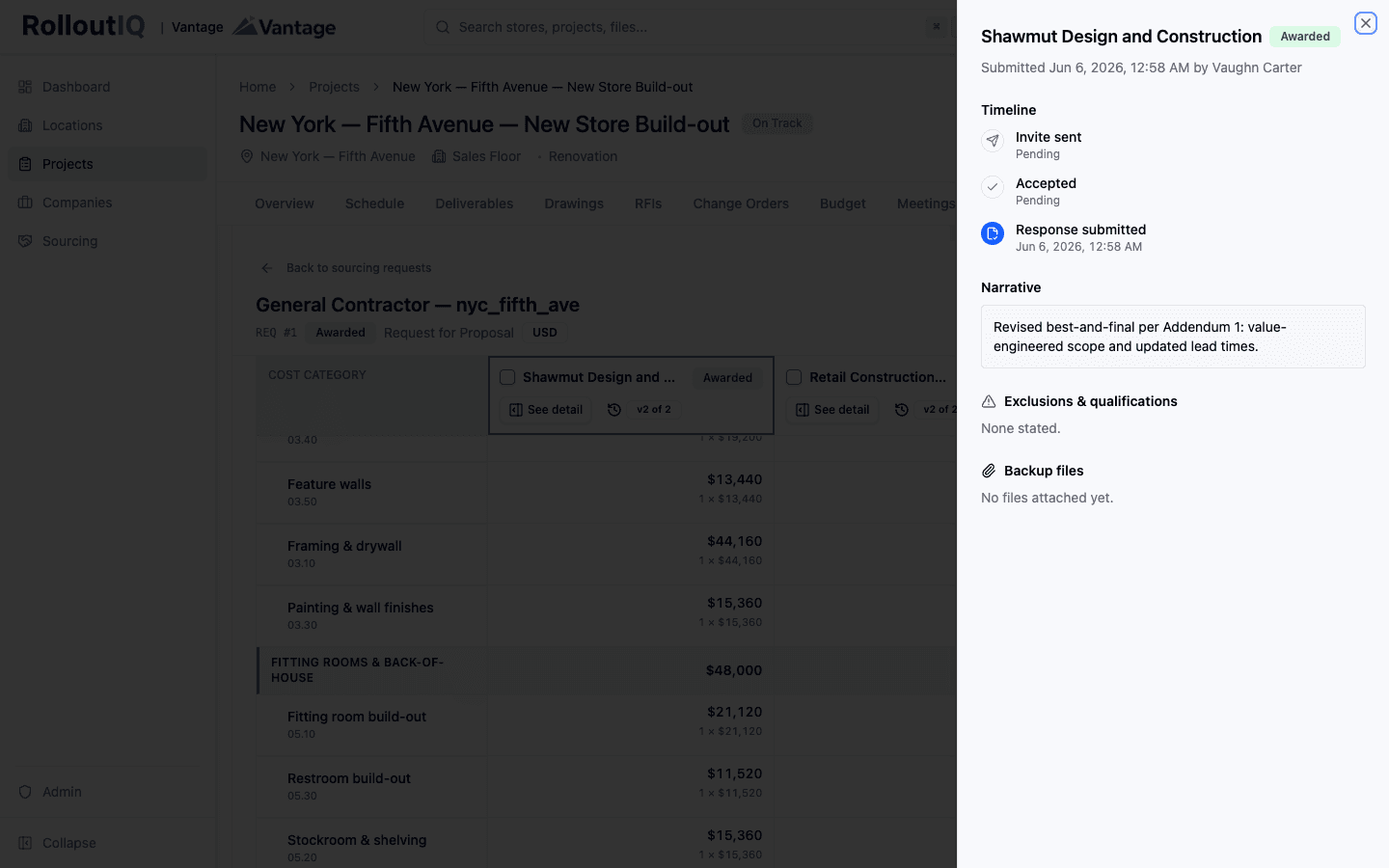
Award the install vendor from a leveled bid.
Validate each install
A punch walk with a verification gate confirms the equipment is installed and working before the site is marked complete. Whoever walks the site logs a failed install from the RolloutIQ app, pinned where the equipment sits.
See how it works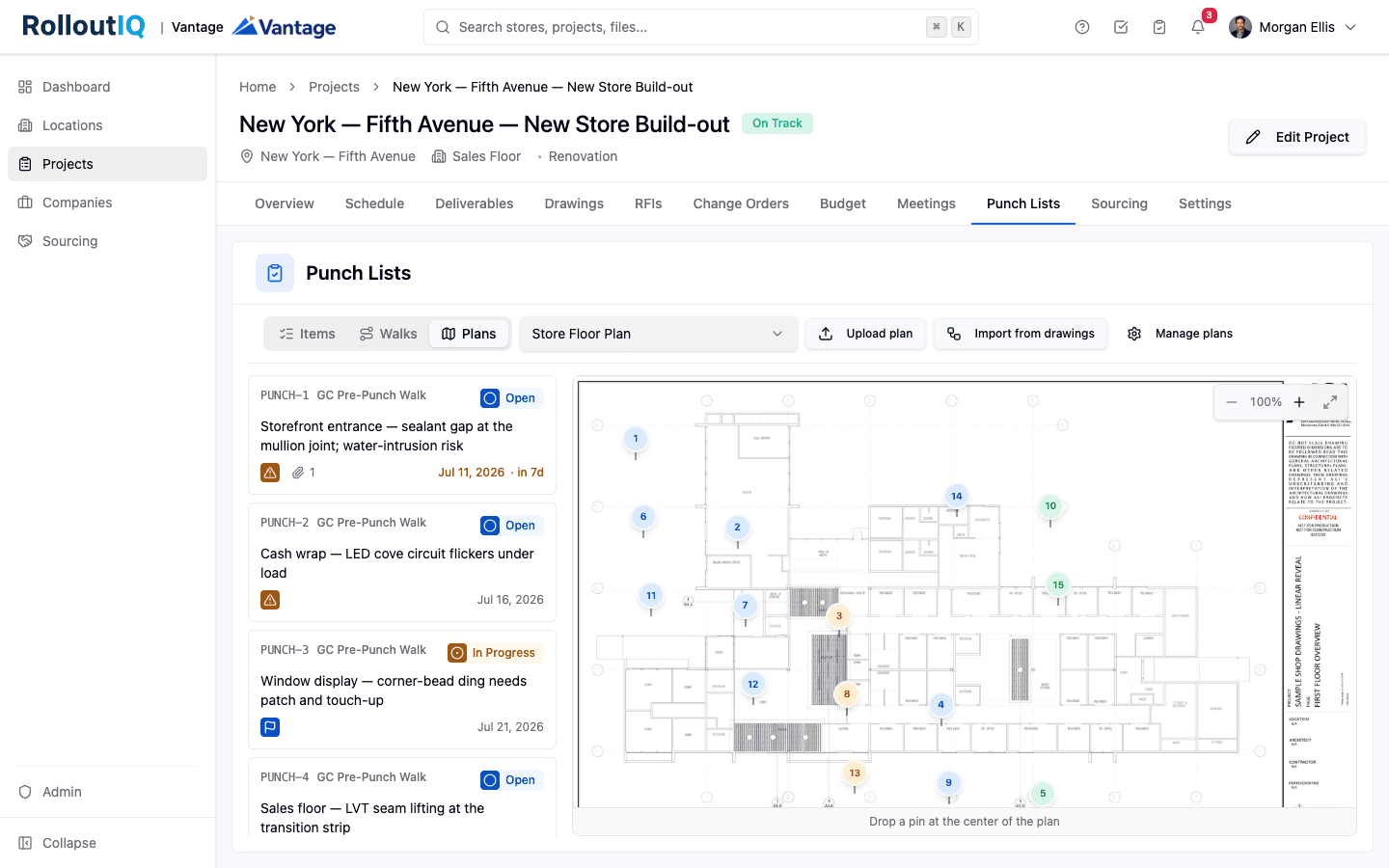
A verification gate confirms each install before it closes out.
Track the rollout from one screen
Reports show a rollout tracker and a schedule-risk hotlist, so the sites that are stuck are a flag on a dashboard, not a surprise at the deadline.
See how it works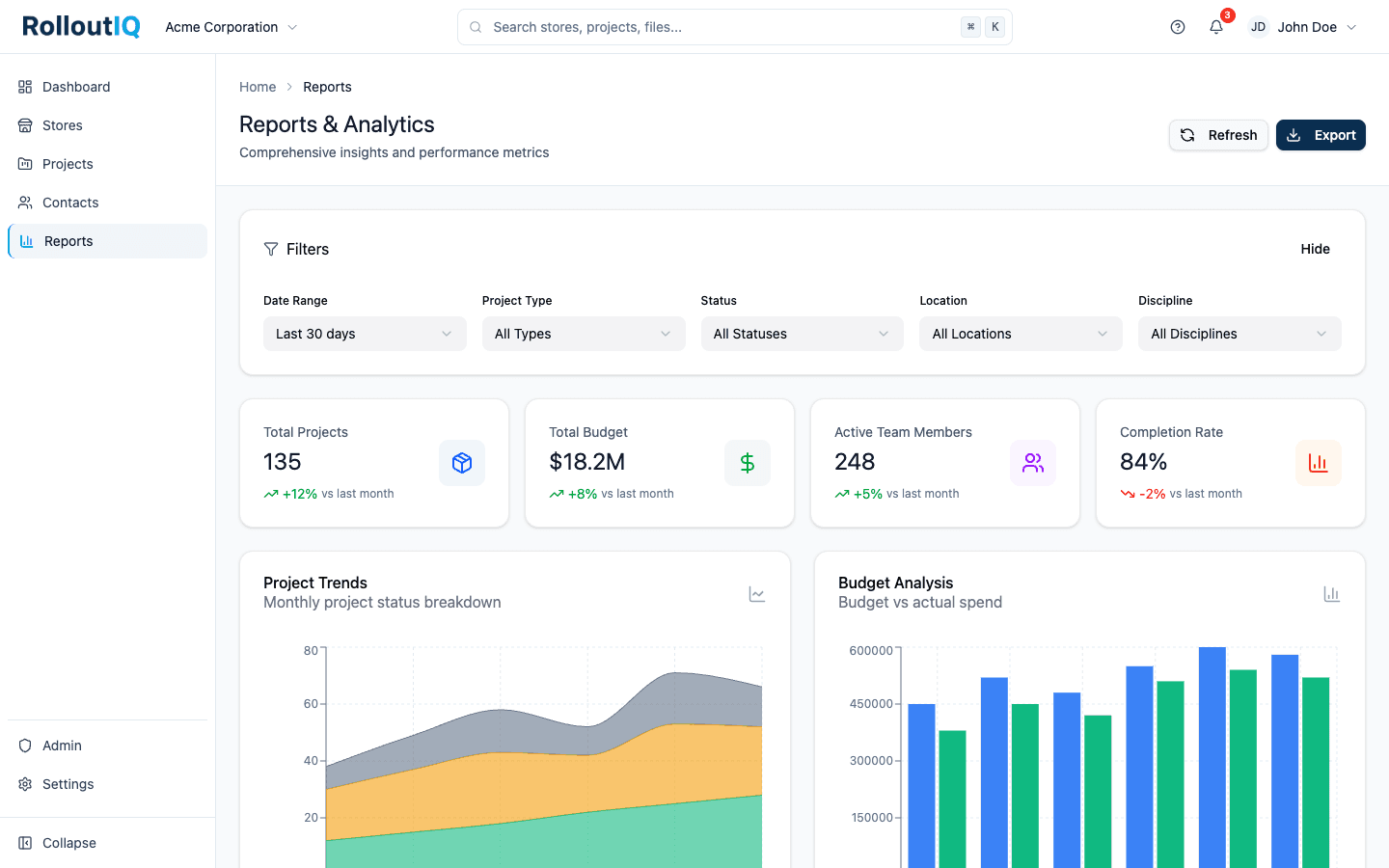
The rollout tracker shows which sites are done, scheduled, or stuck.
In practice
A self-checkout rollout on a deadline
A retailer rolls out self-checkout, or new screens, or EV chargers, to hundreds of stores by a fixed date. The install is nearly identical everywhere, so run it on one template with a portfolio tracker, and the program lead sees the handful of stuck sites in time to clear them before the deadline.
FAQ
Common questions
No. RolloutIQ runs the install program: the per-site schedule, the vendor award, the verified sign-off, and the portfolio tracker. Sourcing ends at award and feeds the budget; it is not a purchase-order, inventory, or shipping-logistics system. The value is coordinating the install across the fleet, not moving the boxes.
Run your next fleet rollout on one playbook
Book a walkthrough and we will show you how a technology rollout stays on date when every site is a project on a shared template.