
Multi-brand portfolios
Run development for every brand you operate from one workspace
Large franchise groups often run several brands, and every one of them comes with a different franchisor and prototype. RolloutIQ puts brand on every store record, so one construction team can plan the whole company and still answer each franchisor about its own units.

The way it works today
What running several brands looks like today
Operators often diversify because a franchisor may not allow a competing concept, so growth means adding a category. Every brand added brings another set of standards, and the tracking usually splits along brand lines.
Beyond restaurants
FRANdata's 2026 Multi-Brand 50 describes the largest operators as diversified portfolio companies, with fitness, childcare, and services sitting next to their restaurant brands.
A different rulebook per brand
As FRANdata's COO noted, each brand has unique supply chains, marketing strategies, and operational standards. Construction inherits the brand's side of that, from prototype drawings to the approved vendor list.
Trackers split by brand
When each brand's team keeps its own tracker, a company-wide question about openings or capex turns into a merge job across files that were never built to match.
41%
of franchisees with 25 or more units operate across multiple brands, averaging four brands each
FRANdata, 2025
How RolloutIQ runs it
How RolloutIQ runs a multi-brand portfolio
Set up your brands once
Your admin adds each brand, region, and market to the library, and every store picks from that list. The catalogs belong to your workspace, so they match the way your company talks about its portfolio.
See how it works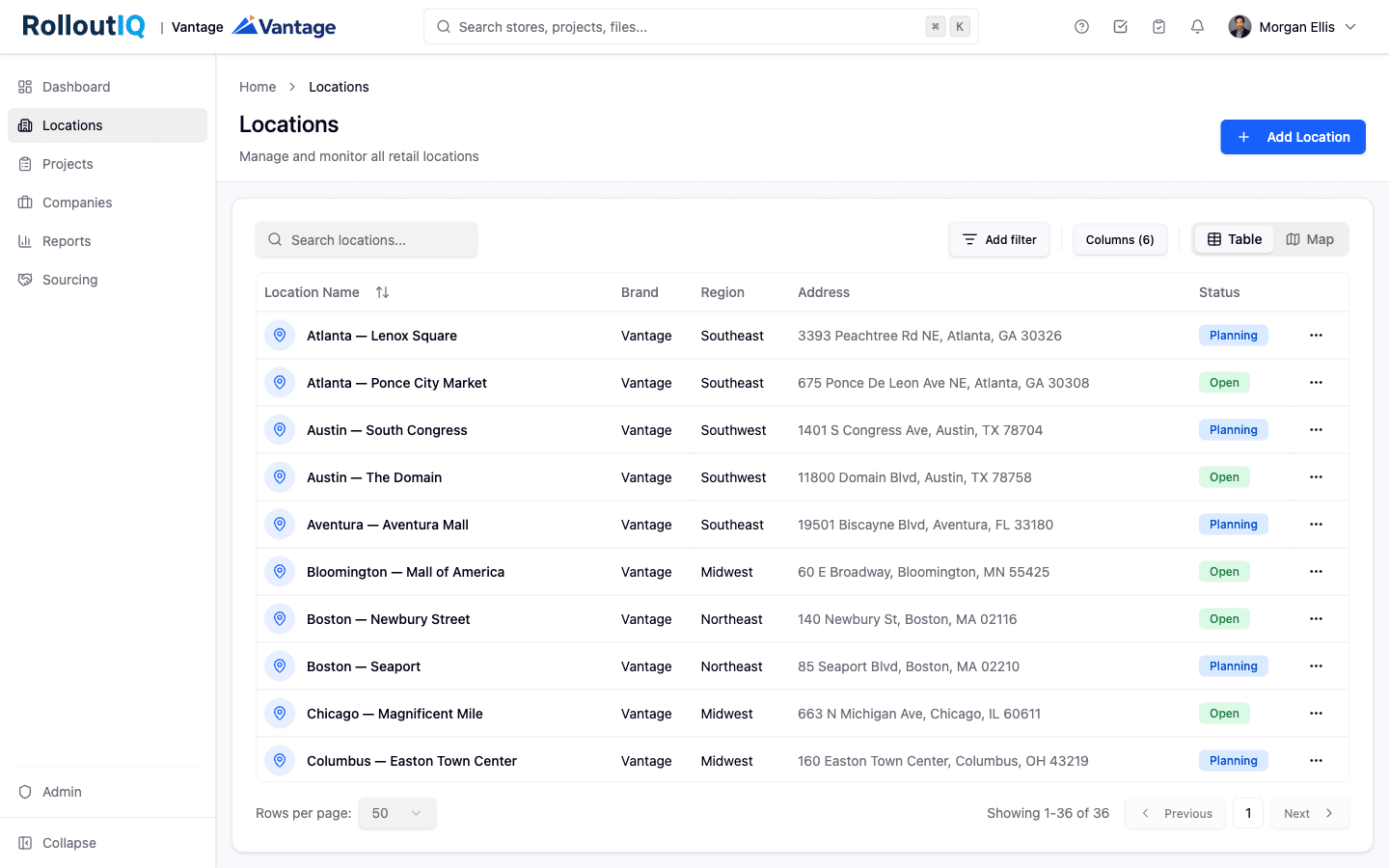
Brand, region, and market on every store.
Keep a template per prototype
Hold a schedule template for each brand's prototype and format, such as a drive-thru pad and an endcap. The team picks the right one when a project starts.
See how it works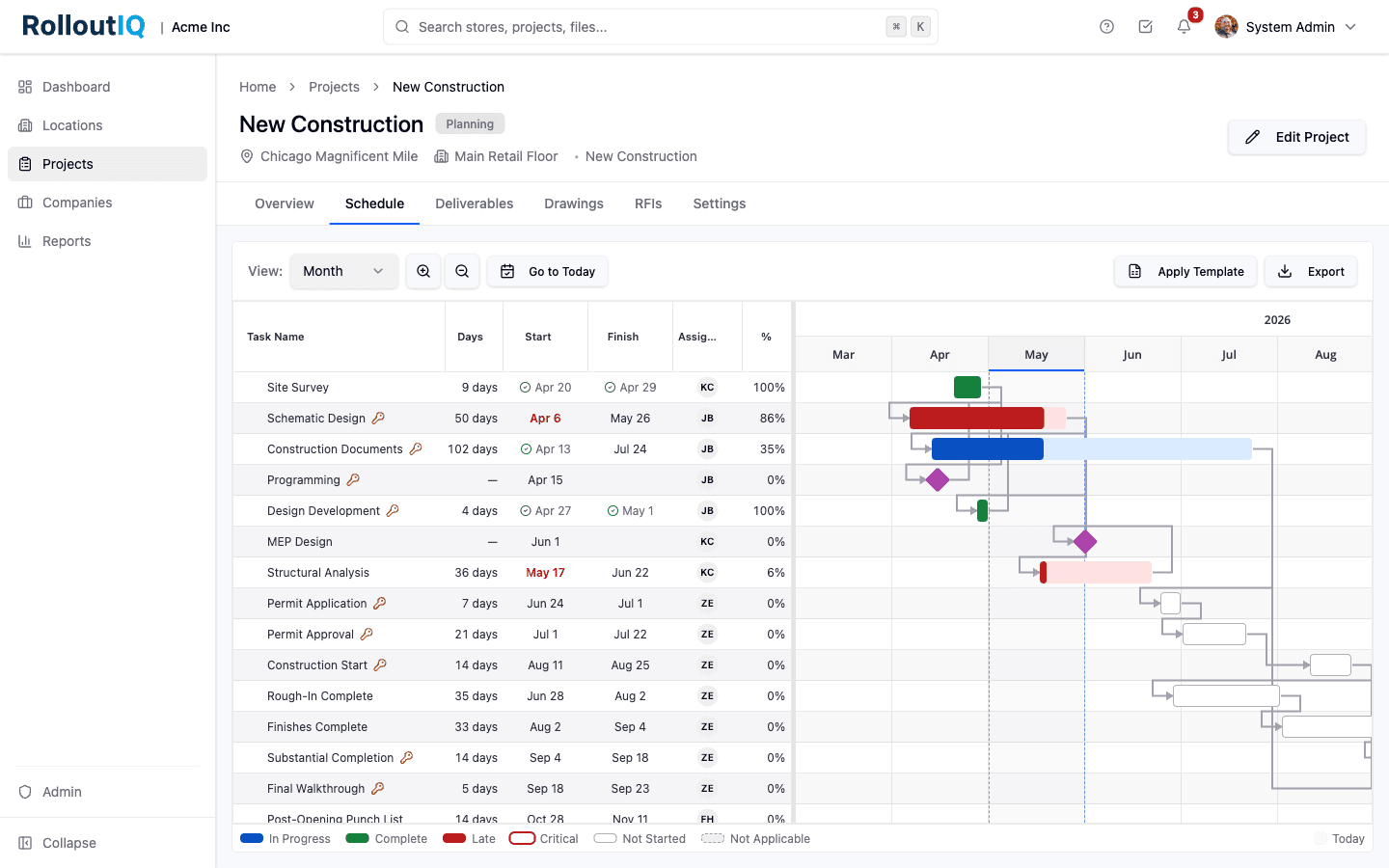
Each prototype's sequence, applied from one template.
Route approvals by brand
Scope approval matrices to a brand and region. Each combination of decision type, brand, and region carries its own matrix, so a change order reaches only the people who sign for it.
See how it works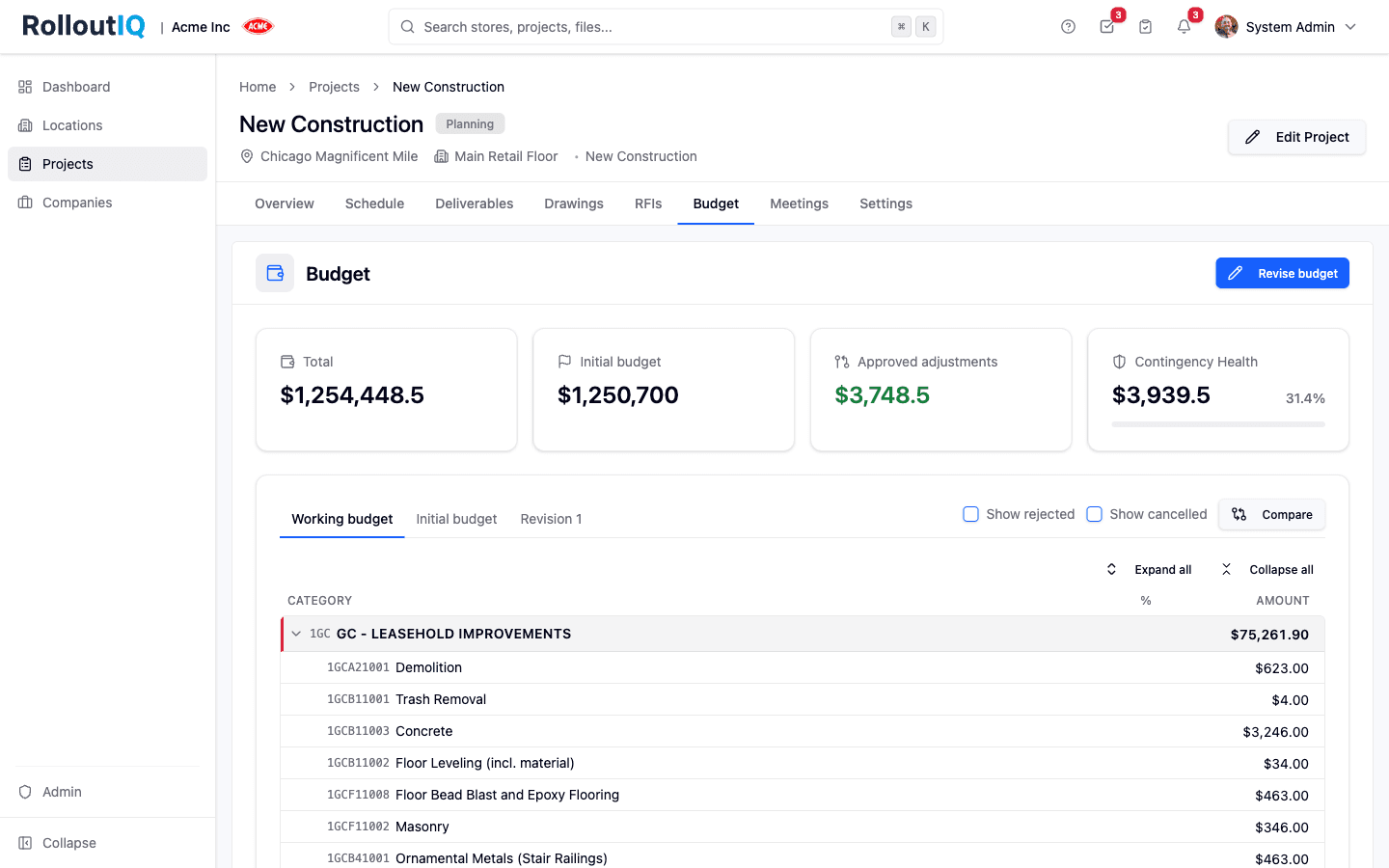
Budgets route to the signers for that brand and region.
See the company in one grid
Portfolio Explorer lists every project with its brand, region, market, schedule health, and open work. Leadership sees it grouped by brand. For a franchisor call, filter to that brand and export to Excel.
See how it works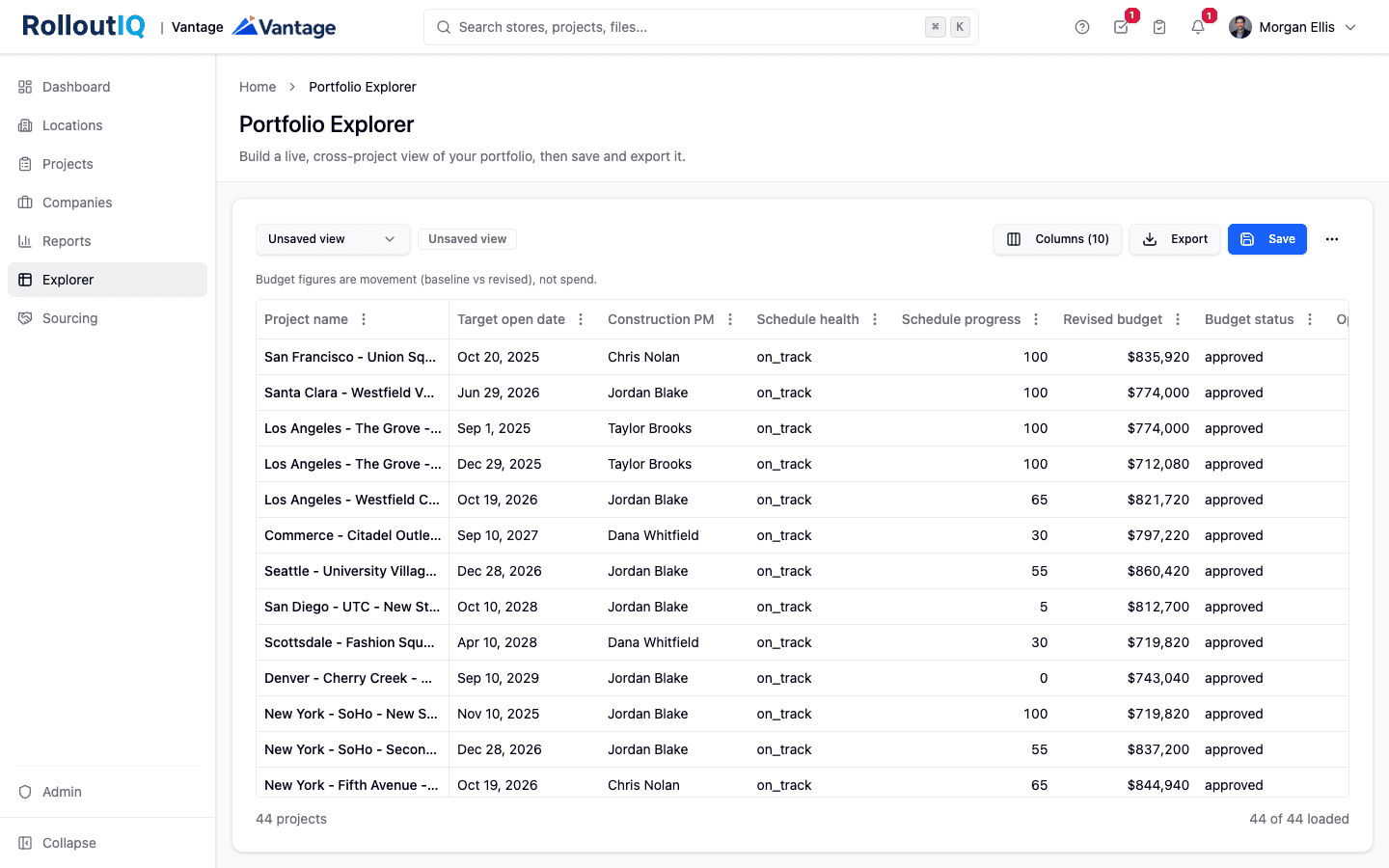
Every brand's projects in one grid you can group and export.
Compare brands on the same measures
Portfolio health scores group by brand, so you can see whose projects are running behind, and filtering the pipeline funnel to one brand at a time shows how its cycle times compare.
See how it works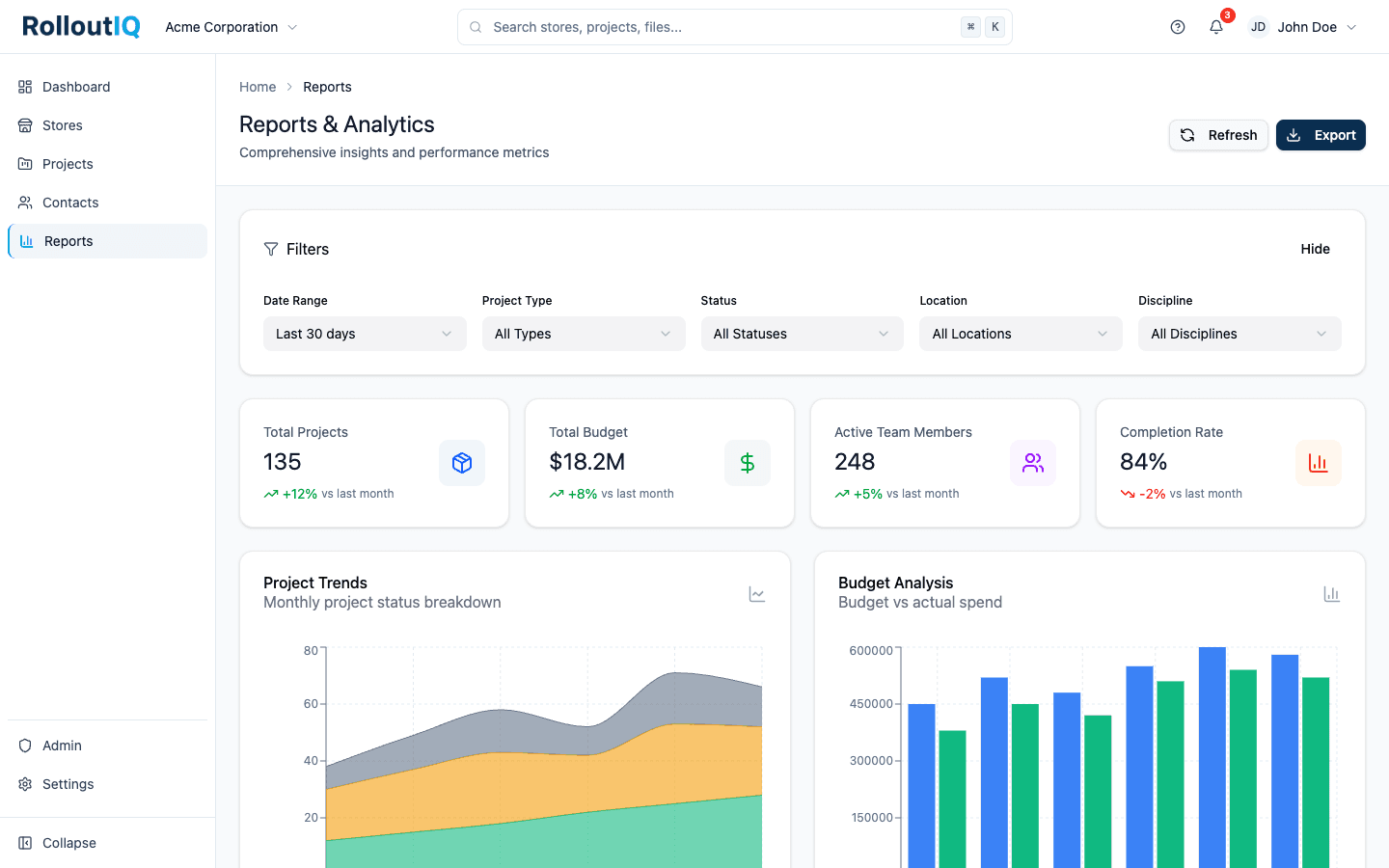
Portfolio health grouped by brand.
In practice
A construction team carrying four prototypes
Four brands put four prototypes in the team's head, along with franchisors who each expect a report on their own units. Brand on every store lets the team plan one calendar and one contractor bench for the whole company, and pull any franchisor's report by filtering to that brand.

FAQ
Common questions
Usually not. Reports and Portfolio Explorer can show the whole company only when every brand lives in one workspace, with brand as a field on each store. Separate workspaces make sense when hard separation matters more to you than a combined view.
Yes. Access comes from the roles a person holds on each project and location, so a construction manager can be assigned stores in any brand within the same workspace.
See every brand in one pipeline
Book a walkthrough and we will show you a portfolio with several brands, grouped and filtered the way a multi-brand construction team works.