
Pop-ups and temporary stores
Stand up a wave of pop-ups without reinventing the plan each time
Pop-ups live and die on a compressed calendar, and they usually all open around the same event. RolloutIQ runs each one as a project on a reusable template, so the whole wave is repeatable and every day of slip is visible.
The way it works today
What running pop-ups looks like today
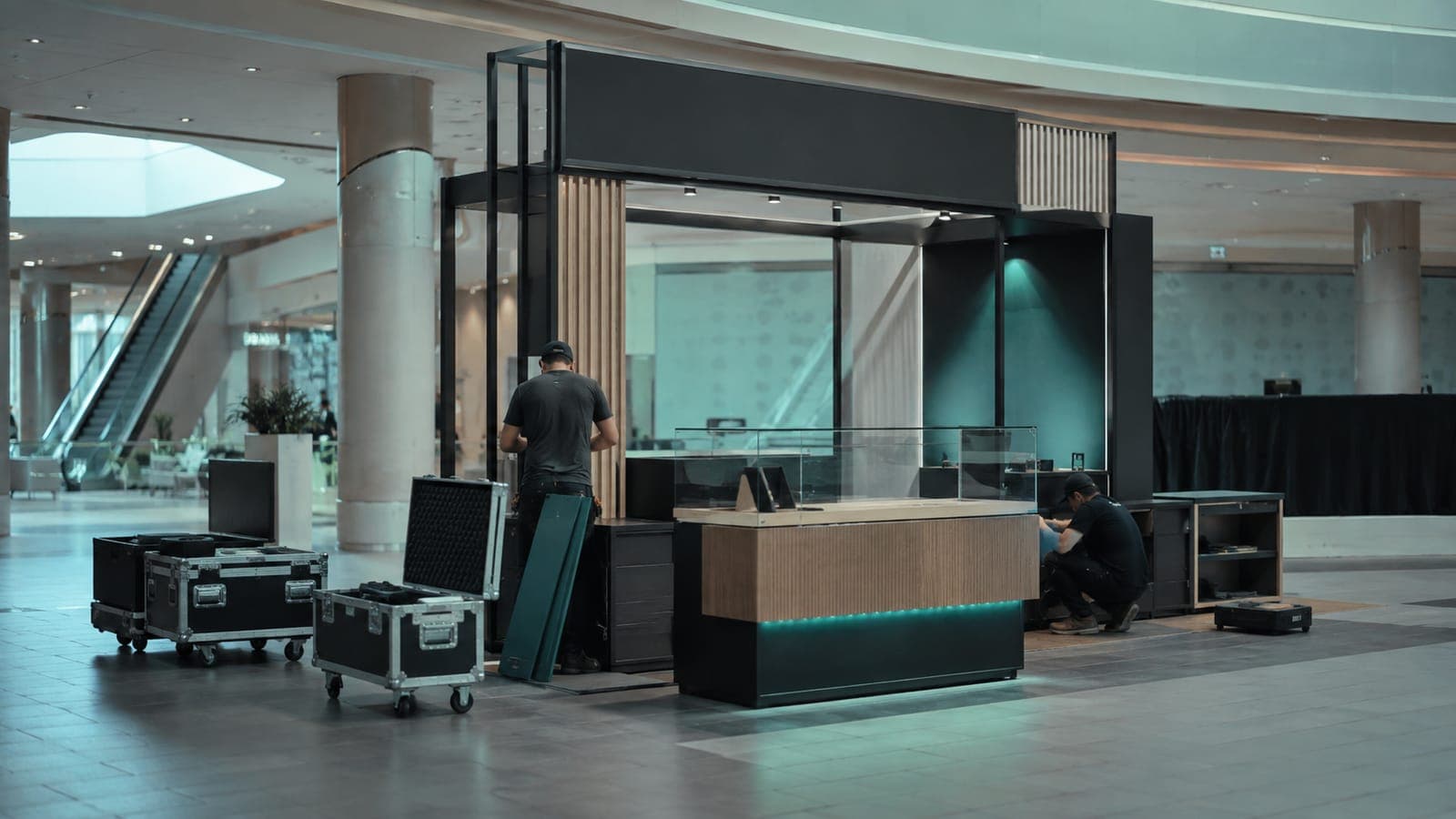
A pop-up is a full store buildout compressed into a few weeks, and a marketing calendar sets an opening date that will not move. When you run several at once, each is planned from scratch in its own spreadsheet, and there is no single view of which ones are behind.
A window measured in weeks
On-site work is often one to four weeks, and the whole cycle four to twelve, so a few days of slip eats a large share of the schedule.
An immovable launch
The opening is tied to a campaign or a season. The date is fixed, so the plan has to absorb the risk.
Replanned every time
Without a reusable playbook, every pop-up starts as a blank page even though the steps barely change.
How RolloutIQ runs it
How RolloutIQ runs a pop-up wave
Build one lightweight template
Encode the compressed pop-up sequence once as a schedule template, then apply it to every location so the wave is repeatable in a click.
See how it works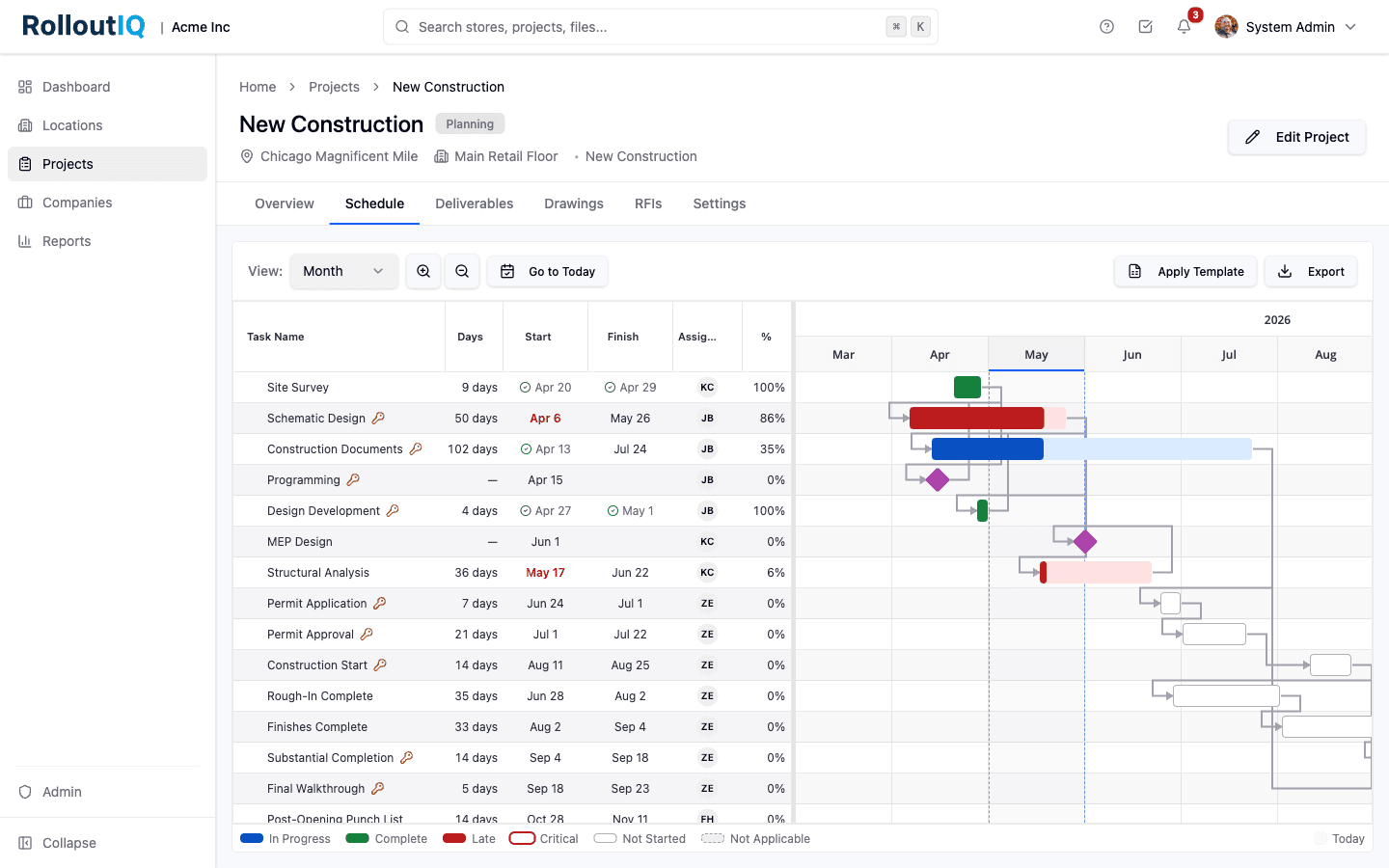
One reusable template drives every pop-up in the wave.
Run the fast execution as tasks and a punch walk
Short, owner-assigned tasks carry the buildout, and a punch list with a verification gate confirms each location is open-ready. On the final walk, the project owner pins each open item on the floor plan from the RolloutIQ app.
See how it worksTrack the whole wave against its date
The opening tracker shows every pop-up's status at once, so a location falling behind the campaign date is a flag, not a phone call.
See how it worksIn practice
A synchronized pop-up wave for a launch
A brand opens a set of temporary stores around a single campaign moment. Each site runs on the same compressed template, and the portfolio view answers the only question that matters in a four-week window: is every location going to make the date.
Keep reading
Go deeper on the work



Run your next pop-up wave on a repeatable playbook
Book a walkthrough and we will show you how a compressed opening stays on its date when every location is a project on one template.