
Field Documentation
Keeping the Visual Record Usable Across a Portfolio
Thousands of progress, punch, and walkthrough photos pile up across a store fleet, then go missing the moment a dispute or a closeout needs one. A file system that reads iPhone photos and opens 360 walkthroughs, with every file in one searchable gallery, keeps that record findable.
The visual record goes missing when you need it most
A single retail buildout throws off thousands of photos before it opens. Progress shots every few days from the superintendent, a photo for nearly every item on the punch walk, and a closeout package that wants a before-and-after of each space plus proof the fire caulking went in before the ceiling closed. Multiply that by a portfolio of stores, each on its own schedule with its own crew shooting to its own phone, and the count runs into the tens of thousands.
Those photos rarely land anywhere durable. They sit on personal camera rolls, in group texts, on a couple of shared drives, and in a vendor portal whose login nobody can find. A slip-and-fall claim arrives 14 months after opening, or a roofing manufacturer challenges a warranty, or a landlord disputes the condition a space was handed back in, and someone has to reconstruct what one site looked like on one particular day, working from a photo that almost certainly exists on someone's phone but cannot be surfaced under a deadline.
Why a camera roll cannot carry the record
Start with the format problem. Since iOS 11 shipped in 2017, iPhones capture in Apple's High Efficiency format by default, so most field photos now arrive as HEIC or HEIF files. Plenty of shared drives and older document tools still show a broken thumbnail for those, or make you download and convert the file before you can see the shot at all. A phone panorama gets squeezed into a thin cropped strip in a list view, so a sweep of a full sales floor is unreadable at the size it renders. A 360 walkthrough from a Photo Sphere or a dedicated 360 camera opens as a warped rectangle rather than a space you can look around.
Format is only half of it. A camera roll has no idea which store a given photo belongs to. Location metadata might be in the file, or a messaging app might have stripped it somewhere along the way. Nothing on a camera roll ties a photo to the store it was taken at, and there is no set of thumbnails to scan for the shot you half-remember. Filing all of it by hand gets skipped once the next site is already behind.
A file system that reads field photos the way they are shot
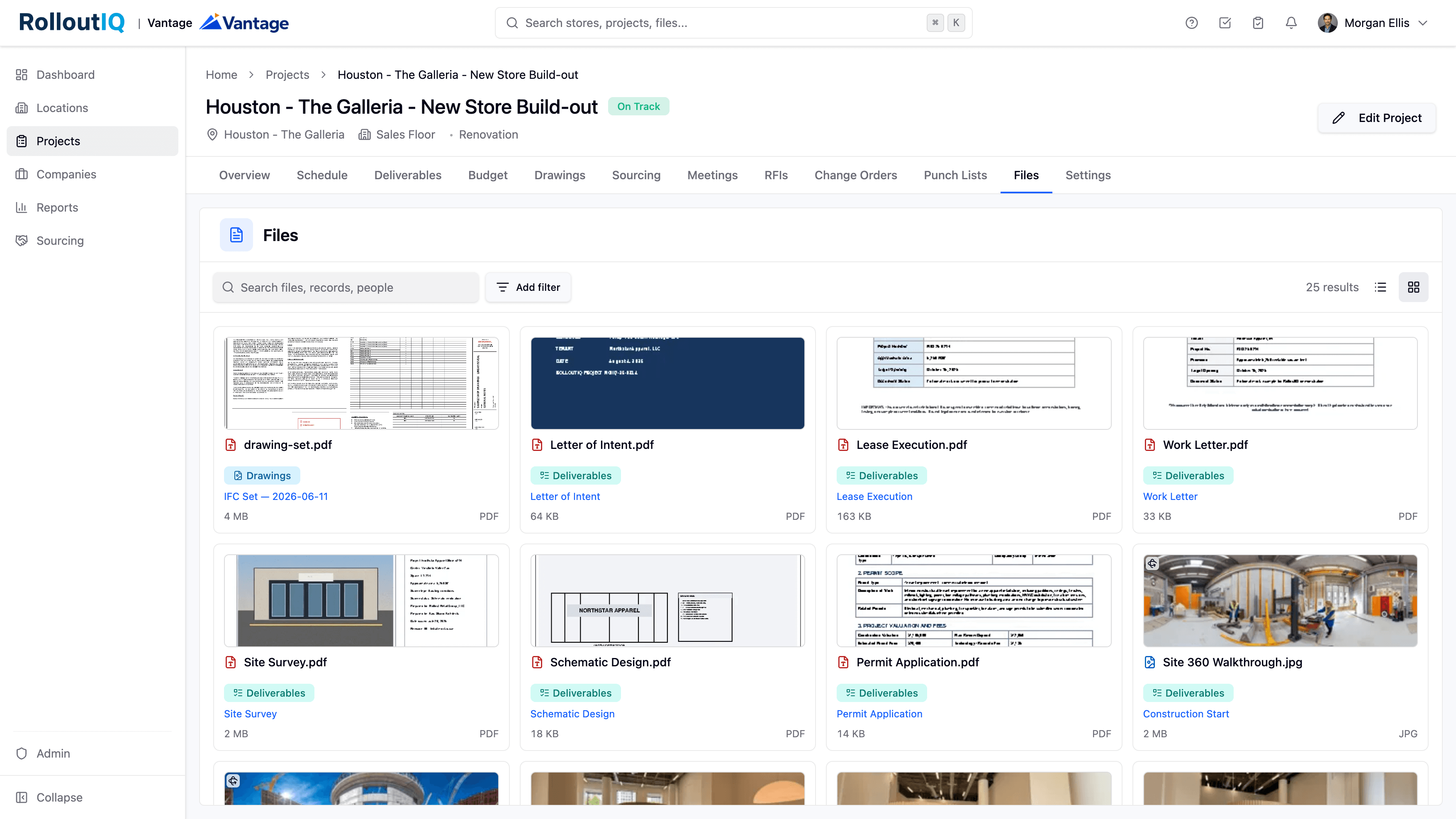
RolloutIQ runs one document management file system behind every part of a project, and a photo attaches to the work it came from. A punch photo attaches to the punch item it documents, and a progress shot to the location it was taken at. HEIC and HEIF preview inline alongside JPEG, PNG, and AVIF, so an iPhone photo opens without a conversion step in the way. A wide panorama shows in full instead of a cropped sliver.
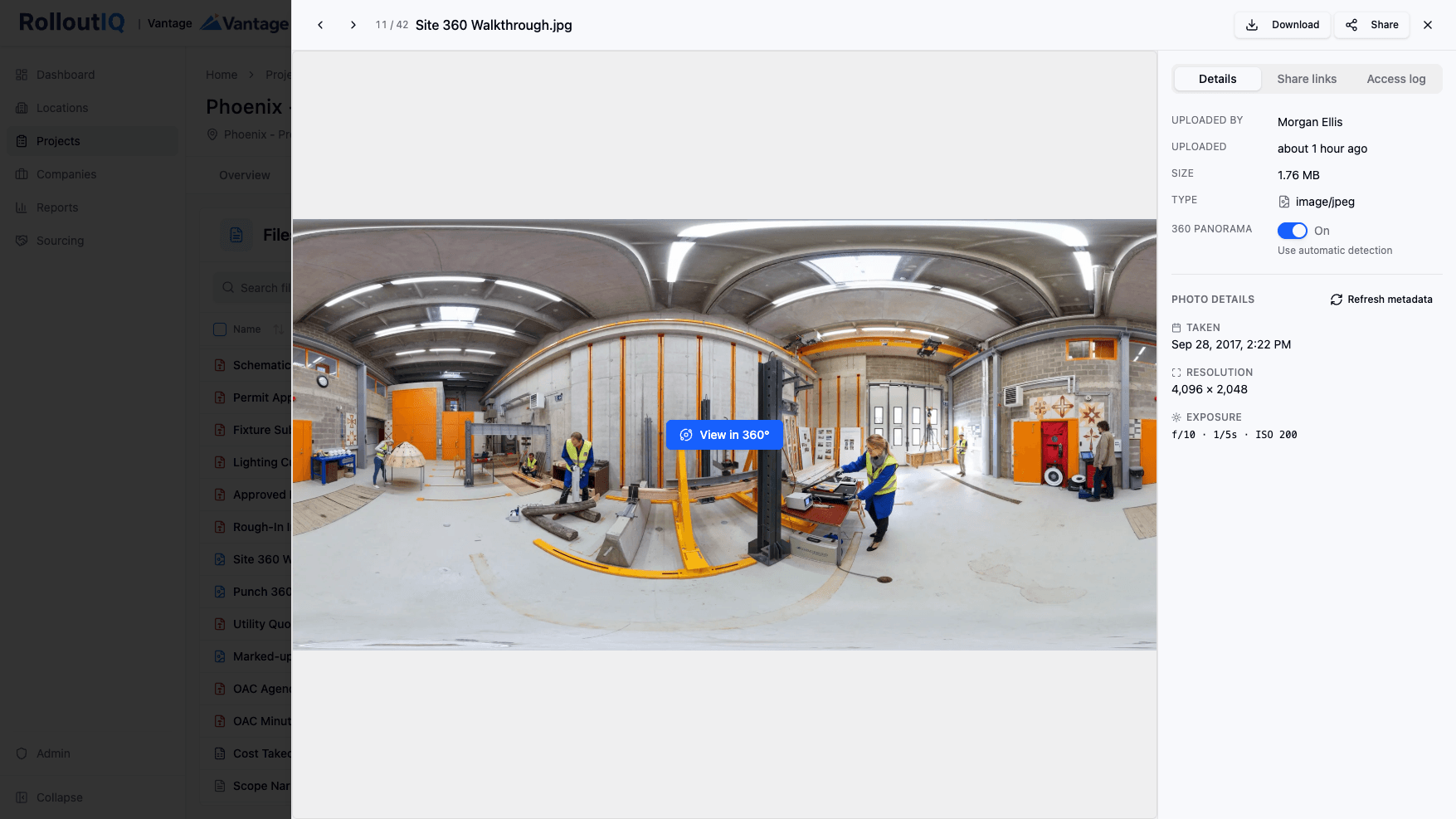
When a photo carries the tag a Photo Sphere or 360 camera writes into it, RolloutIQ detects that automatically, marks the tile with a 360 badge, and opens the photo in an interactive sphere you drag through to look around the space. Detection reads that metadata tag rather than guessing from the picture's shape, which keeps it honest in both directions. A real 360 that was exported without the tag can be switched on with a manual panorama toggle, and a wide shot wrongly flagged as 360 can be switched off, each with a clear path back to automatic detection.
Every file attached anywhere on the project also lands in a gallery of thumbnail tiles, each one carrying the module and the source record it came from, next to a searchable list for when you already know what you are after and the gallery for the shot you cannot name but would recognize on sight.
The data that makes a site photo hold up
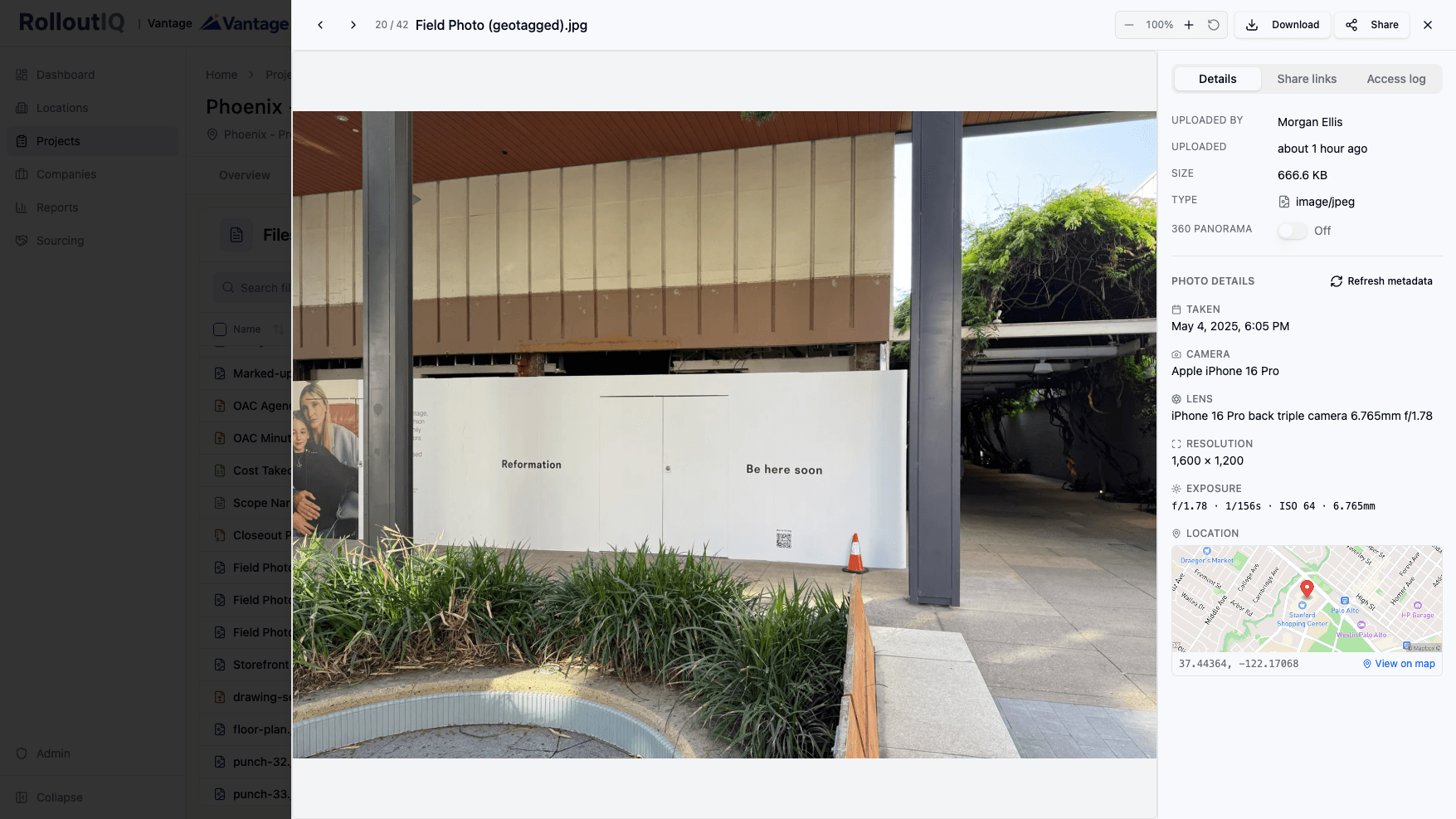
A site photo holds up in a dispute when it can prove when and where it was taken, and that proof rides along inside the file. Open a photo in RolloutIQ and the details panel reads it off the original. It shows the capture date and time, the camera and lens, the exposure settings, and the resolution, and it drops a location map when the photo carries GPS coordinates. Because those values come from the source file and not the generated preview, they survive re-processing, and a Refresh action re-reads them from the original whenever you want to confirm nothing drifted.
That matters the moment a claim lands. When a roofing warranty gets challenged, or a landlord argues about the condition a space was handed back in, a photo carrying its own timestamp and coordinates settles the two things in question, which day and which store, without anyone reconstructing it from three subs' phones.
The guardrails around that data are deliberate. A photo's location shows only to people who can already open the file, and it stays out of the audit log, so someone who can read the trail but not the file cannot see where a shot was taken. Metadata carries only what the camera recorded, so missing fields are expected, and many phones and messaging apps strip this information before a photo ever reaches you. Previews also render in the background, so a freshly uploaded photo may sit as a placeholder for a moment before its thumbnail appears.
What a usable visual record looks like in practice
Picture a delay argument a month before opening. The landlord says the space was not ready for fixtures on the date the lease assumed, and the schedule hinges on who was standing where and when. Rather than combing through texts, you open that store's gallery, scan to the week in question, and pull the dated walkthrough that shows the floor still open. The 360 of the sales floor loads in the viewer, so both sides look around the same scene from that week instead of trading recollections.
The same record earns its keep on ordinary days too. A regional manager reviewing four sites before a Monday call scans each gallery instead of chasing crews for photos. Use this as a checklist against whatever holds your site photos today.
- iPhone HEIC and HEIF photos preview inline, with no download-and-convert step between you and the shot.
- Wide panoramas display in full, and equirectangular 360 walkthroughs open in an interactive viewer when the photo carries the 360 tag.
- Every photo attaches to the work it documents, so it inherits that record's permissions and never floats free of its context.
- A scannable gallery of thumbnails sits alongside a searchable list, each tile showing the module and source it came from.
- Capture date, camera, exposure, resolution, and a GPS map travel with the photo, read off the original file.
- Photo location stays visible only to people who can open the file, and out of the audit log.
Sources
The claim about iPhone capture format is drawn from the following public source.
- Apple Support, "Using HEIF or HEVC media on Apple devices," on HEIF and HEIC as the High Efficiency capture format supported since iOS 11 (2017) - https://support.apple.com/en-us/116944
The Rollout
The Rollout, in your inbox
A founder's read on retail and multi-site store development. What the latest news means for your pipeline, and what we are building, every couple of weeks.

Written by
Nariman Shariat
Founder, RolloutIQ
Nariman has spent about 20 years opening stores, in the seat between the landlord, the architect, and the general contractor, across some of the largest retail and workplace fleets in the country. Along the way he built the internal platform that ran store development across a fleet, then rebuilt the same idea company after company. He founded RolloutIQ to give multi-site development teams the single source of truth he kept having to build by hand, and writes here about the work of opening and remodeling stores at scale.
More about NarimanKeep Reading
Related Articles
Continue exploring best practices for store development and construction management.
Document Management Best Practices for Construction Projects
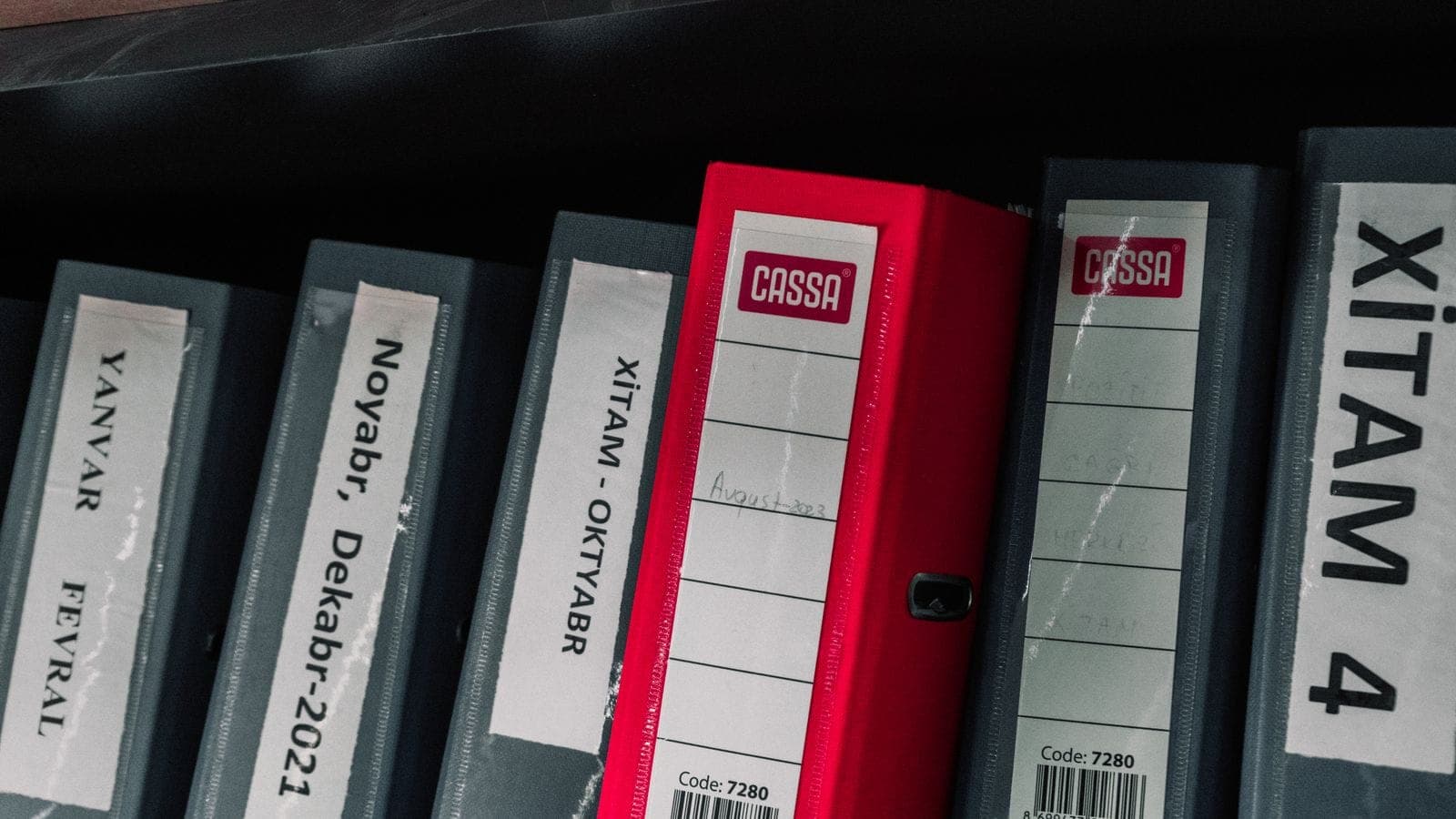
Poor document management costs construction teams hours every week and creates real project risk. Here are the best practices for getting it right across your portfolio.
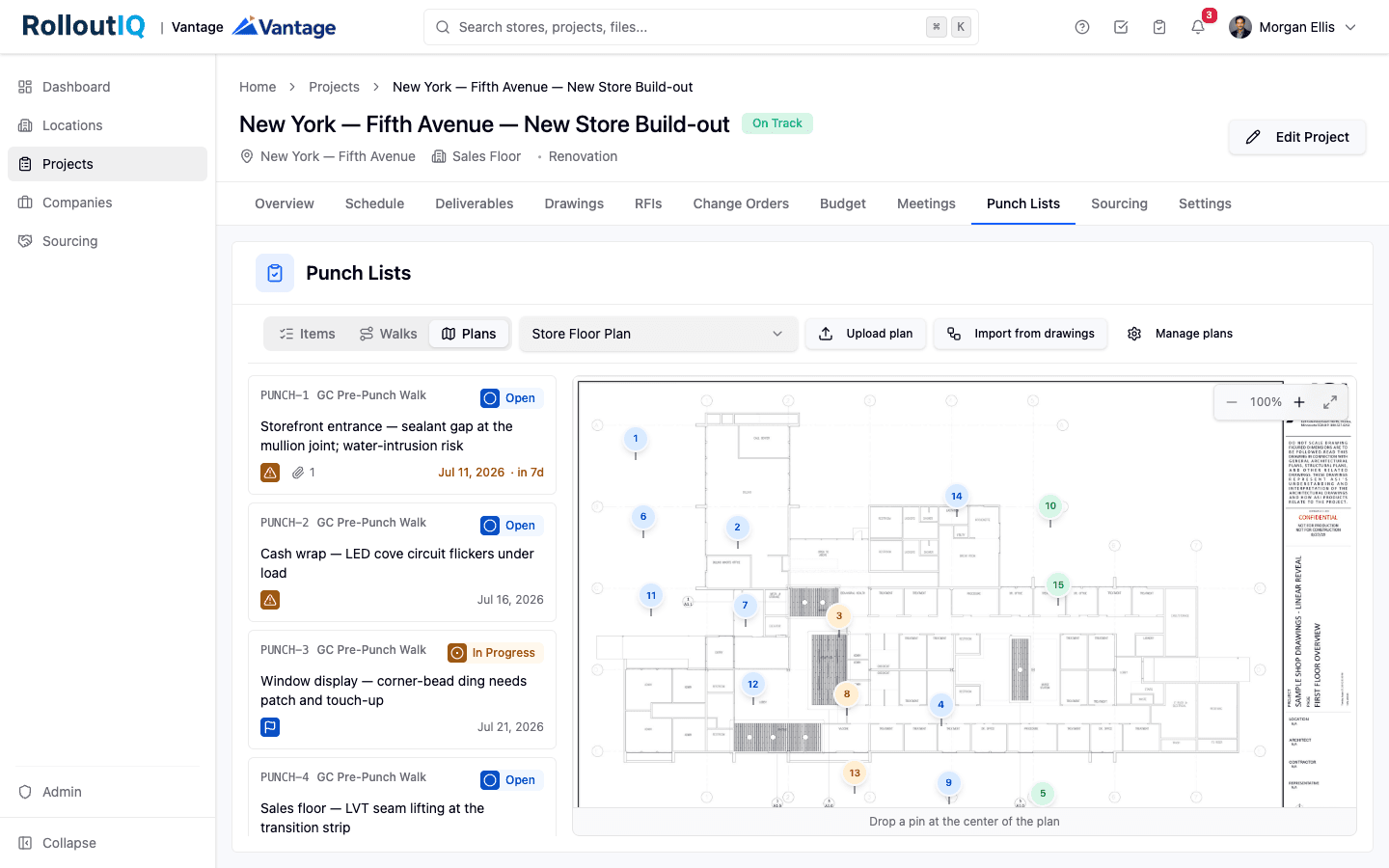
Punch List Management for Retail Rollouts: One Backlog for Every Walk
Retail store openings run a construction punch list and a separate pre-opening checklist in two different tools, reconciled by email. Here is how to put every walk in one backlog and verify each item before it closes.
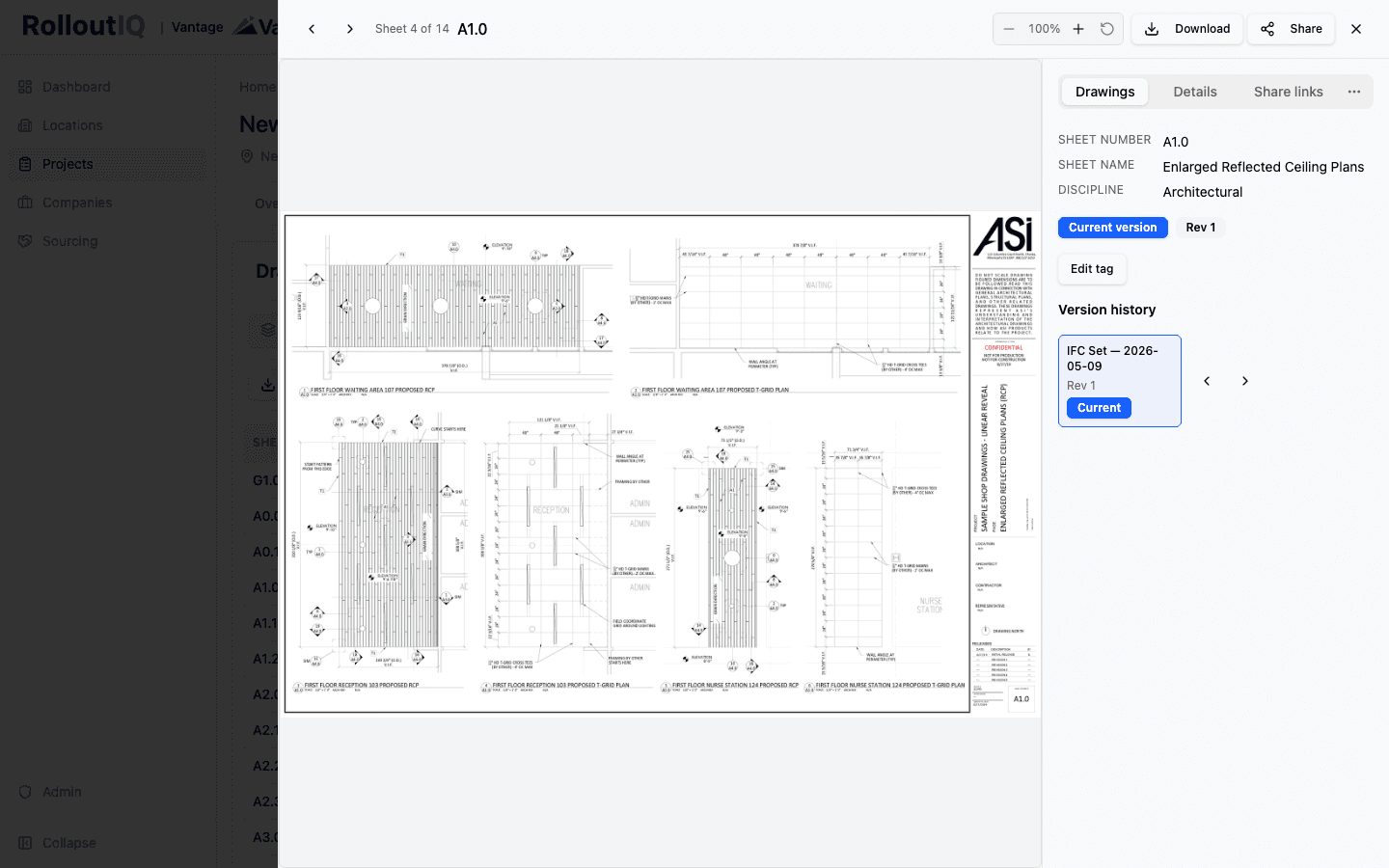
Current Drawing Set Version Control: Keeping the Field Off Stale Sheets
A drawing set is a versioned graph of sheets, not a single PDF. Filename-based storage is why stale sheets reach the field. Per-sheet version identity and automatic supersession on re-issuance keep everyone on the current set.
Ready to Build Smarter?
See how RolloutIQ™ can streamline your retail and multi-site rollout program. Book a personalized demo with our team.