
Field Documentation
Reviewing Progress Photos Without the Site Visit
A PM overseeing stores they can't walk every week depends on site photos. Here is how to keep those photos on the project, where a week of them takes minutes to review and vendors see only the albums meant for vendors.
Photos are how an off-site PM sees the job
A project manager running eight store builds at once cannot walk all eight every week. Some of those stores are a flight away, and the close ones still compete with landlord calls and the next site's permit set, so most weeks the PM sees those stores only in photos.
A 30-second scroll through 20 progress shots tells a PM more about a store than a long written status report. Photos travel well too. A brand executive and a finance lead can look at the same shot of a sales floor and each come away with something useful.
Where site photos end up on most projects
Most progress photos start on the superintendent's camera roll. It holds the most complete record there is, on a phone the PM never sees. Urgent shots go out by group text, where they get mixed in with scheduling chatter and scroll out of view within a day. Whatever makes the GC's weekly report ends up as 10 to 30 photos embedded in a PDF that can't be searched, usually minus the capture date. Photos scattered across phones and PDF reports are poor project data, and research from PlanGrid and FMI that surveyed nearly 600 construction leaders found miscommunication and poor project data drive 48% of all rework on US jobsites.
Six months into a project, a shared drive has folders arranged by whoever uploaded first and half its files named IMG_4471, and anyone with the link, vendors included, can open the budget-sensitive shots the brand team meant to keep internal.
iPhones record video in Apple's High Efficiency format, and Apple's own support page tells anyone who needs broader compatibility to switch the camera to Most Compatible. Almost nobody in the field changes it. The walkthrough a GC uploads often won't play for the person who opens it on a laptop.
The photos leave on those phones when the PM rotates to a new program or the superintendent moves to another GC. A year later a change order turns on what a wall looked like before the drywall closed, and the shot is gone.
What a progress photo workflow needs
A photo is useful to an off-site PM when it sits on the project it documents and the PM can ask about it right there.
Weekly progress shots, a site visit, a landlord walk and the opening-day marketing photos each want their own album on the project, so a PM reviewing progress never wades through 40 site survey shots to find this week's. Inside an album, order should follow the date the camera recorded, which keeps a week of progress in the sequence it was shot even when the GC uploads all of it on Friday afternoon.
The PM also needs to know what changed since the last look. Eight albums with 20 new photos each is 160 photos, and the review only works if it starts at the oldest photo the PM hasn't seen.
Photo Albums in RolloutIQ is built around that review. Albums are grouped by type on each project, starting with Progress, Site Visit and Marketing, and the photos inside sort by the date they were taken. Album cards count the photos that are new since your last visit, worked out per person and never counting your own uploads, and inside the album a marker shows where the new ones begin. Contractors and vendors upload straight into a shared album instead of emailing attachments for someone to re-save.
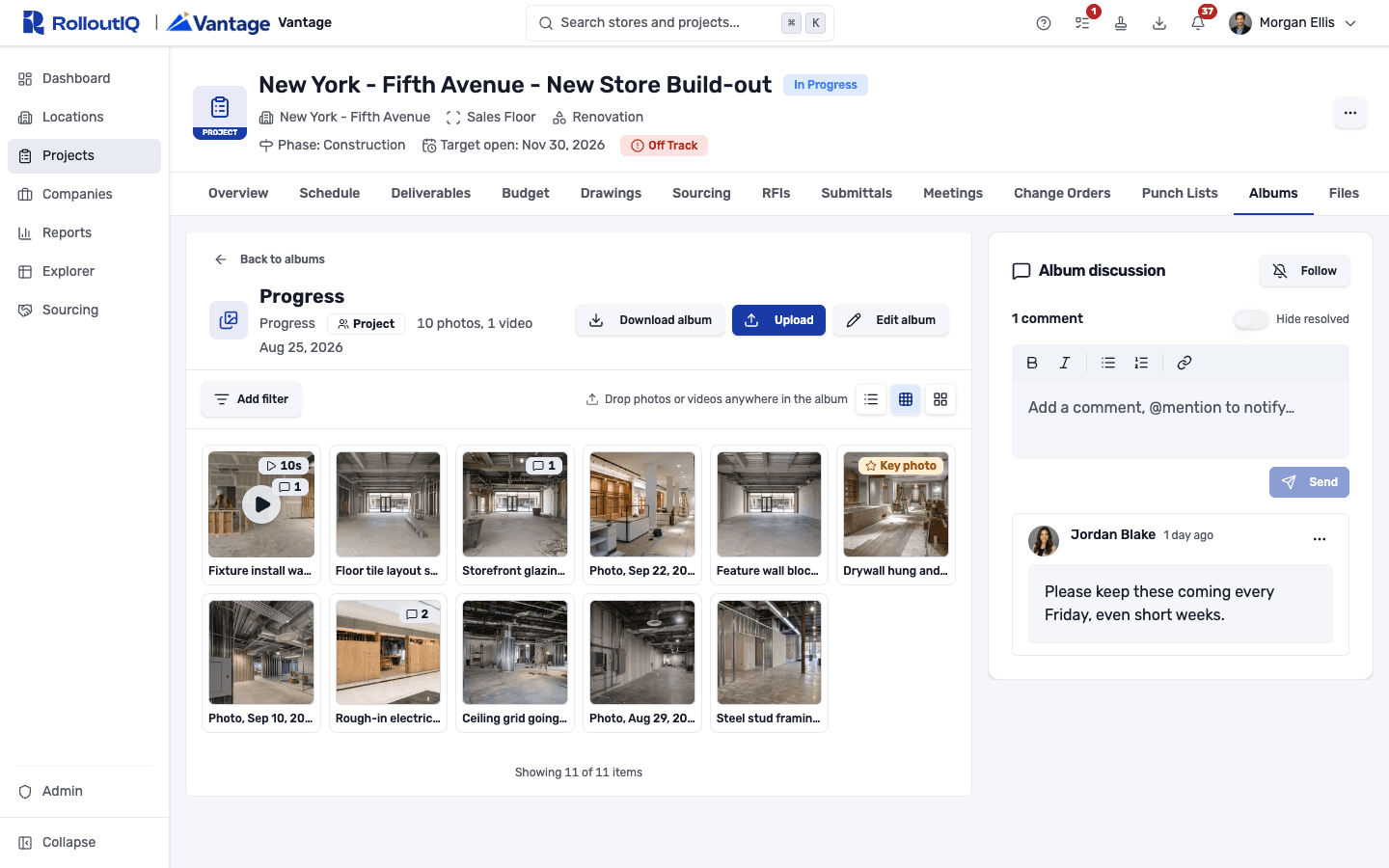
A Friday review across eight stores
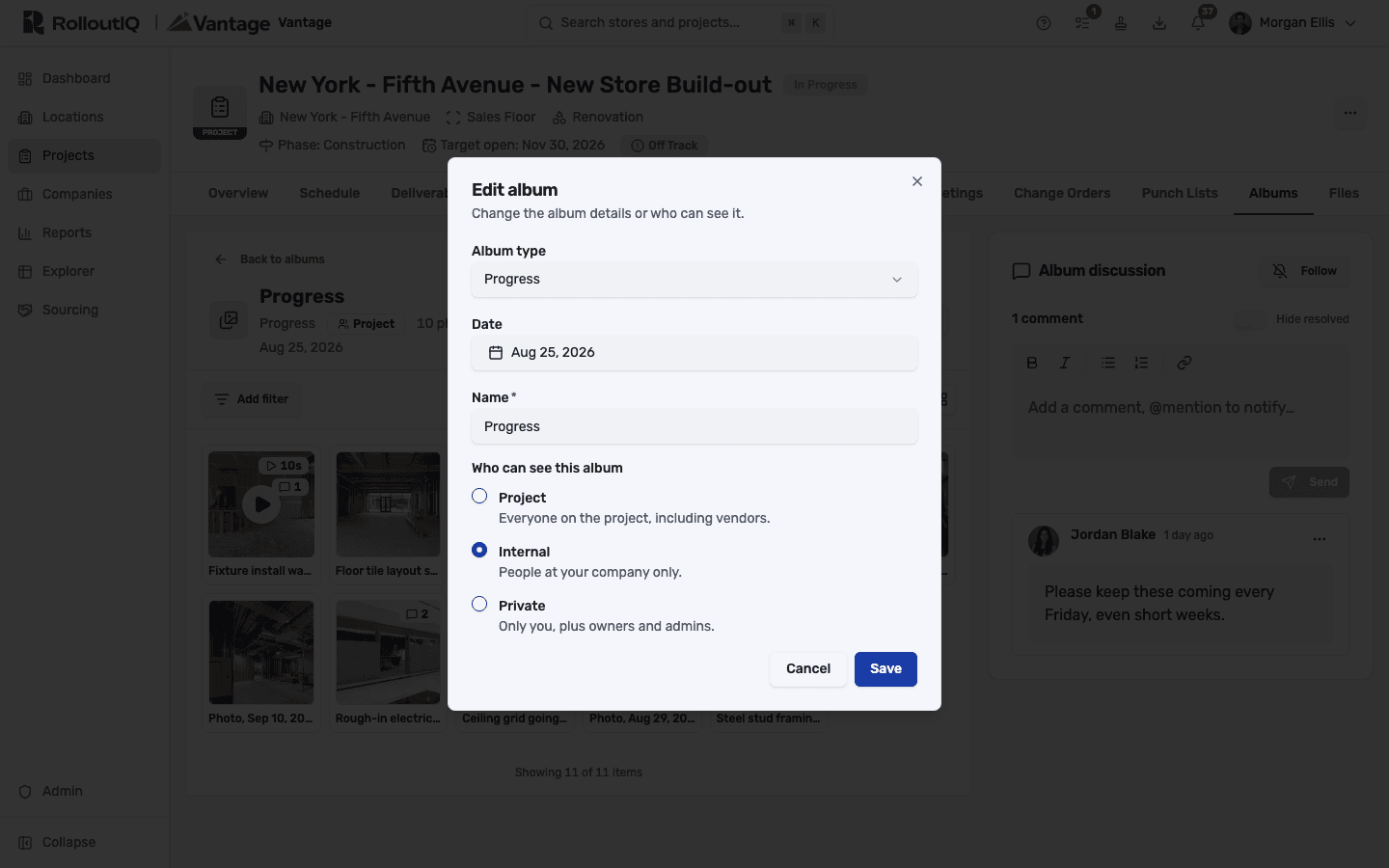
On Friday afternoon the PM opens the first project and scrolls the 11 new Progress photos in the order they were shot. One shows protective film still on the new storefront glazing, and the brand walk is next Thursday. The PM leaves a question about the film on that photo, and because the GC sees it attached to the exact shot, nobody has to point at "the third photo in Tuesday's email" again.
That comment follows the photo even if it moves to another album, while broader requests like retaking the rear elevation next week belong in the album discussion beside the grid.
A two-minute walkthrough from the GC plays in the browser from a playback copy RolloutIQ prepares. The original file is kept untouched with its capture date and location, and that's the copy you'd pull if the walkthrough ever matters in a change-order dispute.
Uploads don't send notifications. That puts the review on the PM's calendar, and an @-mention in a comment is how you pull a specific person in. Keep album names consistent too, since the name is what you'll scan for until albums get keyword search.
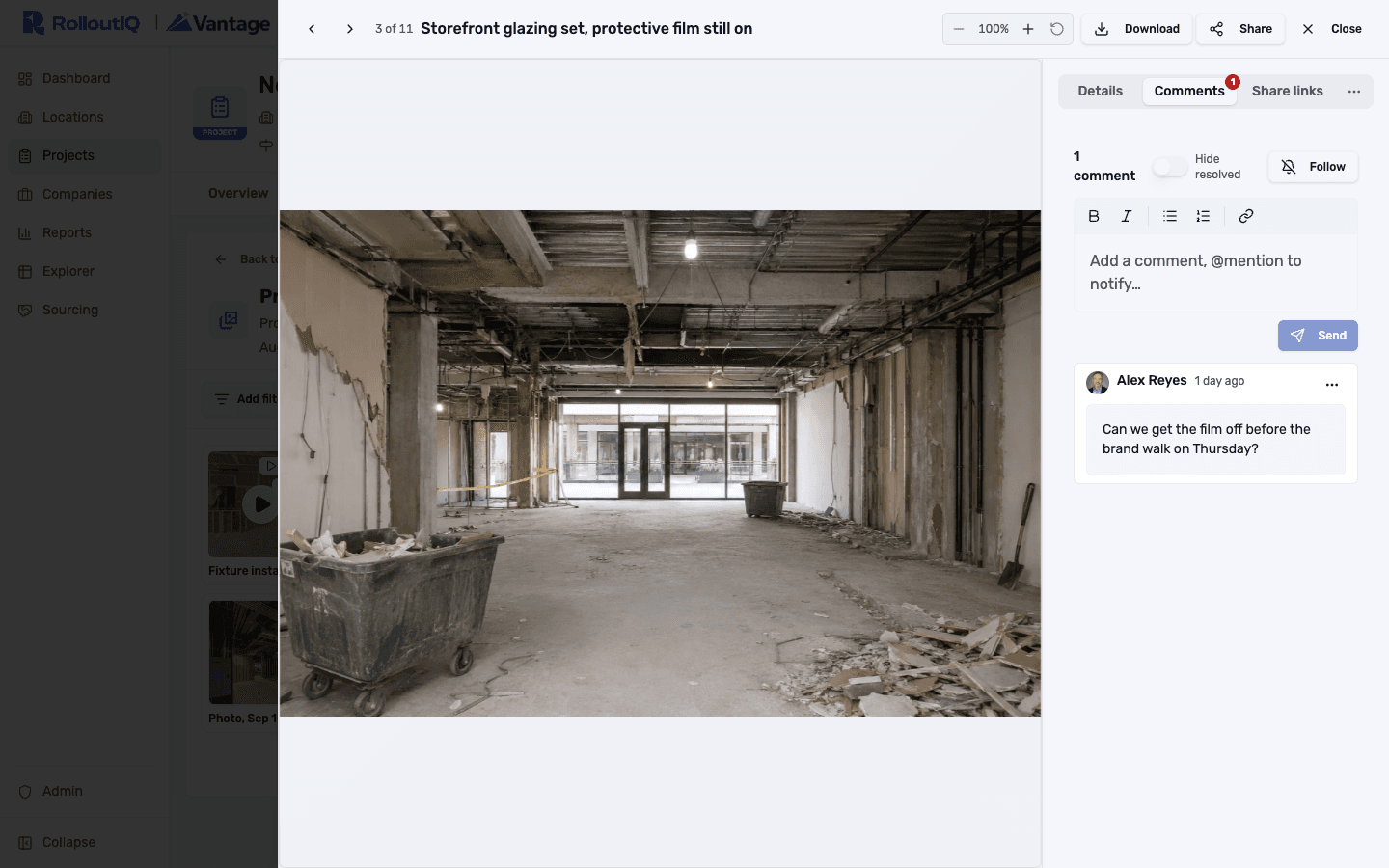
Deciding who sees which photos
Some photos on every project should stay inside the brand team, such as photos of scope the GC hasn't priced yet, or a site survey of a condition the landlord is still negotiating.
Project-wide albums are open to everyone on the project, vendors included, while internal ones stay with your company and private ones with the creator plus owners and admins. Vendors upload only to project-wide albums and never see the other two. If an album is narrowed later, the photos a vendor uploaded to it earlier are hidden from them as well, along with their comments.
Whatever holds your photos today, settle these before the next project kicks off.
- Agree on album types for every project, and name albums by type and date.
- Prescribe a standard set of weekly angles, such as exterior front, the signage zone, the sales floor from the main entry and back of house, so this week's shots line up against last week's.
- Have the GC upload originals directly to the project instead of emailing a PDF report, so capture dates survive.
- Decide in advance which photos stay internal, starting with site surveys and anything tied to an open negotiation.
- Hold the photo review on the same day every week, and put questions on the photo itself when something needs an answer.
- Plan for turnover. Every photo should still be on the project after the people who took it have moved on.
Sources
The rework figure and the iPhone format detail in this article come from the following public sources.
- PlanGrid and FMI, Construction Disconnected (2018), survey of nearly 600 construction leaders, via Construction Dive - https://www.constructiondive.com/news/industry-could-be-overspending-177b-per-year-study-finds/529450/
- Apple Support, "Using HEIF or HEVC media on Apple devices" - https://support.apple.com/en-us/116944
The Rollout
The Rollout, in your inbox
A founder's read on retail and multi-site store development. What the latest news means for your pipeline, and what we are building, every couple of weeks.

Written by
Nariman Shariat
Founder, RolloutIQ
Nariman has spent about 20 years opening stores, in the seat between the landlord, the architect, and the general contractor, across some of the largest retail and workplace fleets in the country. Along the way he built the internal platform that ran store development across a fleet, then rebuilt the same idea company after company. He founded RolloutIQ to give multi-site development teams the single source of truth he kept having to build by hand, and writes here about the work of opening and remodeling stores at scale.
More about NarimanKeep Reading
Related Articles
Continue exploring best practices for store development and construction management.
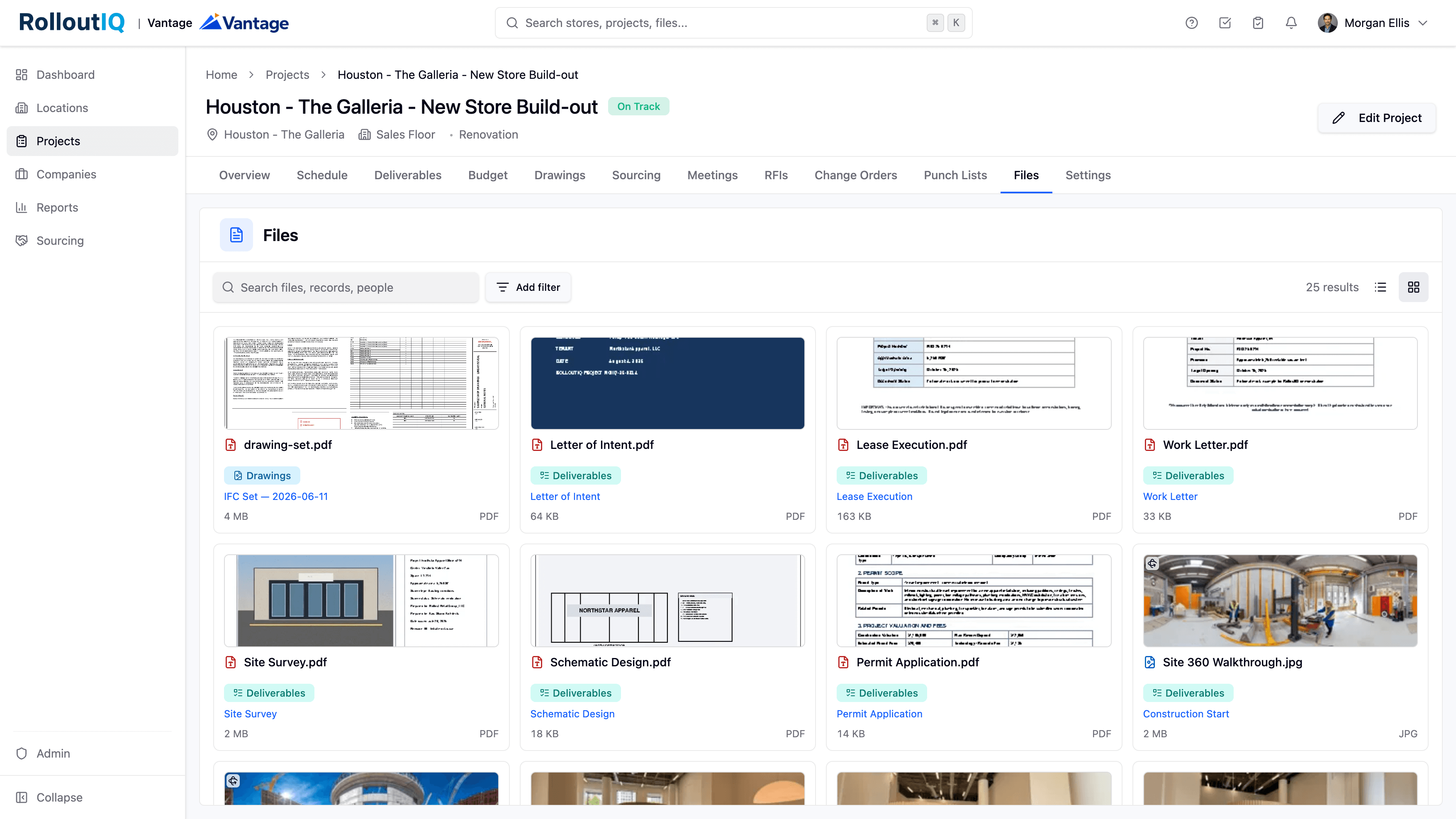
Field Photo Documentation at Multisite Scale
A retail buildout throws off thousands of photos before it opens, and across a portfolio the visual record goes missing exactly when a dispute, a warranty claim, or a closeout needs it. A file system that reads iPhone HEIC photos inline, opens 360 walkthroughs interactively, and shows every file as a scannable gallery keeps that record findable.
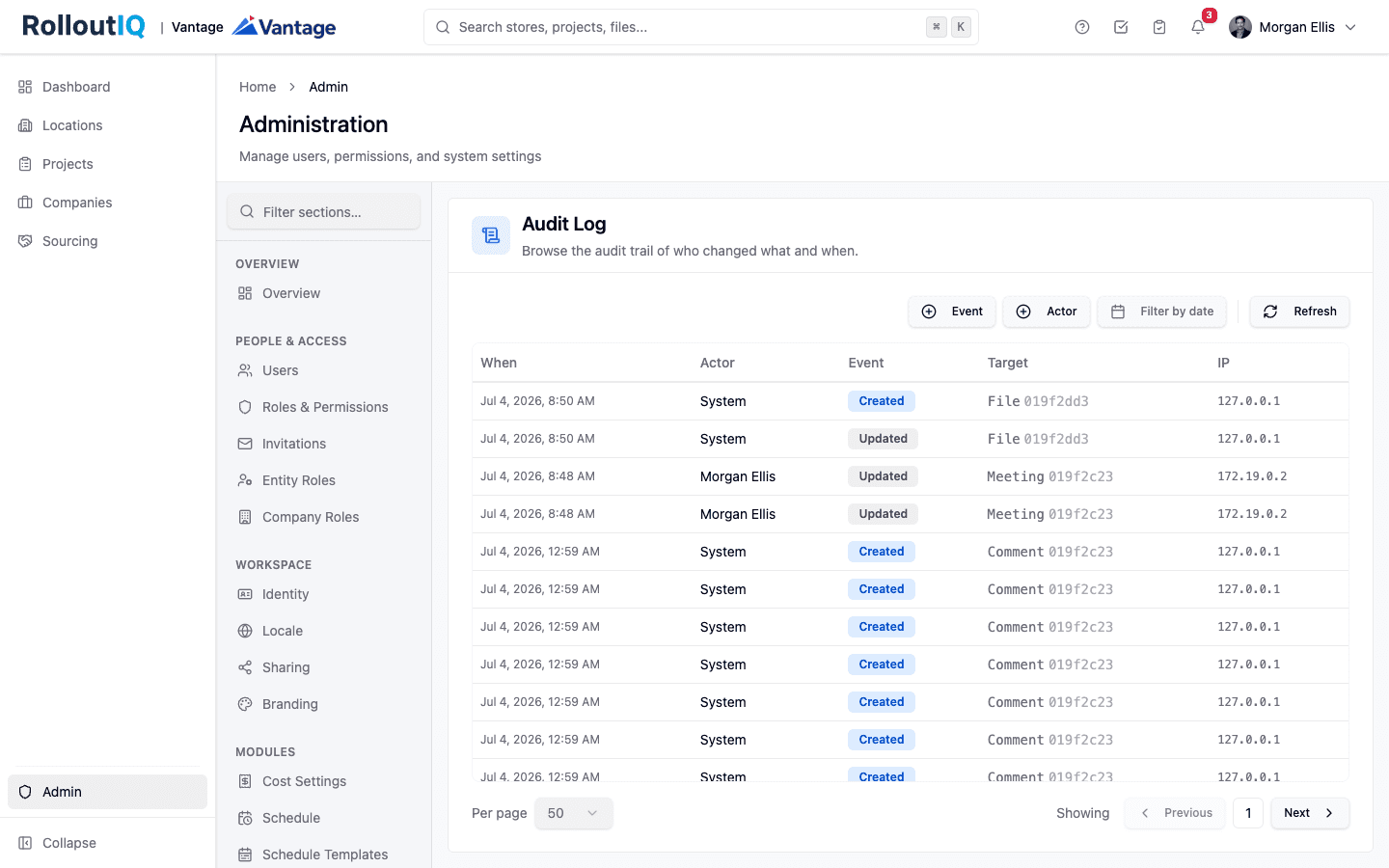
The Audit Trail Is What Settles the Dispute in Retail Construction
In retail construction, the record that would settle a dispute usually never existed. Email and spreadsheets keep no immutable history of who approved what and when. An append-only audit trail does, and it is what wins warranty claims, change-order fights, and compliance reviews.
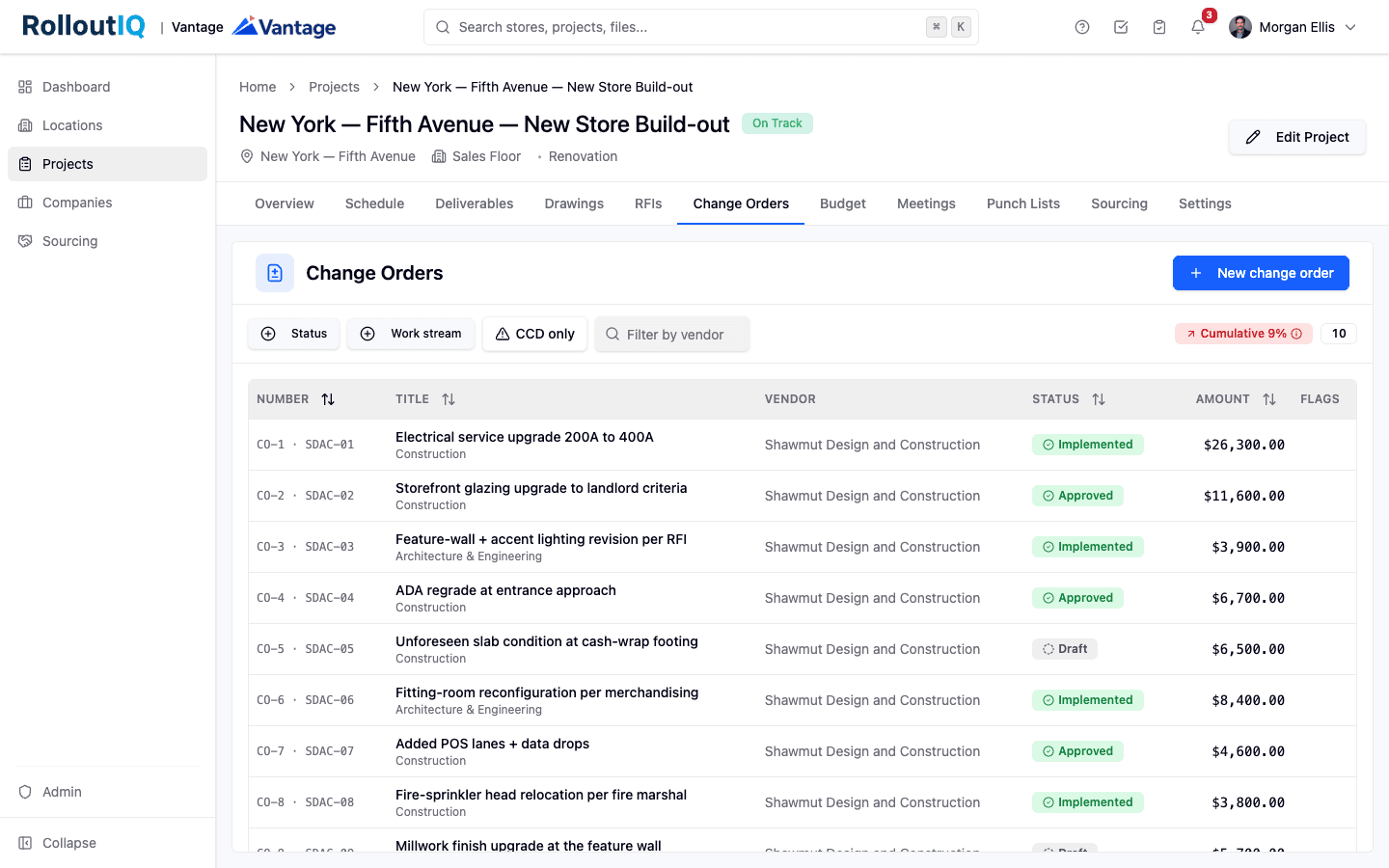
Change Order Management for Retail Rollouts: The Change Outside the GC
On a retail rollout, a large share of cost flows around the general contractor into fixtures, technology, signage, and equipment. Here is how to keep change orders from those streams from surfacing as a closeout surprise.
Ready to Build Smarter?
See how RolloutIQ™ can streamline your retail and multi-site rollout program. Book a personalized demo with our team.