
Bring Your Own AI
Bring Your Own AI to Your Rollout Data
The next wave of software opens your data to the assistant you already use, instead of selling you a copilot of its own. Here is how that works, and why it gives multisite operators more flexibility and less lock-in.
Every tool wants to sell you its own AI
Walk the exhibit hall at any retail or construction technology conference this year and you will hear the same pitch at every booth. Every platform now has an AI copilot. It is in your project management tool, your lease administration system, and your document platform alike. Each is impressive in a demo, and each arrives as a new line item on the invoice, usually priced per seat.
For a multisite operator running dozens of stores across a handful of systems, this adds up to a strange outcome. You end up paying for several different AI assistants, each locked inside a different tool, each able to see only that tool's slice of your data. The copilot in your construction platform cannot answer a question that spans your real estate pipeline. The one in your lease system knows nothing about your build schedule, so each tool sees only its own slice and you end up buying intelligence one silo at a time.
There is a quieter problem underneath the pricing. When a vendor ships its own model, you are betting on that vendor's choice of AI, on how fast it improves, and on whether the price stays reasonable. Meanwhile your team may have already standardized on an assistant they know and trust, and now they have to switch between the one they chose and the half dozen their tools chose for them.
What bring your own AI means
There is another way to build this, and it flips the model. Instead of the software vendor shipping you an AI, the vendor opens your data to the AI you already use. Call it bring your own AI, or BYO AI.
The idea is simple. You have an assistant your team already pays for and trusts, whether that is Claude, Cursor, a coding agent, or something your own developers built. Rather than learning yet another copilot, you point that assistant at your rollout data and ask it questions directly. The software's job is to expose your data cleanly and securely so the intelligence you chose can read it.
What makes this practical is a shared standard called the Model Context Protocol, or MCP. MCP is an open specification that AI clients speak in order to connect to outside data sources. Think of it as a common plug. Once a platform exposes an MCP endpoint, any client that speaks MCP can connect to it, the same way any device with the right port uses the same charger. You are not tied to one vendor's model, because the connection is a standard rather than a proprietary integration.

How it works in RolloutIQ
RolloutIQ™ exposes exactly this kind of connection, and in the product it is called AI Access. It is a permission-scoped bridge between your workspace and the AI assistant you already use.
Connecting takes about a minute. You open Account, then AI Access, and copy the address for your workspace. You add it to your AI client, approve a consent screen that spells out what the assistant can and cannot do, and you are connected. For command line or scripted clients that use a pasted key instead of a browser approval, an advanced path issues a single access key you drop into your client's configuration and can revoke at any time.
Once connected, you ask questions in plain language against live data. A construction project manager can ask which remodels are behind schedule this month, while a regional director might want to know how many Southwest-market stores are still in planning. The assistant reads the answer from your locations, spaces, projects, and full project schedules, along with text search across projects and your reusable schedule templates. Nothing gets exported or copied and pasted, and no one has to build the report for you first.
The connection is bounded rather than open-ended. It cannot see anything you could not already see, because it inherits your exact permissions in the app, and what it is allowed to reach is set by your workspace rather than by the assistant. Today that scope is reading your rollout data.
No second subscription, and no lock-in
The flexibility this buys a multisite operator is easy to underrate.
Start with cost. You are not adding another per-seat AI subscription to your software stack. The assistant your team already uses becomes the way they query the platform, so the intelligence layer is one you already pay for rather than one more upcharge attached to one more tool.
There is also the question of portability. Because the connection is a standard MCP endpoint, your data is not trapped behind one vendor's copilot. If your organization decides next year to standardize on a different assistant, your rollout data does not move and nothing has to be rebuilt. You point a different client at the same endpoint and carry on. The data stays where it belongs, in your system of record, and the AI that reads it is your choice to make and to remake.
With bring your own AI, your rollout data becomes something your whole AI stack can reach, on your terms, instead of a captive audience for whatever model a vendor decided to bundle.
The security review is the real test
None of this matters if it cannot pass a security review. The first question your IT and security team will ask is how an outside AI assistant reaching into live project data can be safe. AI Access is built to answer that question head on. The controls that make bring your own AI safe to adopt are worth listing plainly.
- Scoped by your workspace, not by the assistant. What a connected assistant is allowed to reach is a decision your administrators control. Today that scope is reading your rollout data.
- Permission-aware. A connection inherits the exact access of the user who made it, so the assistant sees precisely what that person could see by signing in, and no more.
- Workspace isolation. Each company's data lives in its own database, so one workspace's assistant can never reach another workspace's data.
- Organization-wide governance. Owners and admins get one screen that lists every connected assistant and access key across the whole workspace, with the ability to revoke any of them.
- A master switch. If a brand is not ready, a platform administrator can turn AI Access off for the entire workspace, which immediately stops every existing connection from working.
- Time-bounded access. Access keys carry an expiry, and any connection can be revoked the moment it is no longer needed.
The shift toward open standards
The proprietary copilot era is already showing its limits. A separate AI in every tool, each siloed to its own data and each with its own price tag, is not where multisite operators want to end up. The more durable pattern is the open one. Software exposes your data through a shared standard, and you bring the intelligence you already trust.
For a retail rollout team, that means the assistant on your desk can finally reach the data that runs your program, from the store pipeline to the build schedule, without a new login or a new subscription. Your data stays in your system of record, the AI that reads it remains your choice, and the distance between a question and an answer gets a good deal shorter.
The Rollout
The Rollout, in your inbox
A founder's read on retail and multi-site store development. What the latest news means for your pipeline, and what we are building, every couple of weeks.

Written by
Nariman Shariat
Founder, RolloutIQ
Nariman has spent about 20 years opening stores, in the seat between the landlord, the architect, and the general contractor, across some of the largest retail and workplace fleets in the country. Along the way he built the internal platform that ran store development across a fleet, then rebuilt the same idea company after company. He founded RolloutIQ to give multi-site development teams the single source of truth he kept having to build by hand, and writes here about the work of opening and remodeling stores at scale.
More about NarimanKeep Reading
Related Articles
Continue exploring best practices for store development and construction management.

Putting AI Agents to Work on Construction Projects with MCP
Generic chatbots can summarize a PDF. They cannot answer 'which projects in the Northeast slipped this week.' Model Context Protocol changes that by letting agents read the project system of record under the same permissions the user already has. Here is what construction teams can actually do with it.
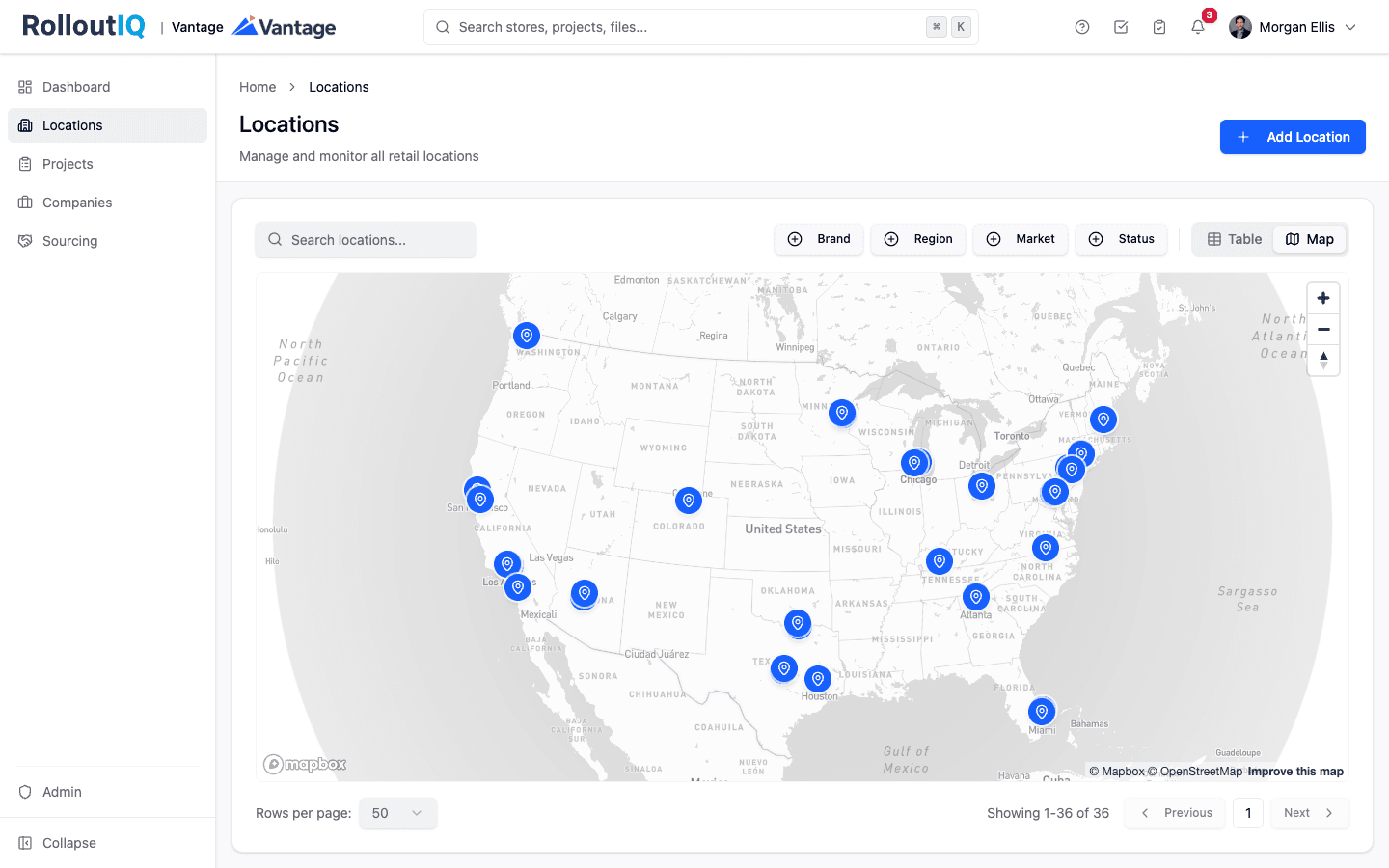
Location, Space, and Project in the Retail Portfolio Model
Generic construction PM tools have one organizing object, the project, and it closes when the ribbon is cut. That is fine for a single build and useless for a portfolio of stores that each go through many builds over their lives. The fix is a data model that separates the store, its real estate, and the work done to it.
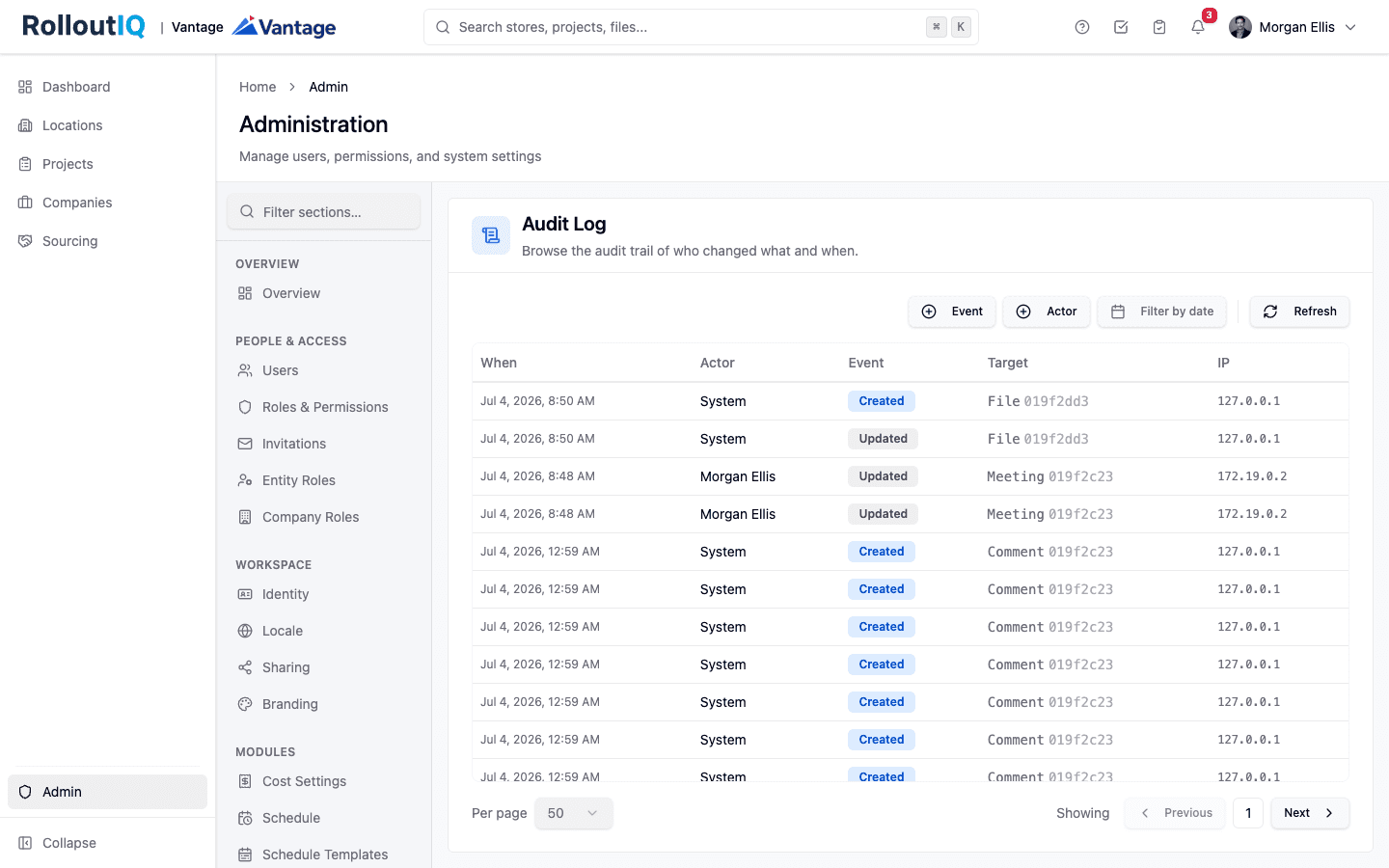
The Audit Trail Is What Settles the Dispute in Retail Construction
In retail construction, the record that would settle a dispute usually never existed. Email and spreadsheets keep no immutable history of who approved what and when. An append-only audit trail does, and it is what wins warranty claims, change-order fights, and compliance reviews.

Structured Data Is the Multiplier on Every AI Tool You Buy
An assistant can only answer the questions your data is shaped to answer. Structure is what turns a tool that helps a little into one that multiplies your whole stack, and it keeps paying after the model changes.
Ready to Build Smarter?
See how RolloutIQ™ can streamline your retail and multi-site rollout program. Book a personalized demo with our team.