

Operations
A Store Rollout Budget Should Be a Governed Baseline
The budget for opening a store is mostly not construction in the narrow sense. It is six cost families spanning the whole project, and the hard part of managing it across a portfolio is governance, not math. Here is what it takes to run the whole project budget as a controlled baseline.
The Budget Is the Whole Project, Not Just the Build
Ask a store development team what their budget is and the answer is rarely a single construction number. A retail capital project is made of six cost families that travel together. Hard costs for the physical build. Soft costs for design, permits, and owner fees. FF&E for fixtures and equipment. Technology for point of sale, network, and security. Pre-opening for hiring, training, and the grand opening. And contingency held in reserve against the things no one can price yet. Depending on the format, hard costs are only somewhere between two thirds and four fifths of the total, and for a restaurant or a grocery store the equipment and refrigeration alone can rival the build.
That matters because the budget is the plan of record for the capital a company is putting into a location. It is the number a real estate committee approved, the number finance reports against, and the number an executive will be asked about months later. The arithmetic of adding up cost categories is the easy part. The hard part is governance. Who is allowed to change the number, who has to sign off on a change of a given size, and what the committed figure actually was at each point in time.
Across a single project a spreadsheet can paper over that gap. Across thirty concurrent projects it cannot, and that is where capital plans quietly drift.
Why a Spreadsheet Baseline Breaks at Scale
A spreadsheet treats every cell as equally editable, which is exactly the wrong default for a budget. An edit lands instantly and silently, and three months later no one can prove what the approved figure was, who changed it, or why. The baseline stops being a baseline the first time someone types over it.
Approvals are the next thing to go. Without routing tied to the size of a change, a small reallocation and a major scope addition get the same scrutiny, which in practice often means none. Scope creep accumulates one reasonable change at a time until a project that felt fine all year lands well over plan. Many programs re-approve a budget once a change crosses something like ten percent of the plan, but a spreadsheet has no way to enforce that, so the threshold becomes a suggestion.
Contingency is the third failure. Reserves get drawn down across dozens of small changes with no running view of how much cushion is left. New ground-up work typically carries a five to ten percent reserve and remodels run higher because of concealed conditions, and in a tight market many programs now baseline it higher still. None of that discipline survives if the reserve is just another row someone edits. By the time the shortfall is obvious, it is usually at closeout.
What a Governed Budget Looks Like
The fix is to stop treating the budget as a document and start treating it as a governed baseline. A team builds the budget once, ideally from a reusable template so every project starts from the same chart of cost categories across all six families, then locks it with an approval. From that point the number changes only through revisions that route for sign-off and leave a permanent record.
Three properties make that real. Approval routing matches the size of a change to the right approver, so a small revision clears quickly while a large one escalates through multiple tiers and can require a single signer, any one of several, or all of them, scoped by brand or region. Maker-checker is enforced, which means the person who raises a change can never be the one who approves it, and out-of-office approvers can hand their sign-offs to a colleague so nothing stalls. And every approved budget and revision freezes as a dated version that records who approved it and when, with a side-by-side comparison of any two versions so the line-by-line difference is never in doubt.
Contingency belongs inside that same structure, tracked as a managed reserve sized from the costs it protects, with a live drawdown indicator so finance always knows how much cushion is left. An optional cumulative trigger escalates approvals once a run of small revisions adds up past a set share of the budget, which is the only reliable defense against death by a thousand cuts. This is the model RolloutIQ™ builds its project budget on, a single governed baseline per project that the whole team works from rather than a spreadsheet that quietly forks.
What This Looks Like in Practice
A construction project manager opening forty stores loads the company's standard cost structure into each project's budget from a template, fills in the planned amount for every category across hard costs, soft costs, FF&E, technology, pre-opening, and contingency, sets the reserve, and submits. The approval path is shown before anything is sent, so there are no surprises about who has to sign.
A regional finance lead approves anything under a set threshold in their currency while larger budgets escalate automatically to a director. When the last approval lands, the budget locks as the first baseline version. Later, when a permit condition forces a change, the project manager raises a revision in the same editor, gives a reason, and the change routes based on its size. An approver can approve it, return it for edits, or reject it. An approved revision applies and freezes a new version. A rejected one leaves the baseline untouched.
Months later an executive opens that project and reads a frozen, dated version that is exactly what was approved, compares it against the original to see precisely what moved, and checks how much contingency has been drawn down. Nobody is reconstructing the history from email, because the history is the budget.
What Operators Should Take Away
The point is not any single tool. It is that a project budget at portfolio scale needs the same controls a company already applies to the capital it represents. A few principles hold regardless of what you run it in.
- Treat the budget as a baseline locked by approval, not a document anyone can edit
- Cover the whole project, all six cost families, not just the construction line items
- Route every change to an approver matched to the size of the change
- Require a reason on every revision so the record explains itself later
- Separate who can propose a change from who signs it off
- Track contingency as a visible reserve with a running drawdown, not a hidden row
- Keep an immutable, dated version history so the approved number is always provable
The Bottom Line
A store rollout budget is the clearest statement a company makes about what a location is worth building, and it spans far more than the construction contract. Run it as a spreadsheet and it optimizes for whoever holds the file. Run it as a governed baseline, locked by approval and changed only through versioned revisions, and it stays trustworthy across thirty projects and across the months between approval and opening. The arithmetic was never the hard part. Governing the number is, and that is what a portfolio rollout has to get right.
The Rollout
The Rollout, in your inbox
A founder's read on retail and multi-site store development. What the latest news means for your pipeline, and what we are building, every couple of weeks.

Written by
Nariman Shariat
Founder, RolloutIQ
Nariman has spent about 20 years opening stores, in the seat between the landlord, the architect, and the general contractor, across some of the largest retail and workplace fleets in the country. Along the way he built the internal platform that ran store development across a fleet, then rebuilt the same idea company after company. He founded RolloutIQ to give multi-site development teams the single source of truth he kept having to build by hand, and writes here about the work of opening and remodeling stores at scale.
More about NarimanKeep Reading
Related Articles
Continue exploring best practices for store development and construction management.
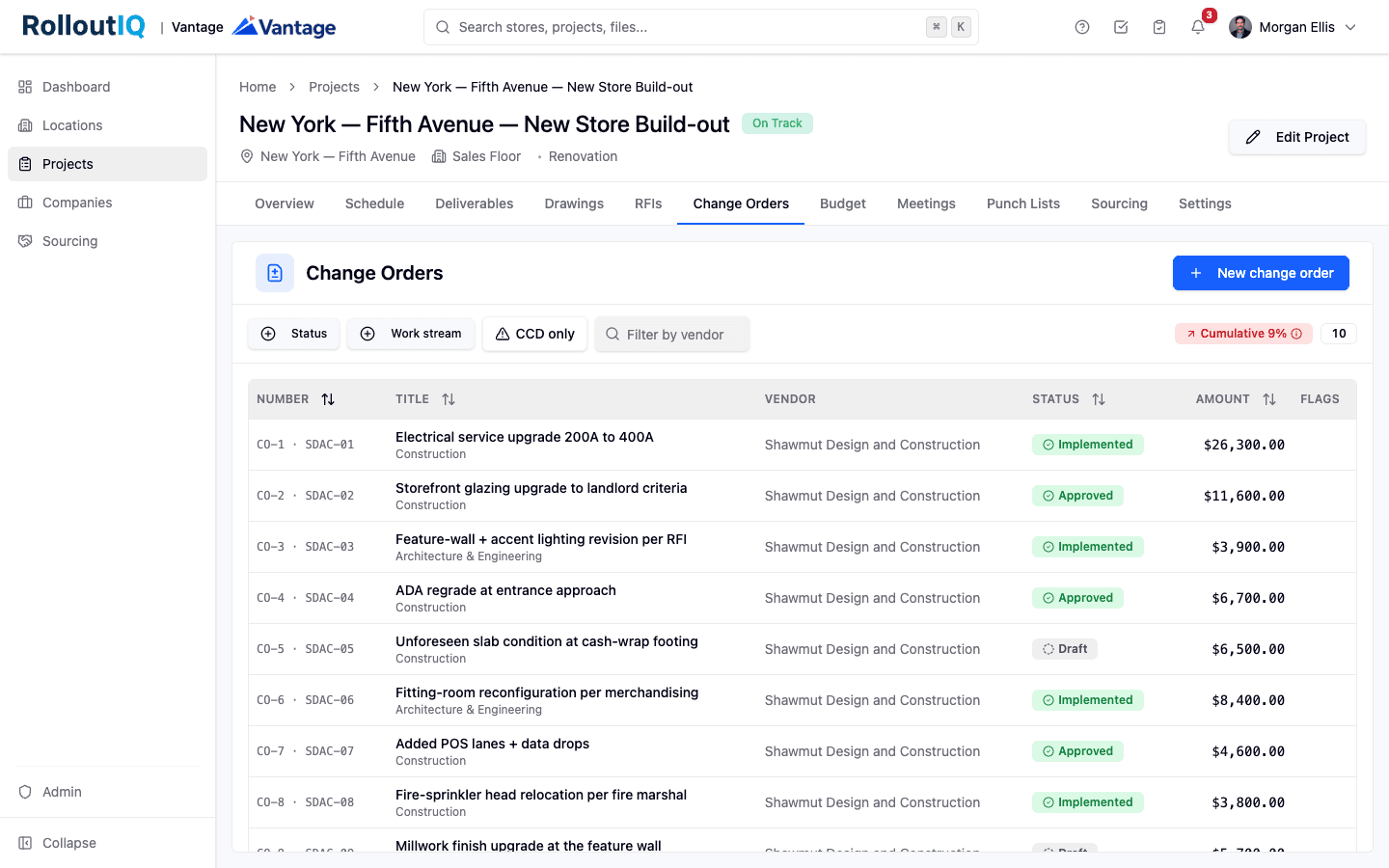
Change Order Management for Retail Rollouts: The Change Outside the GC
On a retail rollout, a large share of cost flows around the general contractor into fixtures, technology, signage, and equipment. Here is how to keep change orders from those streams from surfacing as a closeout surprise.

Managing Budgets Across Multiple Construction Sites
Budget management across multiple construction sites requires portfolio-level financial visibility and proactive cost controls. Here is how leading operators do it.
The Complete Guide to Multi-Site Construction Management
Managing construction across multiple sites simultaneously requires a fundamentally different approach than single-project management. Here is your complete guide.
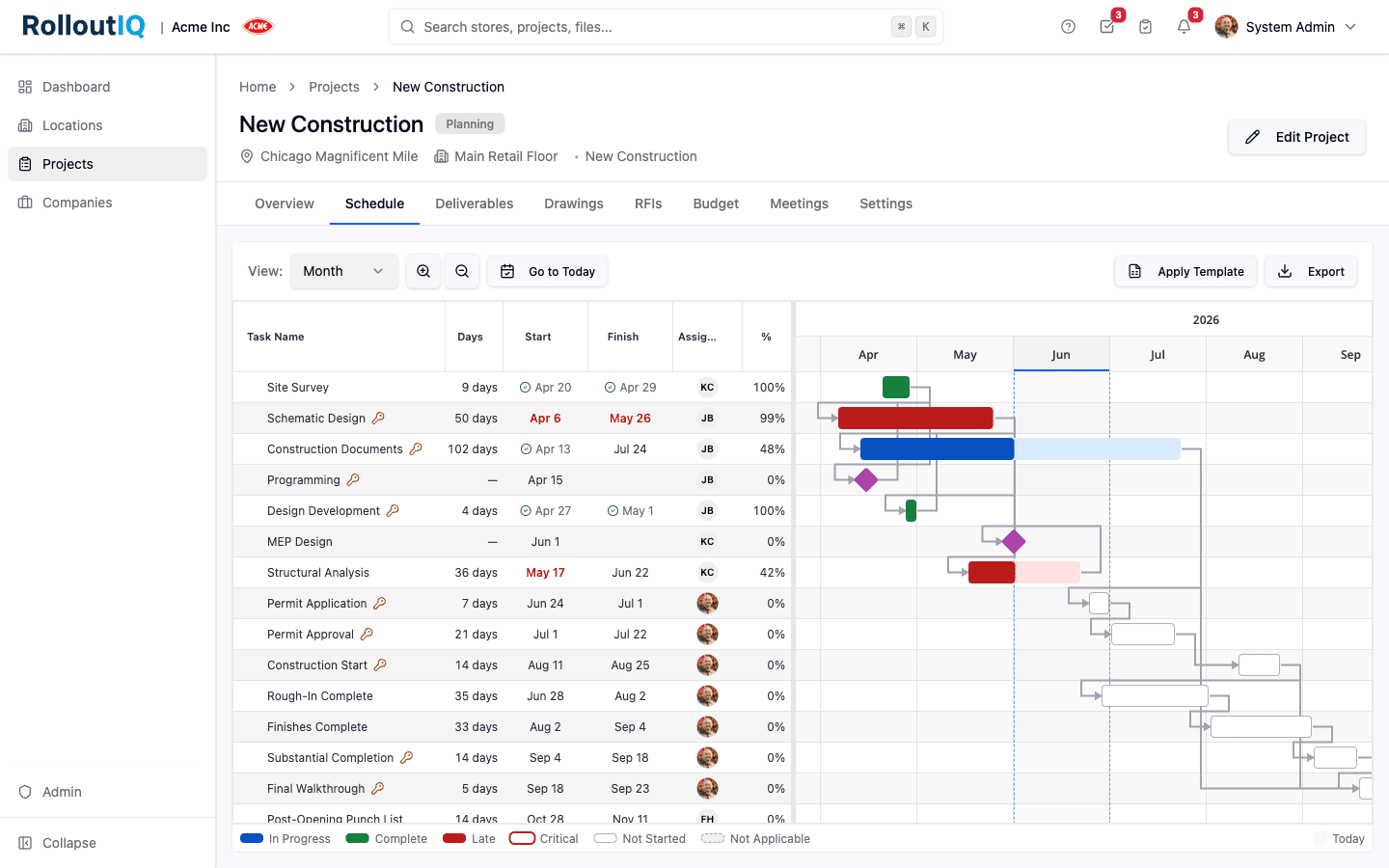
Scheduling a Retail Rollout Is a Team Sport
The schedule the whole team depends on usually lives in a file most of the team cannot open. Here is the case for one shared, role-scoped schedule that internal staff and outside partners work together.

Why Multi-Site Development Outgrows the Spreadsheet
A weekend-built tracker runs most store development programs at first. Here is what breaks as the portfolio grows, from version confusion across drives to rollups that collapse on a reorg.
Ready to Build Smarter?
See how RolloutIQ™ can streamline your retail and multi-site rollout program. Book a personalized demo with our team.