

Construction Management
When One Date Slips, Everything Else Should Shift
A construction schedule is not a list of dates. It is a directed graph of dependencies. When tools edit it like a flat list, the schedule drifts from reality the day after it is published.
The Problem: Schedules Are Graphs, Not Lists
A retail construction schedule is not a list of dates. It is a directed graph of dependencies. The 35-milestone canonical spine that runs from lease execution through grand opening typically expands into 50 to 200 deliverables once you decompose it for an actual project. Each deliverable has predecessor and successor relationships that reflect physical and contractual reality. You cannot drywall before MEP rough-in passes inspection. You cannot fixture before millwork. You cannot open before TCO is in hand.
When one item slips, everything downstream has to shift. This is not a quirk of construction; it is the basic mechanics of any dependency graph. A two-day delay on rough-in cascades through inspection, drywall, paint, fixturing, and turnover. If those downstream dates do not move, the schedule no longer reflects reality. The team is working against a plan that already does not match the world.
Multiply this across 30 to 50 concurrent projects, each with its own dependency graph and its own slip events happening every day, and the administrative load of keeping schedules truthful becomes one of the largest hidden costs in multisite operations.
Why Generic Schedule Tools Fall Short
Most operators end up running their schedules in one of two modes, and both have structural problems.
Mode one is the flat list. Spreadsheets, basic project management tools, and homegrown trackers treat the schedule as a list of items with planned start and end dates. They do not encode dependencies, so when a date changes, nothing else moves. The PM is responsible for manually updating every dependent item, which means in practice nobody updates them. The published schedule and the actual schedule diverge within days of any slip.
Mode two is the heavyweight CPM tool. Primavera, MS Project, and similar tools handle dependencies correctly, but they are designed for trained schedulers, not retail PMs. The data entry burden, the learning curve, and the brittleness of the resulting schedules push most retail teams to abandon them after the initial baseline and revert to flat lists for day-to-day work. The dependency graph exists in the file but no one is maintaining it.
The result, in both modes, is the same. The schedule that exists on paper is not the schedule the team is operating against. Critical milestones get missed because nobody catches the cascade. Variance reporting is built on dates that were never updated. Leadership reviews schedules that are weeks out of sync with reality.
What a Better Approach Looks Like
The capabilities that solve this at multisite scale do not require a trained scheduler. They require the schedule editor to treat the dependency graph as a first-class object and to handle the cascade automatically.
Dependency-aware editing is the foundation. When a PM changes a date, every dependent successor should shift in the same transaction. The PM should see how many items moved and trust that the schedule still reflects reality after the edit. Predecessor relationships should be editable inline, in the same flow as date changes, not as a separate dependency dialog.
Server-side computation is the second requirement. Variance, percent complete, behind-schedule status, and date-tier resolution should all run from a single shared engine, so every surface (Gantt, list view, dashboard, mobile) reads identical numbers. When the rules for behind-schedule are computed centrally, the question of whether a deliverable is late stops being a debate.
An auditable trail of schedule changes is the third. When a critical milestone shifts, the system should capture a reason and an optional note, with a project-level history feed showing what moved, when, by whom, and why. This is not bureaucracy. It is what lets a PM answer the executive question of why the open date moved without spending a morning reconstructing the chain of decisions.
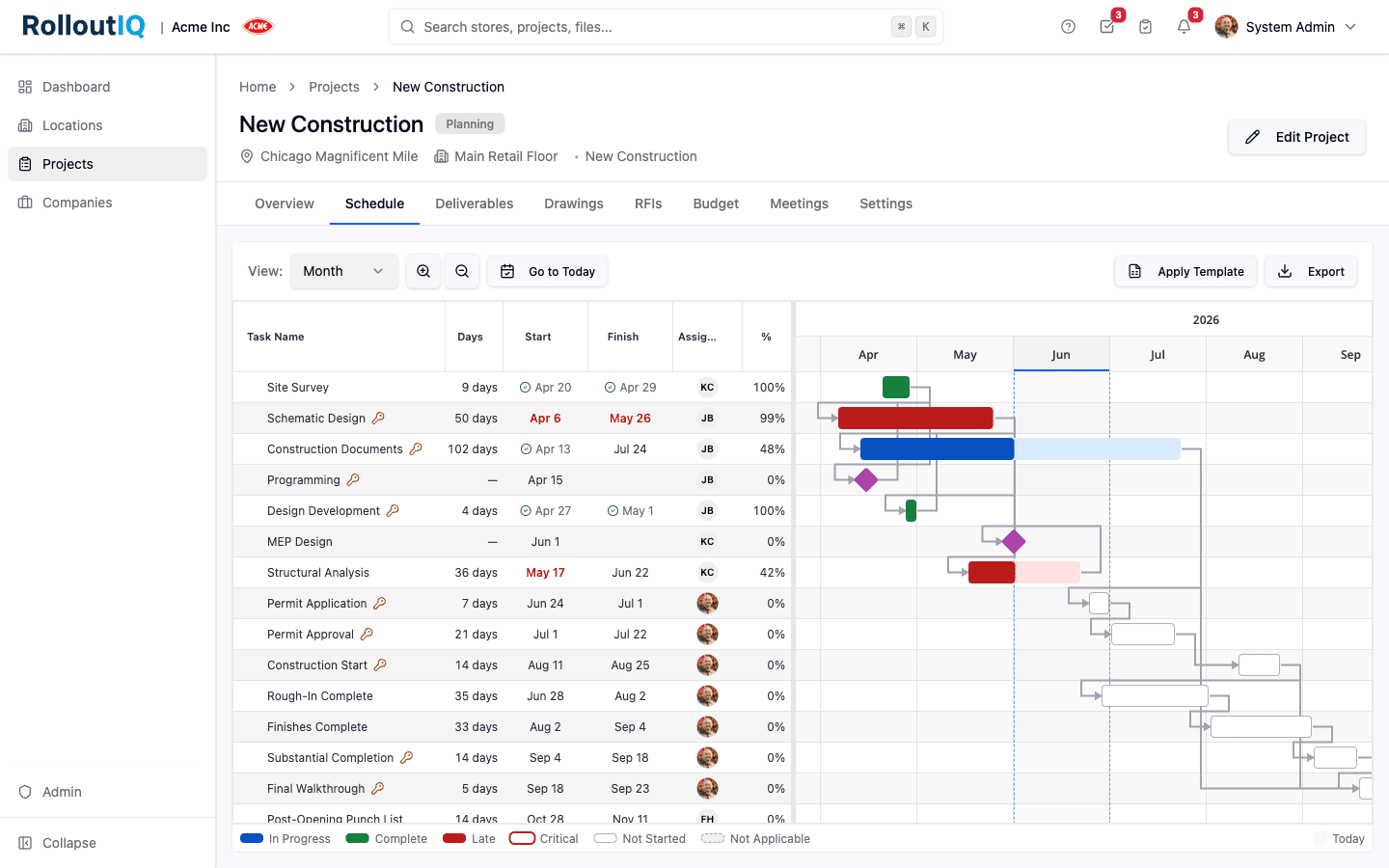
A recent platform update from RolloutIQ™ rebuilt schedule editing around these principles. Every save runs through a ripple-aware path that shifts dependent successors in the same transaction. Reason-for-change capture is configurable per tenant for material milestone shifts. The Gantt was redesigned to industry conventions with integrated task table, status-tinted progress bars, milestone diamonds, today band, and zoom controls. Drag-to-reschedule on the Gantt persists through the same ripple-aware save. Past-due planned dates render in red, and the behind-schedule status is computed server-side from a single rule. The point is not the specific implementation. The point is that schedule editing at multisite scale requires the tool to handle the graph, not the PM.
What This Looks Like in Practice
The workflow operators should be able to run is straightforward. A PM finds out that rough-in slipped two days. They open the schedule editor on that deliverable. They update the planned end date. The system shifts every dependent successor in the same save. A toast confirms how many items moved (twelve, in this hypothetical). One history row is recorded with the change.
If the slip pushes a critical milestone such as the grand opening date, the system surfaces a reason picker showing the impacted items and their before-and-after dates. The PM picks a normalized reason (permit delay, weather, vendor delay, design change), adds a note if needed, and saves. The reason and note are now part of the audit trail.
The Gantt updates immediately. Past-due items render in red. Same-day milestones stay same-day after the ripple. Items that already have actual dates recorded do not move, because the system locks planned dates against actuals. The PM never has to manually re-cascade dates. The schedule still matches reality at the end of the edit.
How to Evaluate Schedule Capability
Most operators evaluating schedule tooling default to feature-checklist comparisons. The more useful evaluation runs against the structural questions that determine whether the tool will actually be used. When evaluating schedule capability for multisite retail operations, look for these specifics:
- Dependency graph as the unit of editing, so predecessors and successors are first-class rather than a side feature
- Ripple-aware saves, so changing a date shifts every dependent successor in the same transaction, with a single history row recording what moved
- Server-side computation of variance, percent complete, and behind-schedule status, so every surface reads identical numbers
- Audit trail with reason capture for material milestone shifts (configurable by tenant)
- Correctness guards, so planned dates lock when actual dates are recorded, future actual dates are rejected, and ripple does not touch deliverables with recorded actuals
- Industry-standard Gantt conventions (integrated task table, status-tinted progress fill, milestone diamonds, today band, zoom controls) so PMs do not need scheduler training
- Drag-to-reschedule that persists through the same ripple-aware save path as form edits
- Circular-dependency detection that flags loops and identifies the likely fix
The Bottom Line
The structural test is whether the schedule editor treats the dependency graph as the unit of work or treats individual dates as the unit of work. Anything that defaults to individual dates is going to drift from reality at multisite scale, because retail PMs do not have the time or training to manually re-cascade every change. The tools have to handle the graph, audit the changes, and compute the status. When they do, the schedules executives review are the schedules teams are actually working against.
The Rollout
The Rollout, in your inbox
A founder's read on retail and multi-site store development. What the latest news means for your pipeline, and what we are building, every couple of weeks.

Written by
Nariman Shariat
Founder, RolloutIQ
Nariman has spent about 20 years opening stores, in the seat between the landlord, the architect, and the general contractor, across some of the largest retail and workplace fleets in the country. Along the way he built the internal platform that ran store development across a fleet, then rebuilt the same idea company after company. He founded RolloutIQ to give multi-site development teams the single source of truth he kept having to build by hand, and writes here about the work of opening and remodeling stores at scale.
More about NarimanKeep Reading
Related Articles
Continue exploring best practices for store development and construction management.
Scheduling a Retail Rollout Is a Team Sport
The schedule the whole team depends on usually lives in a file most of the team cannot open. Here is the case for one shared, role-scoped schedule that internal staff and outside partners work together.

Construction Schedule Float and How Multisite Operators Should Use It
Schedule float is one of the most useful and most misused concepts in construction management. Here is how multisite operators should think about it.
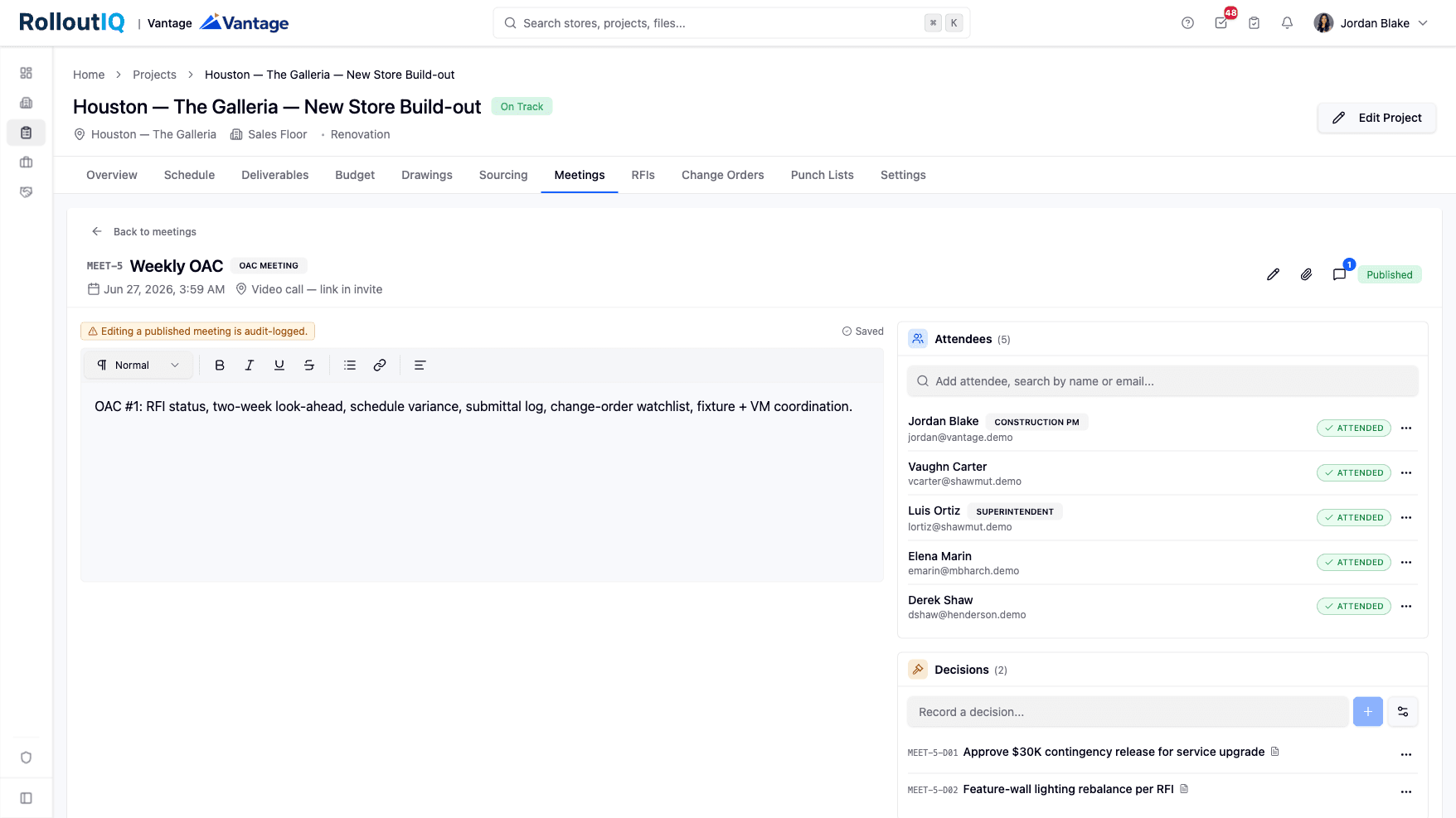
When Twelve OAC Meetings Decide an Opening, Minutes Need to Be Records
A retail rollout decides itself in 12 to 20 OAC meetings, plus 4 to 6 parallel coordination streams running underneath. When minutes live in Word docs and emailed PDFs, the decisions get re-litigated and the action items get lost. Here is what meeting minutes need to do at multisite scale.
Ready to Build Smarter?
See how RolloutIQ™ can streamline your retail and multi-site rollout program. Book a personalized demo with our team.