
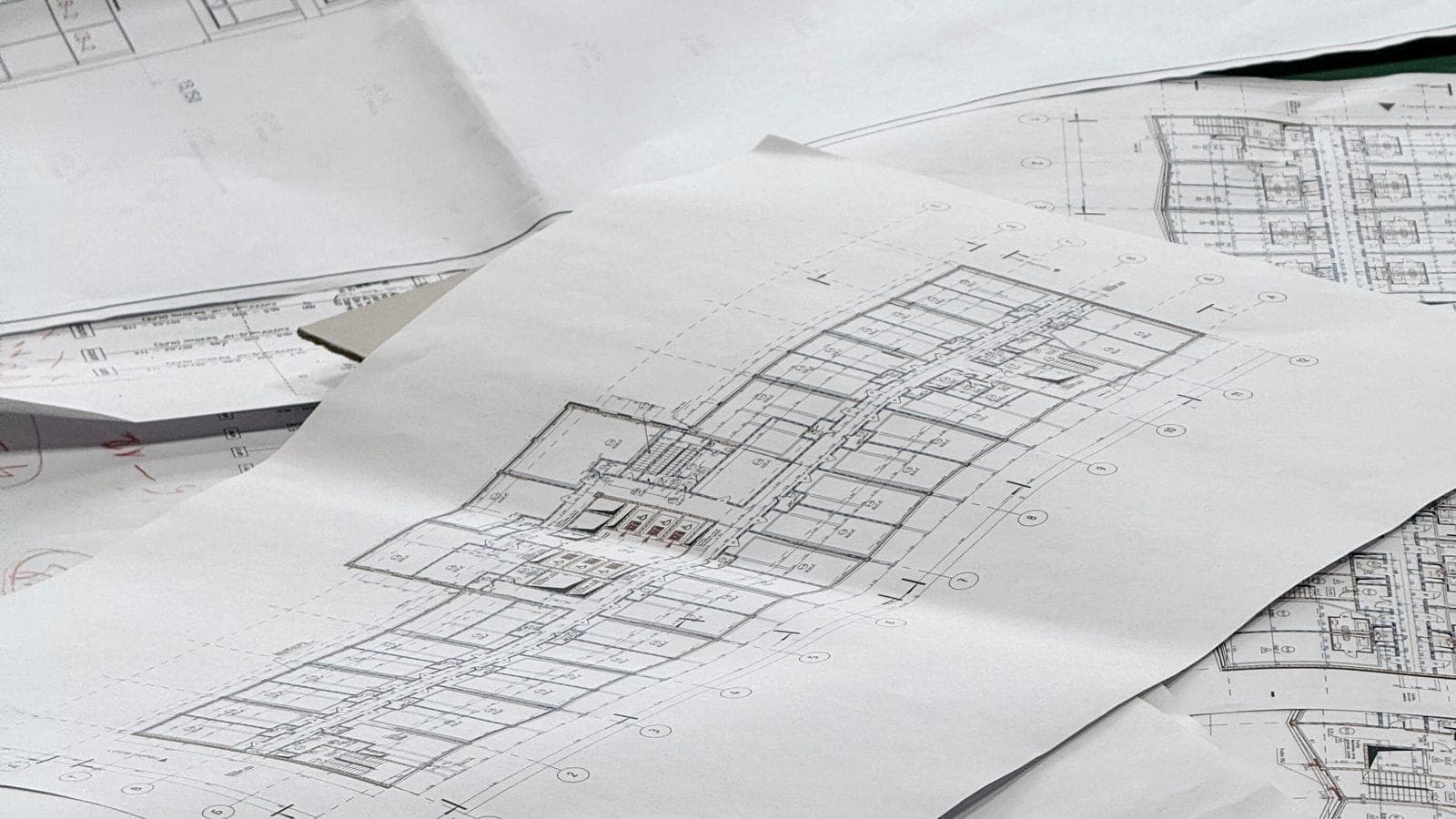
Technology
Why Drawing Management Breaks at Multisite Scale
Drawing sets are not files. They are versioned graphs of sheets, and the difference is not academic. At portfolio scale, generic document tools that work for everything else fall apart when applied to architectural drawings.
The Problem: Drawings Are Not Files
A retail drawing set is not a file. It is a versioned graph of sheets that lives at the project level and re-issues multiple times as a project moves from schematic design through permit through construction. Industry research into retail document management consistently puts the document count for a single new-store project at 500 to 2,000 discrete artifacts. The drawing set is the highest-stakes subset of that volume.
The set itself is structured. Each sheet has its own identity, with the sheet number as the canonical identifier (A-101, M-201, E-301). Sheets are organized by discipline using National CAD Standards conventions, with a defined sort order across General, Civil, Landscape, Structural, Architectural, Mechanical, Electrical, and other disciplines. Sheet versions ripple through set re-issuances such as Issued for Permit, Issued for Construction, and As-Built, and through interim revisions via ASIs and bulletins between issuances.
At multisite scale, multiply this across 30 to 50 concurrent projects. The result is tens of thousands of sheets in active circulation, each with its own version history, each sourced from a different architect, each on its own re-issuance schedule. The administrative load of keeping the right sheet in the right hands at the right version is not a side task. It is a meaningful share of every project manager's week.
Why Generic Document Tools Fall Short
Generic file storage treats drawings as files. Upload the PDF, save it to a folder, version control by appending a suffix to the filename. This works for one-page documents. It breaks immediately for drawing sets because the unit of control is not the file. It is the sheet.
When an architect re-issues 30 sheets in a 200-sheet Issued for Construction set, generic document tools have no way to recognize that 170 sheets are unchanged. They treat the new file as either a complete replacement of the old one or as an additional file the user has to manually reconcile. Either path produces the same problem in the field: the wrong drawing in someone's hand, and a costly rework conversation a few weeks later.
Even general-purpose construction project management tools struggle with this at multisite scale. Most were designed around a single large construction project. The structural assumption that there is one project with one architect on one re-issuance schedule does not match the reality of an operator running 30 retail projects with 30 different architects, each on their own cadence. The tools work, but the manual coordination required at scale eats into the very capacity they were meant to free up.
What a Better Approach Looks Like
The capabilities that solve this problem at multisite scale are not about file storage. They are about treating the drawing set as a first-class structured object.
Sheet-level identity is the foundation. When a multi-page architectural PDF arrives, the system needs to split it into per-sheet pages, parse each title block to extract the sheet number, discipline, and sheet title, and create a durable record for each sheet. That record persists across re-issuances. When a new set arrives, sheets are matched against existing identities so revisions supersede the prior version automatically rather than producing duplicate files no one can reconcile.
Version history at the sheet level is the second requirement. Every sheet should carry an immutable revision history. Field teams should always see the current version, with the option to review prior versions when they need to. Permit packages and inspection submissions should always reflect the current state of the set without someone manually reassembling the PDF.
A recent platform update from RolloutIQ™ took this approach explicitly. Drawing sets get a Draft, Published, and Archived lifecycle. Multi-page PDFs are split and OCR'd on upload, with the OCR reading sheet numbers, disciplines, and titles from each title block. A per-sheet review surface walks the uploader through every sheet to confirm or correct its identity before the set is published. Each sheet keeps an immutable version history; re-issuances supersede the prior version automatically; the project compiles its current state to a single PDF on demand. The point is not the specific implementation. The point is that drawing management at multisite scale requires structure that file storage cannot provide.
What This Looks Like in Practice
The workflow operators should be able to run is straightforward. An architect emails a 200-page Issued for Construction PDF for a project. The project manager uploads it. The system splits the PDF into 200 sheets, runs OCR on each title block, and generates a preview for every sheet. Within a few minutes the project manager has a draft set ready for review.
The review walks each sheet and lets the project manager confirm the sheet number, discipline, and title or correct them where OCR missed. Once reviewed, the set is published. Every project member can now see the current version of every sheet. If a previous Issued for Permit set existed, the published Issued for Construction supersedes only the affected sheets and leaves untouched sheets at their prior version.
When the GC needs the current set for an inspector, one click compiles the current state of every tagged sheet to a single PDF, sorted in industry-standard discipline order. The GC sends it. No one has to chase down the latest version of every sheet across 200 pages of email history.
How to Evaluate Drawing Management
Most operators evaluating document management capability for retail rollouts ask the wrong question. The question is not whether the tool can store the drawings. Every tool in the market can store files. The question is whether the tool treats drawings as the structured object they are.
When evaluating drawing management capability, look for these specifics:
- Sheet-level identity that creates a durable record per (project, sheet number) and persists across re-issuances, not a new file per upload
- Per-sheet version history that is independent of the set the sheet shipped in
- Automatic supersession when a new set re-issues some sheets, leaving the rest at their prior version untouched
- OCR with an explicit human review step for the long tail of unusual title blocks
- Industry-standard discipline-aware sort order in lists and compiled outputs (NCS conventions)
- Per-tenant configuration for brand-specific title block templates and discipline taxonomies, especially important for retail prototypes
- Compile current state on demand, producing a single PDF of the latest version of every sheet for permits, inspections, and field reference
The Bottom Line
The structural test is whether the system treats sheets as the unit of control or files as the unit of control. Anything that defaults to files is going to break at scale. Drawing sets are the most expensive document type in retail construction; the consequences of a wrong-version drawing reaching the field run from rework to rejected inspections to brand-standard violations. The tools managing them have to match the structure of the artifact, not just store the artifact.
The Rollout
The Rollout, in your inbox
A founder's read on retail and multi-site store development. What the latest news means for your pipeline, and what we are building, every couple of weeks.

Written by
Nariman Shariat
Founder, RolloutIQ
Nariman has spent about 20 years opening stores, in the seat between the landlord, the architect, and the general contractor, across some of the largest retail and workplace fleets in the country. Along the way he built the internal platform that ran store development across a fleet, then rebuilt the same idea company after company. He founded RolloutIQ to give multi-site development teams the single source of truth he kept having to build by hand, and writes here about the work of opening and remodeling stores at scale.
More about NarimanKeep Reading
Related Articles
Continue exploring best practices for store development and construction management.
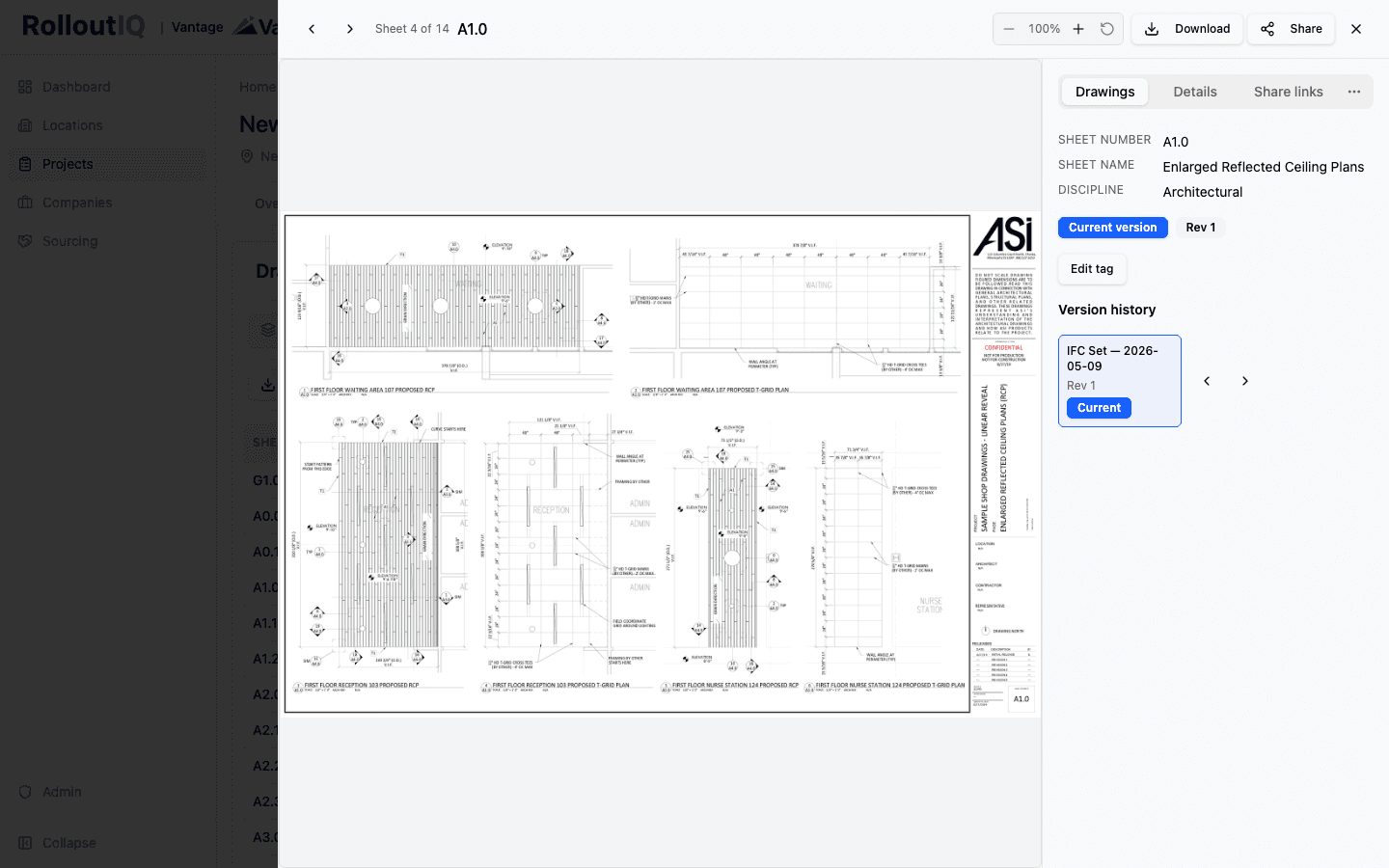
Current Drawing Set Version Control: Keeping the Field Off Stale Sheets
A drawing set is a versioned graph of sheets, not a single PDF. Filename-based storage is why stale sheets reach the field. Per-sheet version identity and automatic supersession on re-issuance keep everyone on the current set.
Document Management Best Practices for Construction Projects
Poor document management costs construction teams hours every week and creates real project risk. Here are the best practices for getting it right across your portfolio.

How to Evaluate Construction Management Software for Retail Rollouts
Software evaluation usually comes down to whichever vendor has the slickest demo. Here is a more useful framework for picking construction management software that actually fits multisite retail operations.

The Complete Guide to Multi-Site Construction Management
Managing construction across multiple sites simultaneously requires a fundamentally different approach than single-project management. Here is your complete guide.
Ready to Build Smarter?
See how RolloutIQ™ can streamline your retail and multi-site rollout program. Book a personalized demo with our team.